Server Version#: 1.21.1.3830
Player Version#: Plex for Windows 1.25.0.1511-47afccd4 Plex for android Plex for web Plex for tv
Hello, plex engineer:
After enabling the remote access function, plex will obtain the public network ip of the current plex service. In the case of using a proxy, the obtained ip is the proxy ip, which causes the Internet to be unable to access the plex service, or very slow indirect proxy access through the plex server , The ip obtained without opening a proxy is the correct public network ip
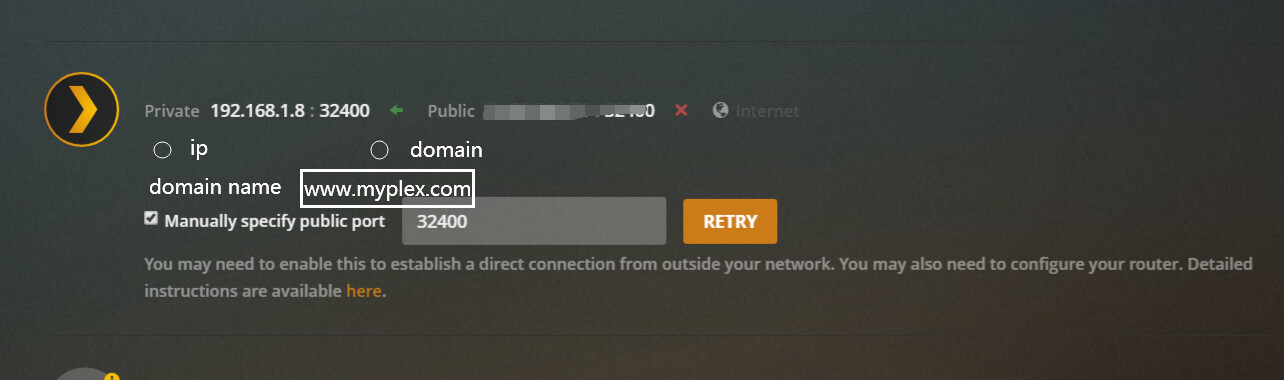
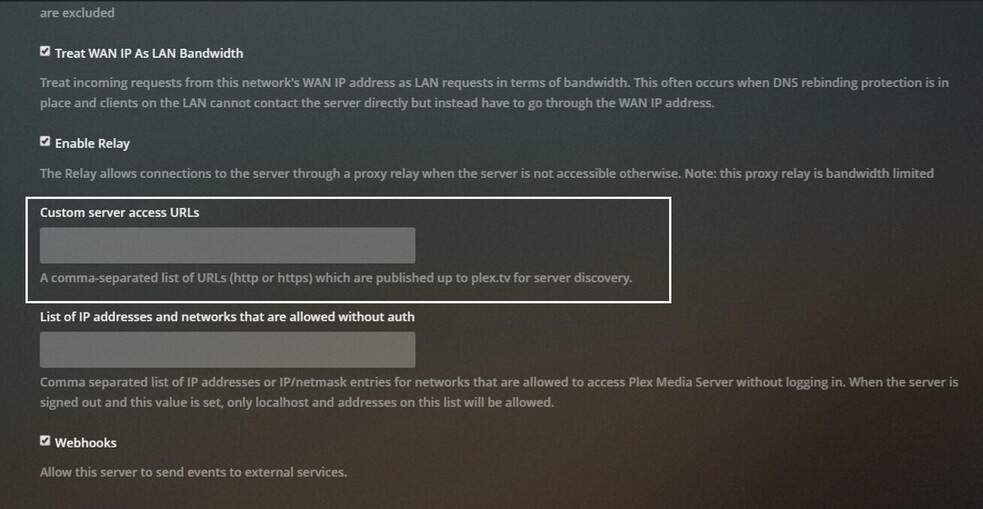
In the case of the appealed network environment, I very much hope to provide remote access and fill in the domain name. This will solve the problem of the plex service in the proxy network environment, the IP obtained is the proxy IP.
At the same time, plex does not care about the user’s network environment or the user’s domain name DNS resolution. The domain name DNS resolution is solved by the user, and the user can solve it through DNS or DDNS (Dynamic DNS)
The way to fill in the domain name can be made optional for users to choose the ip way or the domain name way. After all, everyone’s network environment is different
I believe that there are many people like me who use proxies in the network environment. I also hope that the engineers of plex can consider and implement this function. I believe that many users are as eager to use this function as me
When the domain name method is selected, the domain name filling box appears below, but it is not displayed when the ip method is selected