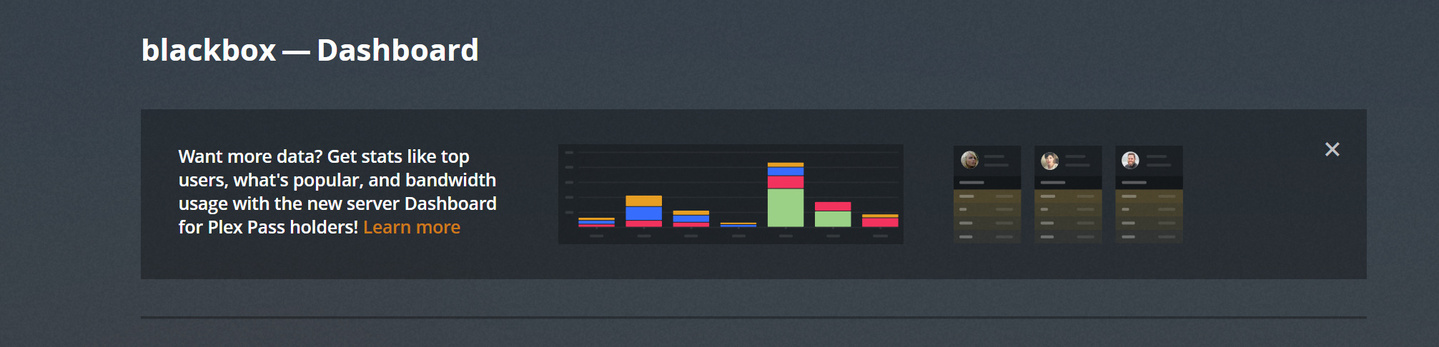
I am a Plex Plus user and the server is on the beta channel and my web player is fully updated yet when I go to the Status I get the old view and a box that prompts me to upgrade to Plex Plus to see the new Status information.
I’m a lifetime member so I don’t know what I need to do now to see the new Status area?
The dashboard is only working with the newest server software version.
You were perhaps hit by a bug in this old software, which prevents an automatic update.
To update manually, all you need to do is:
Stop/quit/end Plex Server with the tray icon
deinstall Plex Server with the regular ‘Apps’ control panel of Windows (do not use 3rd party ‘Uninstaller’ software like Revo etc.)
for safety, reboot Windows
download the installation exe of the newer version and install it