Hi - I am wondering how I can mount Dropbox or Google Drive to Synology Server to “expand” my storage for Plex.
My current DS718+ is beginning to run low on space I have 2.2 TB of 2.5 TB. I read in some areas that there is a way to mount a Google Drive or Dropbox onto your server for Plex, however unsure how to do this and would like some help.
Does anyone have any ideas on how to go about doing this?
I know there is a way to “link” a cloud drive on Plex but isn’t this only for Plex Cloud which will be discontinued?
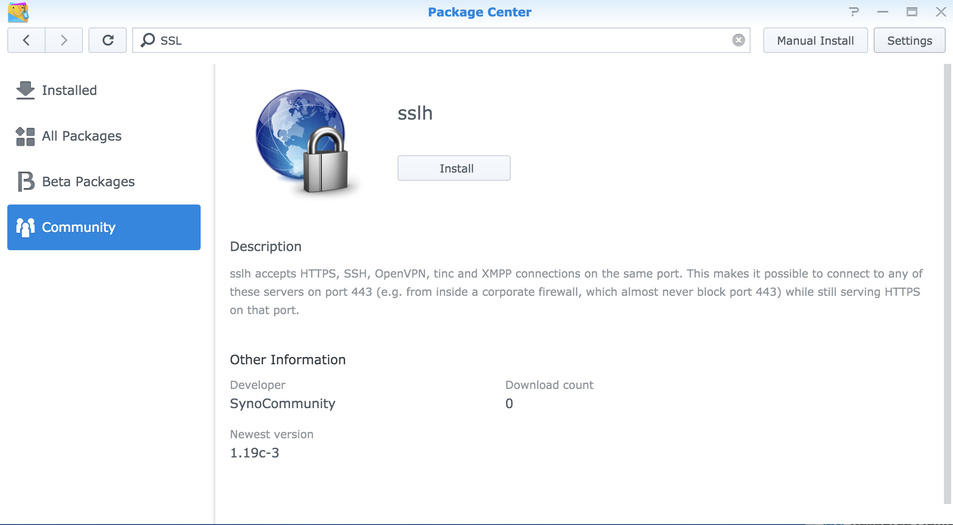
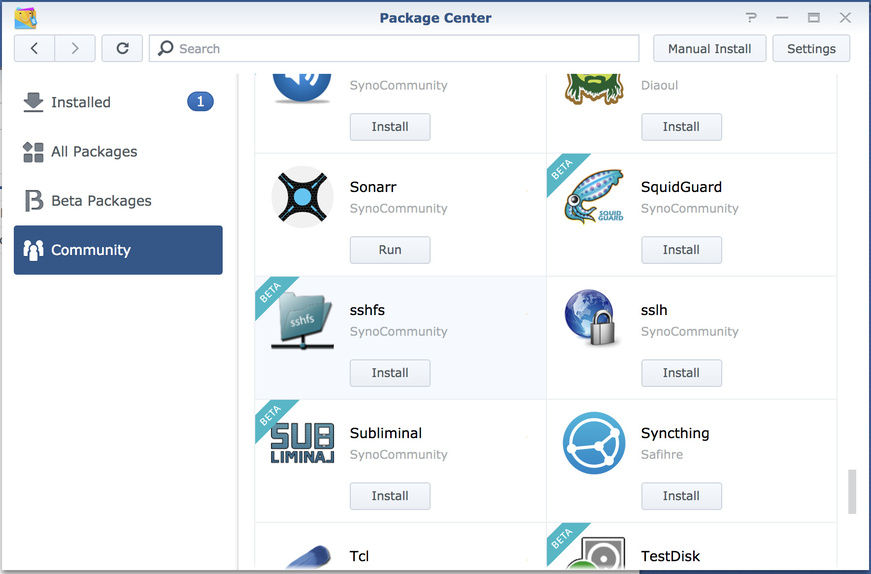
In order to get it to work I did have to add the synocommunity repo to the Synology Package Center in order to install sshfs, (as this was the easiest way I found to get the fuse libraries installed)
With that installed, just follow his walk through. This is also a learning experience because FUSE filesystems do have their problems and you’ll need to know how to manage & recover from minor faults on your own.
If you Google “SynoCommunity”, you’ll find it all starts to open up for you.
tbh I can’t quite remember why I set them up on mine.
The only reason I used them in this case was to put some of the programs and scripts in there, as people were putting stuff in the root dir, which would then get overwritten with DSM upgrades.
(and it made easier to edit the scripts if the directory is accessible from my mac)
As long as you make a directory within your raid volume(s) it should be fine.
No missed steps, it should just appear in the package center, really not sure why it is not.
Ahh, I just looked at the SSHFS packages available from the synocommunity website and I am afraid it looks like there may not a version that is compatible with the architecture of your particular NAS model
I followed your directions and, after a little bit of tweaking and some silly errors on my part, I was able to get it up and running!! You have no idea how awesome this is for me. I’m also running Synology 418play so I had to go the docker route.
Also, there may be a way to generate a config file when creating the container. I didn’t have to since I installed rclone already, but it was something I read while solving the errors I was having with docker, at first lol.
Glad the directions helped and you got it working.
Yep, I think you may be able to generate a config when setting up the container, but like you, I already had rclone installed, and tbh that’s the easy bit
I was not sure that if you generate the config with the container then it may not be available for use on the nas, if so, you could not (easily) use the other rclone commands from the nas, such as rclone copy or rclone move.
It’s only mounting the drive that is more complicated. (and that’s only because Synology don’t provide an easy way to install fuse)