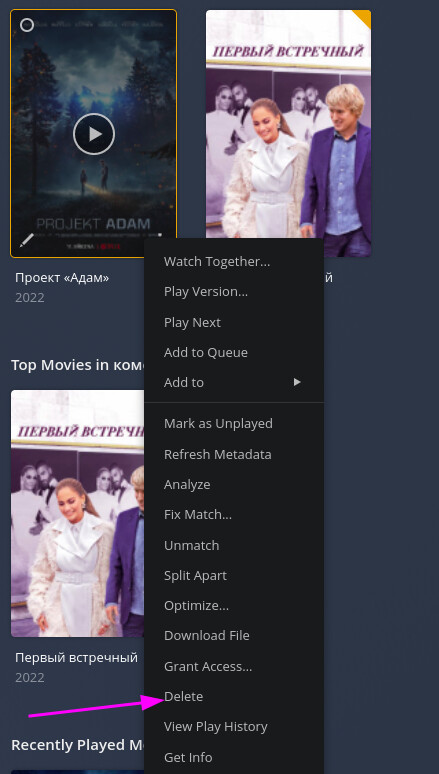
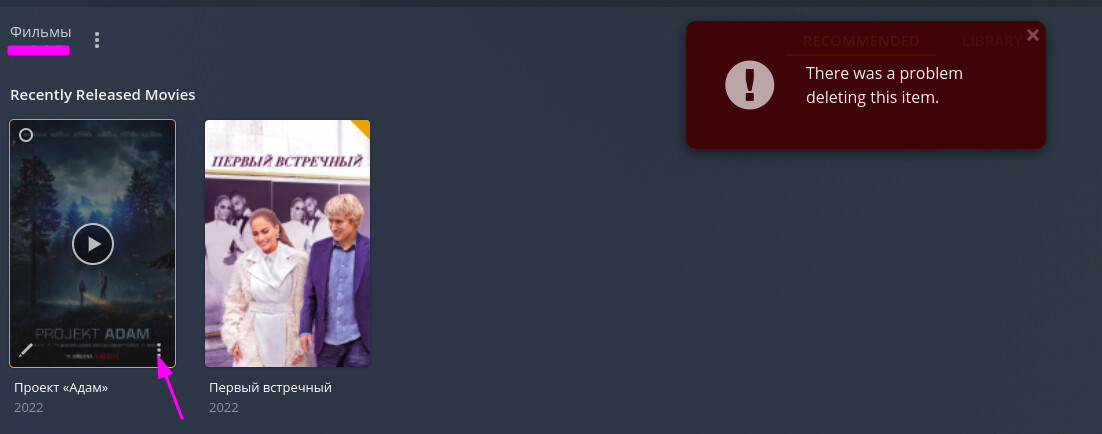
There was a problem deleting this item

Server Version#: 1.25.9.5721
Player Version#: -
<Apr 15, 2022 18:42:38.433 [0x7f6bfad36b38] ERROR - Unknown metadata type: folder
Apr 15, 2022 18:42:38.458 [0x7f6bfaccfb38] ERROR - Unknown metadata type: folder>
Os: Ubuntu 20.04.4 LTS

When I try to delete file got error " There was a problem deleting this item."

Does your Plex Media Server have permission to change items in your media folder?

PS: You can ignore those Unknown metadata type: folder messages.

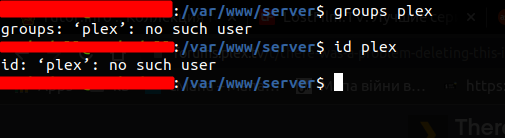
How to check it?
This?

I’m referring to the basic OS functionality and file system permissions.
The Plex Media Server is running under a dedicated system account in Linux (default: plex). This system account needs to be able to read your media in order to catalogue and play it. If you want to delete media, the user also needs write permission on your file system.

There’s instructions on a number of use cases in the tips & tricks section.

Hi, on my ubuntu I got this
image

How did you install your Plex Media Server on this system?
Did you manually set a different user for the service?

To add to Tom,

Did you install from the Ubuntu store or from Plex.tv/downloads ?

I installed from the Ubuntu store.

When you install from the Ubuntu store, you are installing the SNAP package.

SNAP packages run by a completely different set of rules.

The most important rule is: It runs as your username (non-administrative) and is limited to what you can access / delete without using any administrator privileges.

What are you trying to delete ?
Do you have a path name for us?
I have 2 libraries


And when I try to delete my file from library got this error “There was a problem deleting this item”
image

You do have enough permission to delete it.

Is the file marked with Read-only permission for your username?

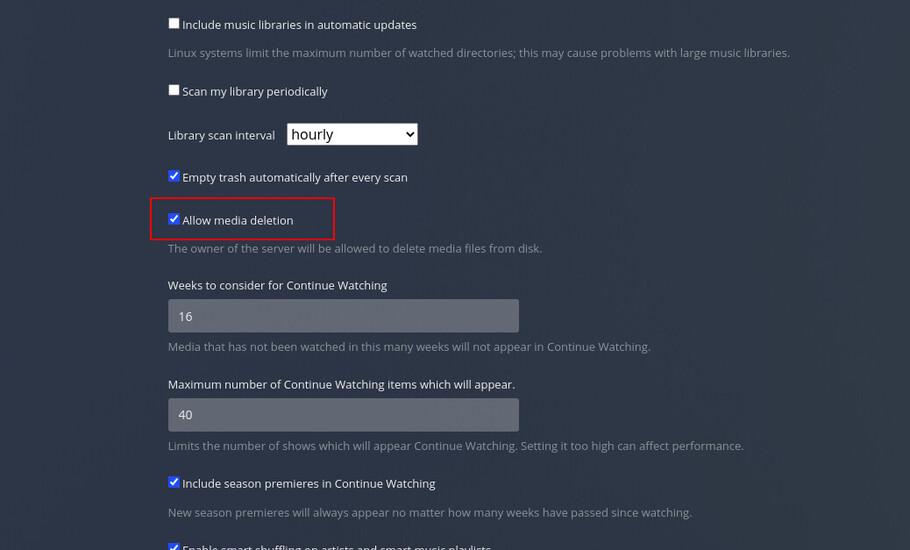
Is deletion allowed in Settings - Server - Library - Show Advanced ?

Yes

for file and folder

image

This topic was automatically closed 90 days after the last reply. New replies are no longer allowed.