Track frequency not showing

Hi, I’ve been having all sorts of issues with Plex/QNAP at the moment in that my server cannot maintain a connection with PMS for long and requires me to constntly restart the Server. But that aside, I’ve noted for the latest files I’ve added to my library I’m not able to see the frequency (?) bandwidth (?) of each track which was a nice added feature in the last few months.

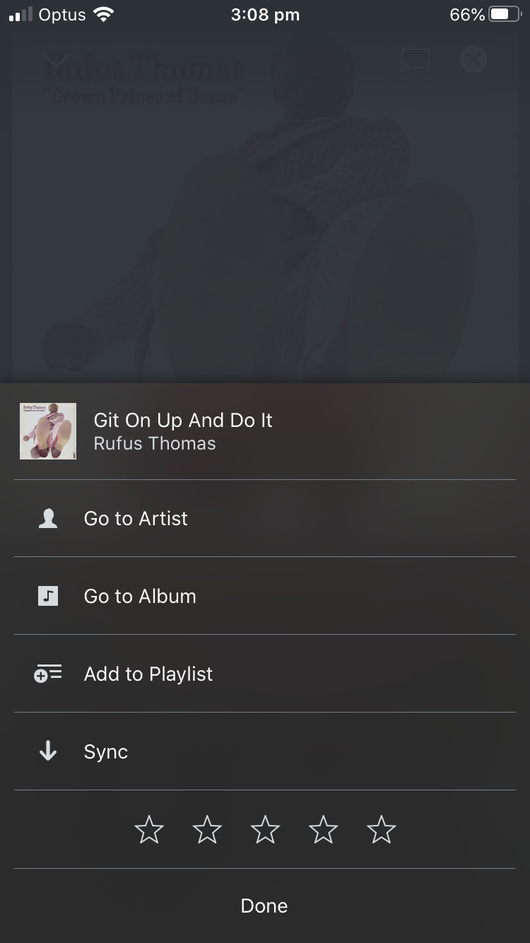
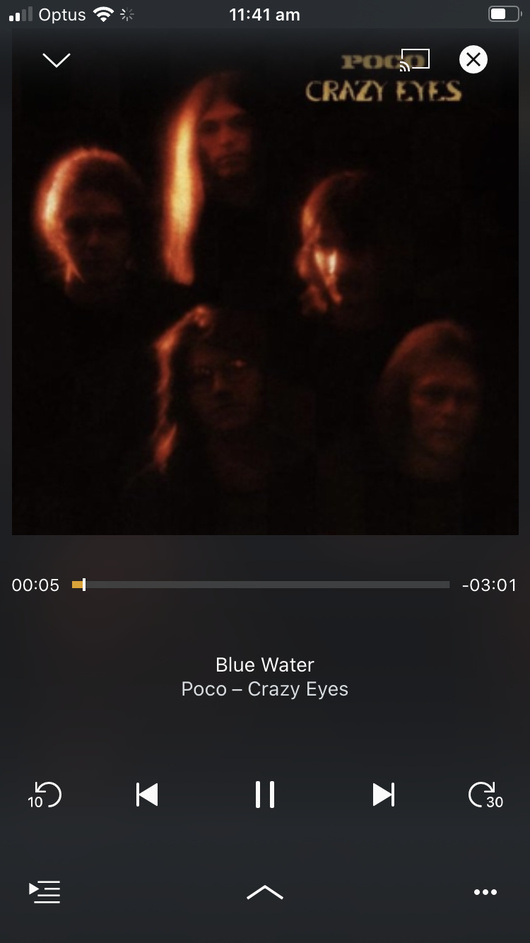
See the images attached. Lightfoot was added long ago to the collection. Poco this week.
Any thoughts?
PNG|690x1227

adding the other photo of Poco album that i added this week.

Tap the three dots in lower right corner. Choose Playback Info.


Thanks for the suggestion, but don’t get that option!

What version of PMS are you running?

There were changes to how Plex handles music in 1.18.0. See this post. There might be an impact on ability to show bandwidth, etc.

What Plex client are you using (platform/version)? Available via Authorized Devices.

I’m running Plex for Android (mobile) v7.23.0.13123 on a Pixel 3a XL.

Along with the changes in PMS 1.18.0, there might also be client side changes impacting the ability to display desired info.

yeah, you’re right. i’m on QNAP which has just announced problems with their latest firmware and PMS. They had asked me NOT to use PMS 18 series so I’ll try updating that now as I’ve downgraded my QNAP firmware.

This topic was automatically closed 90 days after the last reply. New replies are no longer allowed.