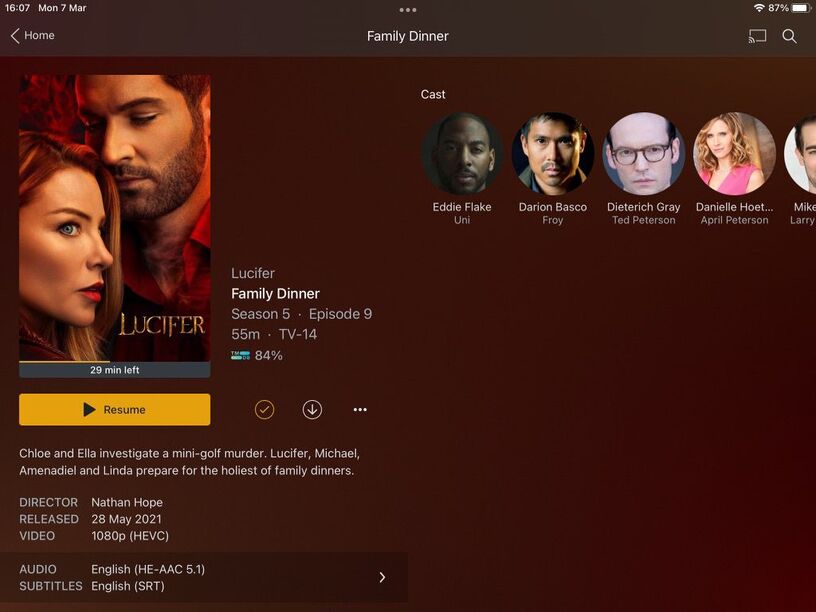
Running PMS (Version 1.25.6.5577) on an Nvidia Shield 2017 (it has all the latest updates and this issue started before the Android 11 debacle).
My wife uses Plex remotely when travelling to and from work, normally over a 5G connection. Recently she’s experienced a lot of buffering, when I’ve checked Plex I’ve noticed just about everything is transcoding and it never used to. Even when connected to the WIFI at home it’s transcoding.
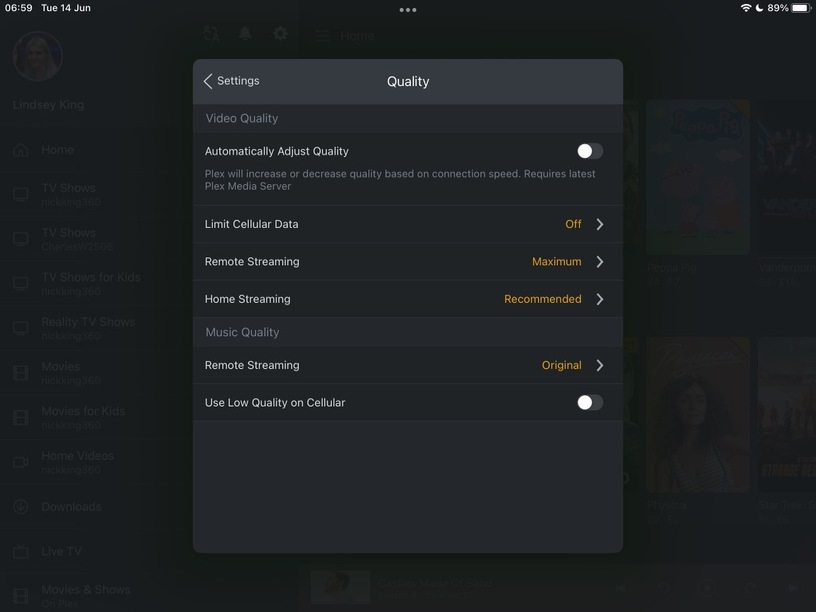
I’ve tested on another iPad (8th gen 2020 model) and the same content direct streams, even remotely. I’ve used the same settings on the iPad Mini 4 but it still transcodes.
Can anyone offer any advice/suggestions on what could have changed or what I could do to fix this?
I don’t see HEVC support for either device actually… so that might be part of it if Apple added x265 support to the newer iPad 8 but didn’t put it in the Mini4 maybe. That transcode reason seems to indicate that is the case as well. If they did add it to Mini4 then Plex’s playback profile for it might need to be updated.
It might help to include a MediaInfo list or the XML details for that file for the exact specifics of the formats.
My older iPad Air doesn’t say it supports HEVC (same as yours) but it does playback HEVC so that’s likely a software level feature vs hardware level feature based on the information you’re linking. That’s my guess.
With that guess, if you look at that article there is a bit about older hardware not supporting all features (it mentions 1080p and 60fps limits) so maybe the Main10 is throwing it off for the Mini since it has an older CPU and might not be able to software decode Main10. Just a guess but it would fit the situation.
One of the folks more familiar with the specific playback profiles can probably shed light on it.
Can only assume it’s a limitation on the iPad Mini 4. I’ve tested on my iPhone 12 Pro Max and it direct plays with the exact same settings as the iPad Mini 4, where as the iPad Mini 4 shows everything as transcoding.
I’m convinced I’ve seen the iPad Mini 4 direct play HEVC files though in the past, I might be wrong but I’m sure I have.
The iPad Mini 4 definitely plays HEVC files. I have an iPad Mini 5 that plays HEVC files fine, with no problems, and a family member has the iPad Mini 4, which played HEVC files previously but is now transcoding them.
So wait …. Plex just dropped support for certain hardware that was capable of HEVC previously….? My mom’s iPad Air 2 suddenly forced transcoding even though I set it up for her to watch with direct play.
When I was over there earlier, I mimicked my settings from my phone and saw it forces transcoding on the iPad but not my iPhone 13. But within the last few months it worked fine on her iPad. So, is this ever going to get fixed or is that device being dropped from support….?
I’m assuming it’s something Plex have done, all happened around the time of the android update on the Nvidia Shield so I’m unable to pin-point exactly.
The only other thing I can think is that your Mini 4 does not support Hevc Main 10 as mentioned previously by another user above. Do you have any 8-bit hevc files you can try?
The issue is that it used to direct play these files, it’s only recently it’s stopped but I’m not exactly sure when and whether it was after a Plex Client, Plex Media Server or iOS update. It does sound like others are having the same issue though from the thread.
Is it possible Apple have dropped support rather than a change to the Plex Client?