Are you using the preview version? Your description of the loading icon sounds like the old version, and also the preview version does have the ability to add subtitles in app.
If it’s not the preview, you can access it via Enable Early Access in the user options.
I posted this moments before trying the preview lol. All problems resolved here. Only thing I noticed is when you are watching an episode of something and do the subs they don’t want to stick unless you stop playback and go to the episode and add them. Thanks for fixing all of my problems before I could say anything. Have a great day!
Are there any plans to bring back companion player support? I have an iPad that I’d like to use for navigation, especially for music playback when my display is off. I am aware that I can cast from my phone/iPad, but I vastly prefer the playback screen of the Vizio app, and the ability to quickly switch from remote to iPad and back would be nice!
Hmm. OK. I disconnected my NordVPN app and then tried to connect. No joy. Then I started a Wireshark on the NIC, and it connected. Because of course it did. Now I’ve reconnected NordVPN, and it still shows up in the app as nearby. Do I need to not be connected to the VPN for the new app to connect for the first time or something?
@mamdouh: It would probably be best if you started a new topic tagged tizen-preview since this topic is for Vizio and our Samsung developer won’t see it here.
New to Plex so sorry for my lack of knowledge. I have a Vizio with SmartCast (I’ve tested it successfully from my iPhone). However, I do not see the “Enable Early Access” option when I sign into the Plex app on my TV? I currently have the ability to access my servers (2) - [That’s another issue, I want to change the default server], but nothing else. I’m interested in accessing the additional Plex options in addition to my servers. Any suggestions?
Anyone else using the early access just lose connection with their local server? Tried it on 3 tvs that were all in early access and all 3 are unable to connect unless I leave early access. Status says “Server is offline or unreachable”
Client 5.1.3
Platform 1.0.13_1.0.13.29_2031_0001
Media Server Version 1.20.2.3343
And it doesn’t work worth a damn previously I couldn’t stream any of my movie’s with it and now it won’t even f’en load gimme the old interface back at least it worked
Whatever it is you did. My Plex App on my Vizio TV is no longer responsive. Its nothing wrong with my settings or firewall. I tried every method you can imagine. My situation is similar to this video. Someone needs to resolve this. Being 2020 is bad enough. Yet this isnt something I wanted to wake up to in the beginnnig of Oct 1st. of 2020.
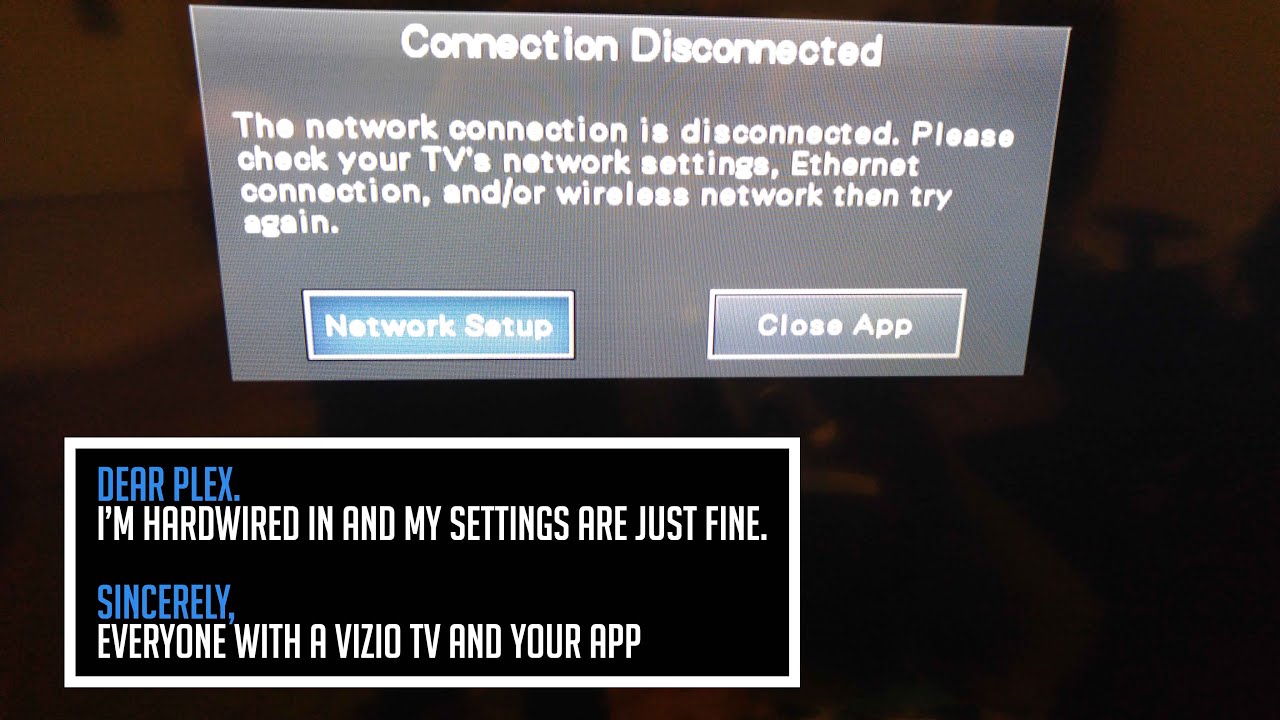
Same. Cant connect to Plex on any of my Vizio television sets. The Plex App is non responsive & only shows the Connection Disconnected sign. Even though every other app is responsive. Its crazy we have to go through this every few months.
I have a Vizio_D50-D1 and only today the App just started showing the display screen. Yet you know what’s not working?. It actually connecting to any servers.
All my other Apps work fine. All have established connections. Everything is allowed through my firewalls.
Yet now Plex is showing but the only screen I see now is:
“Plex is not Reachable. Make sure your server and device have internet connections and any firewalls or other programs are set to allow Access.”
All this showed me is that there is an App issue that needs to be fixed & it only happened after their latest announcement of an update. Given this seems to be an App Server issue on Plex/Vizio end that has an issue establishing connections.
The fact that Youtube can be casted on my TV as well as other Apps. Same with my Laptop Casting Youtube & other Apps onto my TV. Yet none of them can recognize an established Connection with Plex on my Vizio TV. Its clearly a Vizio Plex App issue.
Before I could cast to Plex from my iPhone or even Android devices to my Plex App on my TV. Now it cant even find it on either devices. Yet it can as mentioned before find all the other Apps like Youtube & Cast from those devices to my TV from all my devices. Its as if the App just became non fuctional or recognizable. To which I believe has nothing to do with an actual connection. Yet more so just broken for my TV model; which I got around 2016 - 2017 as a Smart TV.