Server Version#: 1.16.3.1433
Player Version#: 7.19.0.11630
My Android TV (Sony KD-65Z9F/KD65-ZF9) just got an Update for Plex.
I don’t really like the new appearance, e.g. Sidebar instead of top bar. But I can live with it.
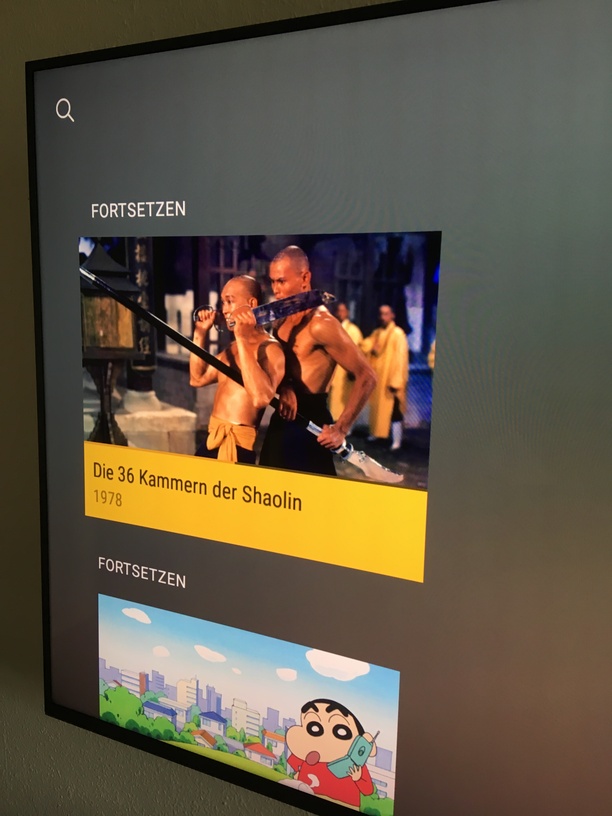
What I don’t understand is the new Home Screen with its ‘Continue’ section.
I’ve got two libraries on my server, one for movies, one for tv series. After the update I had to rearrange my Home Screen. So I added ‘Continue’ for movies and series. Now I’ve got two ‘Continue’ sections instead of one combined before the update.
Is there anything I did wrong when adding stuff to my Home Screen?
I’d really like to have just one section for continuing my media.