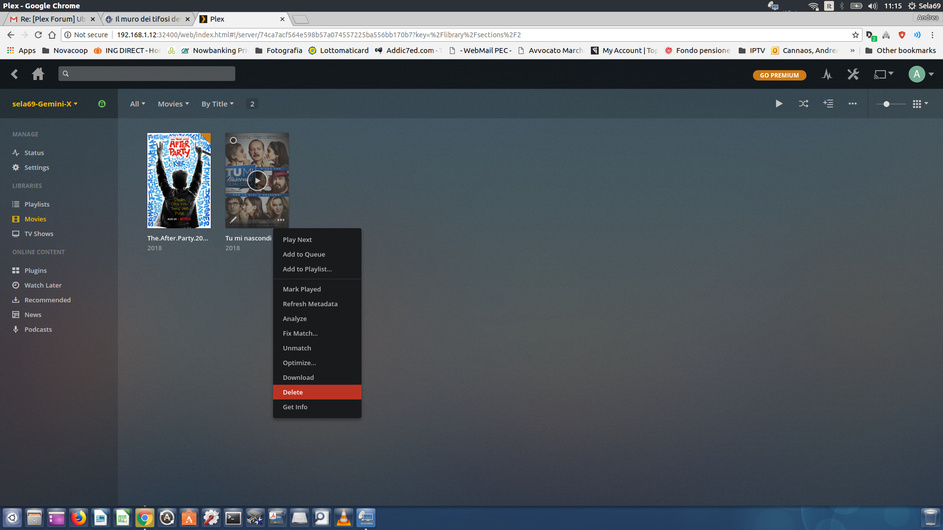
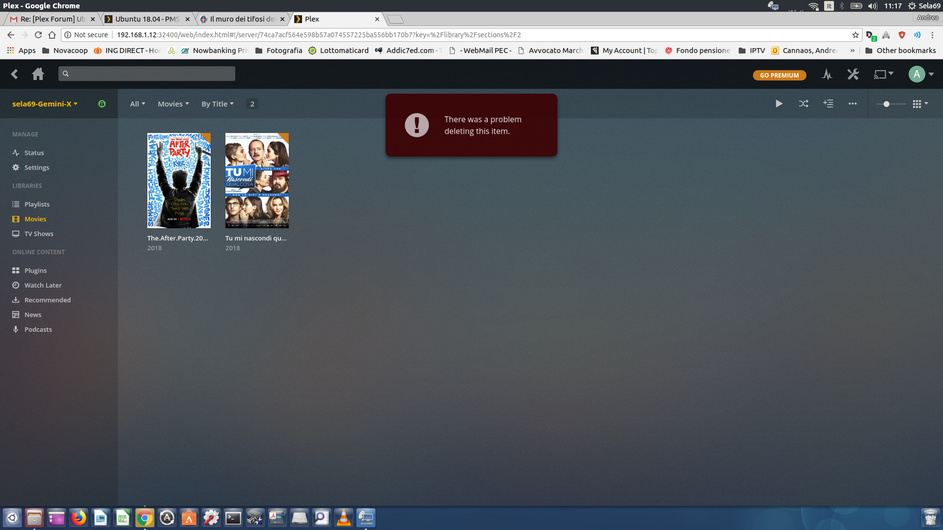
Then, to manage correctly my added ssd that should store the media library, I’ve also followed this doc ( Using other hard drives Windows or Linux with PMS) : https://forums.plex.tv/t/linux-tips/276247/2
Unfortunately now i’m getting “Permission denied” while scanning media library.
So, now my ssd is not mounting in my home because i’ve created a new path (plexmnt/ssd-dati), editing fstab and I have no problem in accessing my ssd . I’ve copied a content in my media library (plexmnt/ssd-dati/plexmedia) to test and reading the log I found
Aug 24, 2018 22:55:18.801 [0x7fcd62bb2d40] ERROR - Couldn't check for the existence of file "/plexmnt/ssd-dati/plexmedia": boost::filesystem::status: Permission denied: "/plexmnt/ssd-dati/plexmedia"
This are the folder permissions
drwxrwsr-x 3 plex plex 4096 ago 24 22:53 plexmedia
set the base permissions on the directories themselves, before you mount up the media.
probably forgot to extend read-only permission into your media.
Contrary to the information provided from that other web site, Plex only needs READ permission.
It needs Read-Write if you’re going to use DVR/LiveTV and have it record directly into your main media storage. Most of us keep DVR separate since it’s largely transient. We move it manually if we really want to keep it
This having been said,
two steps:
sudo find /plexmnt -type d -exec chmod 755 {} \;
sudo find /plexmnt -type f -exec chmod 644 {} \;
This allows you to retain permission and full R/W as the Owner but grants Read-only permission to the diretories and files in /plexmnt
The instructions I give always err on safety for your media. The decision to relax permissions to allow deletion is your choice. Most who are new to Linux have difficulty with this concept therefore I opt for safety