On the support page, under Custom Collection Order, it says “Simply drag-and-drop the items to the desired order. This is not available for “smart” collections, which are always ordered by the sort chosen when creating or editing the filter for the smart collection.”
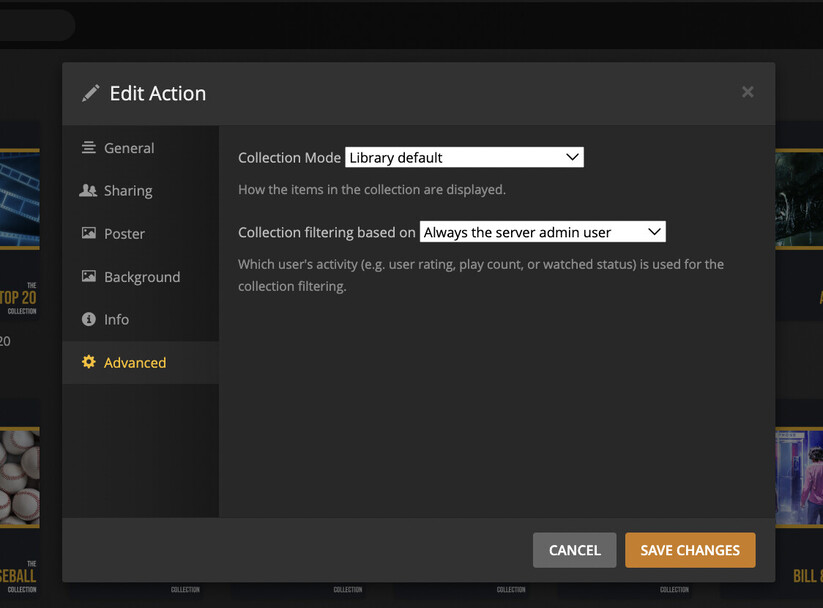
When I try to change the sort order by selecting the edit icon on the smart collection (or when creating the collection), the option to change the order is not there.
Any idea why this is happening?
(Here’s what it looks like…no “Collection Order” option)