Server Version#: Version 1.22.3.4392
Player Version#: Version 4.54.5
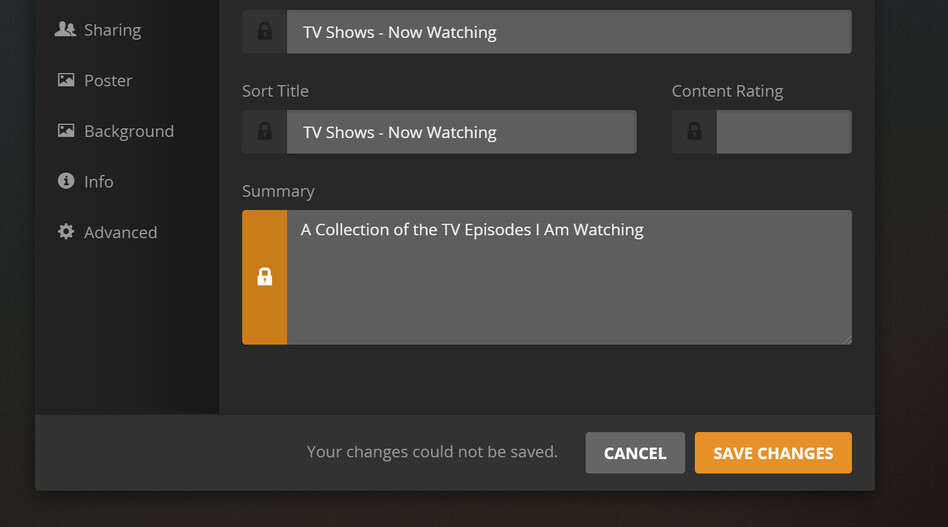
Anyone else having problems with editing Smart Collections summary after creation? Get the error “Your changes could not be saved”
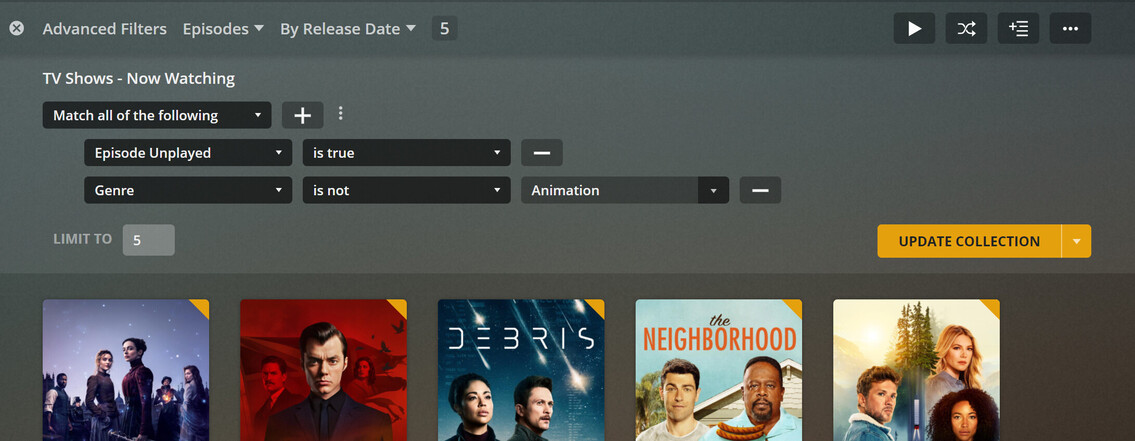
That is from the webapp, and this is a SMART collection… And now episodes can be added to Smart collections.
Of course it is the web app, but the software version you gave above points to you using the local web app and not the hosted one. The hosted web app is always newer.
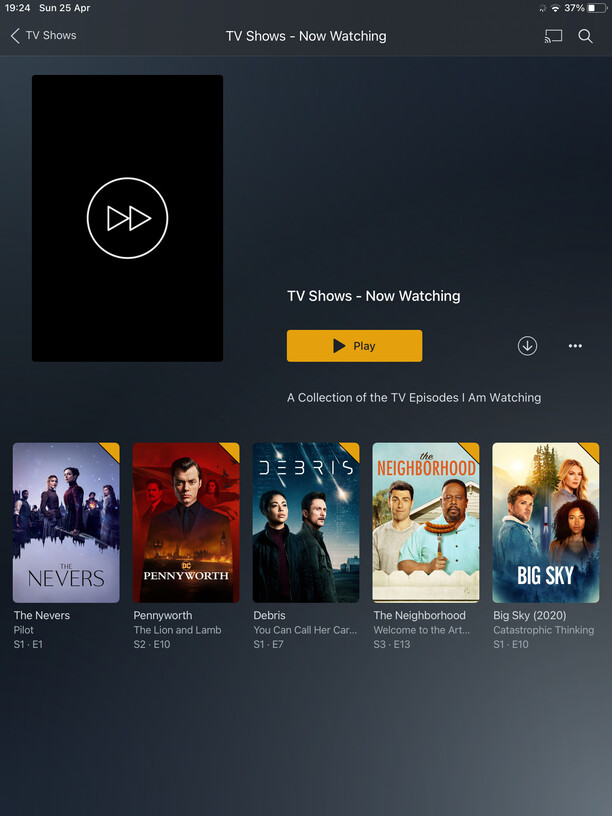
No. While you can use properties of episodes as filter conditions, the resulting smart collection will nonetheless consist of whole shows instead of a few episodes.
Any further ideas @OttoKerner ?
I’ve seen some minor hiccups when I started working with smart collections.
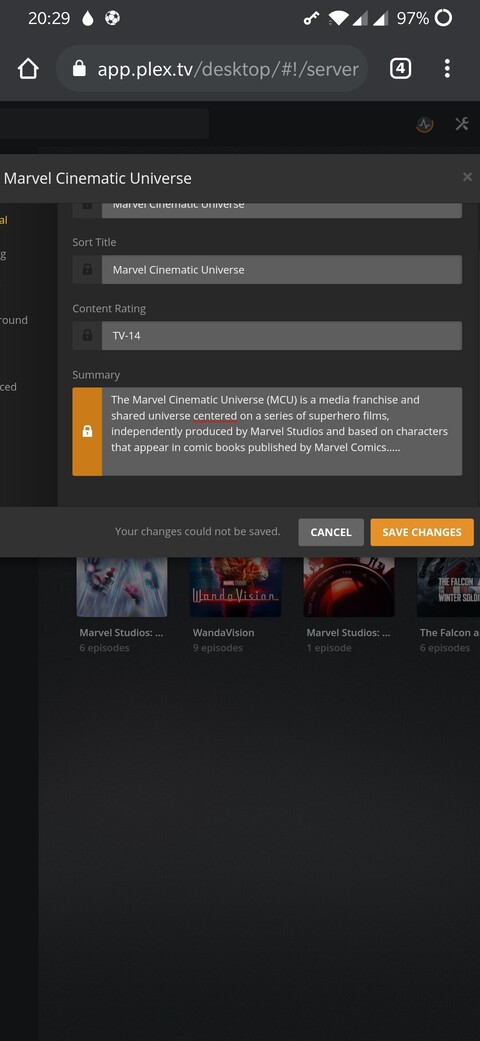
In my case this was however linked to replacing existing collections (e.g. I had just deleted my Marvel Cinematic Universe collection and wanted to rename the previously created Marvel Cinematic Universe (smart collection test) collection to just Marvel Cinematic Universe). This didn’t however last long.
Does this issue persist e.g. if you reload the Plex web app?
Edit: and as Otto said… please use the hosted version of Plex Web or the Plex for Mac/Windows desktop app (v1.31.0) – the bundled version of Plex Web does not yet support smart playlists.
Hi @tom80H thanks for chiming in. Yes, has been since yesterday. I’ll try again later or just create the smart playlist again with the intended description is push comes to shove. And thanks for that tip on the episodes from the other features thread… 
This was from app.plex.tv.
Just ran into this issue as well on app.plex.tv version 4.59.2 and server 1.23.4.4712. Is this being tracked as a known bug that will be addressed in a future update?
I don’t mind waiting on these various bug fixes for Smart Collections but it isn’t clear from this thread if this particular one was acknowledged.
I’ve just tried to reproduce this but I fail to do so. Tested this on my productive server and a test server both with bundled and hosted versions of Plex Web.
On what platform are you running your PMS? Are you having other issues editing metadata or only with smart collections? Same experience across different browsers?
Thanks for the quick response!
Short Answer:
As a test while troubleshooting for details, I deleted one of my Smart Collections and recreated it. I was able to edit and change the metadata for all fields without an issue on the recreated smart collection. I also tested updating the filter - something I did recently on both smart collections - and can still edit metadata (from app.plex and self hosted web and Plex for Mac).
I was able to do the same with my other smart collections which means I don’t have a bug anymore. 
I guess it could have been an issue with what version the Smart Collections were built on - I did jump on the function pretty much day one - and then a server update threw something of or related to OS X in some fashion … but it is working after recreating them and it wasn’t difficult to recreate them so this can be considered solved for me. Thanks for jumping on it so quickly - it’s appreciated.
Details I put together before deleting and recreating (for reference if helpful):
I’m running PMS on Synology and am able to edit the metadata on “dumb” collections and other objects without the error. I also tested and cannot edit the title of smart collections either so it seems to be a general error editing metadata for smart collections, not just summary. It does let me change the artwork and change advanced settings options.
The smart collections are working as expected otherwise and I was able to edit the title in the past but I don’t recall how many versions ago that might have been - probably at least a couple.
I get the same experience in both app.plex.tv and my locally hosted web (4.57.4) in Safari and Firefox (with our without extensions enabled). It also occurs in Plex for Mac (1.33.0.2444-a220eae4) just for reference.
Has this been solved? I am also trying to edit my summary field on smart collections and get the “cannot be saved” message. Do I need to recreate in order to write a summary? Thank you!
I’ve had to recreate smart collections. I haven’t found a consistent “thing” or had it happen enough to really report it effectively though… don’t forget if you originally set it for a Hub on Home or Recommended tab on Library you’ll need to redo it there too (they aren’t dynamically linked it seems so name changes also require remove\re-add to Hub).
At this point I’ve taken a “maybe it’ll get fixed eventually” for bugs that aren’t “breaking” bugs… you’ll see lots of responses on things like this type of bug of the nature “on the list, but not a priority”.
Same here. It’s an on and off thing. Try resetting customisation at app.plex.tv and see if it makes a difference. Sometimes when the library is glitching it works.