Server Version#: 1.24.0.4930-ab6e1a058
Player Version#: 4.59.2
Hi all,
I’m in quite a lot of trouble as I made a horrible mistake when logging out of my Plex web Player.
What I did was I signed out of the server section which locked me out of it.
I am now trying to get access back to my server which I host on an Ubuntu VPS I run headless.
I need access back to PlexMediaServer so I can show a presentation at a wedding which I am preparing for. I promised the groom the footage will be available by the time of the wedding in a couple of hours 
I already spend a couple of hours searching the few instances of where this had happened to some unfortunate others this post for example.
I tried logging in to the server via a web instance via:
http:// IP.ADDRESS.HERE:PORT/web
However I am greeted by this message:
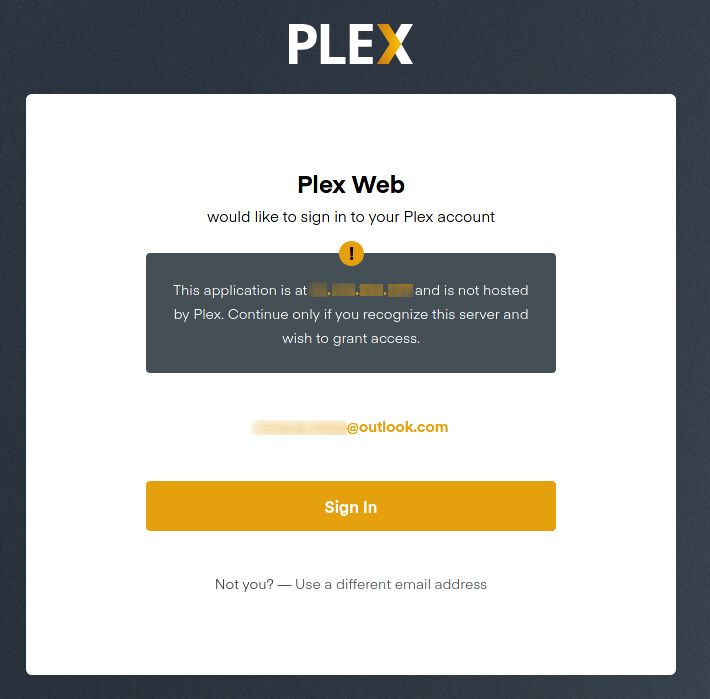
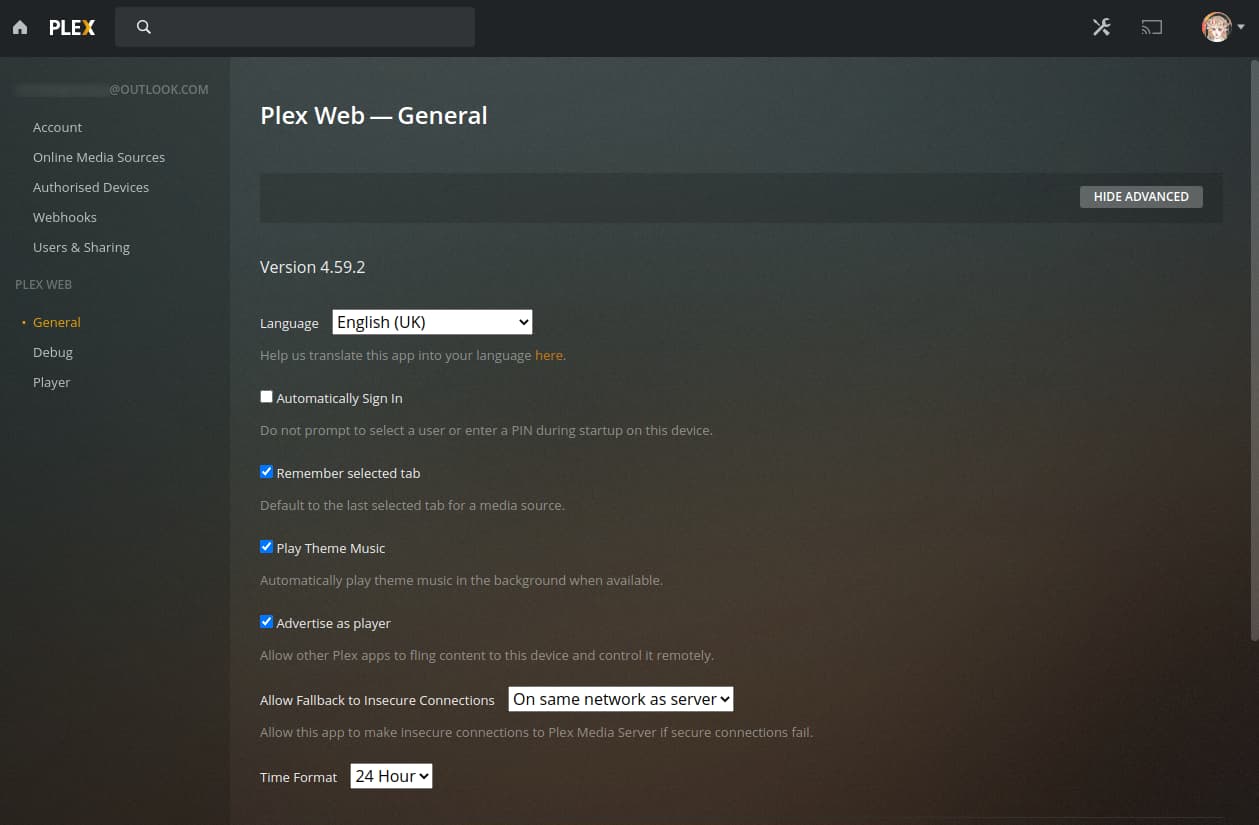
Once logged in there is no sign on the server, just my PlexPass account:
The next attempt at fixing the problem I tried following the instructions of editing the Preferences.xml file which I found on this article. None of the following entries were visible in my xml file.
I really need help with this if anyone can guide me through how to fix this by the event.
