Server Version#: Latest
Player Version#: Latest non-hosted
Hey there,
so I’ve read today, that there was a security issue today with plex.tv in a trustworthy German article and it fit to today’s issues that plex.tv had.
As a good user I went ahead and changed my password for my admin’s account. After that my entire PMS isn’t recognized at all anymore. Neither on the hosted web app, my personal domain, nor via localhost:32400, there’s just nothing left currently.
Can anybody point me to what I might miss? Am I being a victim of some evil wheeling and dealing? Is there any way to restore access to my PMS?
If all of this work of months was lost, I’d be desperate.
It seems like my PMS lost its connection to plex.tv and I had to re-connect the 2. It seems like everything is correct again, whew. I was shocked for a bit haha
i’m in the same boat. i got the message about not authorized. i signed out and back in but now when i log into plex web on my server it’s empty. my libraries are gone, it’s like i have nothing.
how do i connect my pms back to plex.tv? what exactly did you do to fix this?
when i connect to app.plex.tv i see more detailed info. it tells me that my server is “currently unavailable”, “Verify you have a network connection and that the server is online, or see our tips for further assistance”. hmmm.
If you visit the following web address (127.0.0.1:32400/web) you should see at least some sort of Plex web user interface. If you do log in (if necessary) and go to the settings. You should then see your server as being offline and something along the lines that your server is not connected to your account anymore with a yellow warning sign.
If that is the case, just click on “connect your server” and you should be good to go.
Let me know if you’re stuck on any point.
EDIT: If you visit your server via app.plex.tv that’s a whole other story, as this is done by remote access, but 127.0.0.1:32400/web (or localipaddress:32400/web) is local access, which you need to fix your issue
I had the same issue with my server but I followed your above advice and I had to “claim” my server and that fixed it up. I went to “127.0.0.1:32400/web” and then went to my user, went to my server name and had to claim it.
I wish this information was in with the email about the password reset…
Exactly. That’s what you gotta do too @weswitt The problem when changing your password - in the worst case - is that plex(.tv) loses the connection to your server, which you can re-connect with a simple click.
i cannot access via 127 address as my linux server is headless and has no gui shell installed (and never will). and accessing the local plex web remotely did not work. what did work is just reinstalling pms fresh. what a disaster!!
Yikes, that’s a big bummer. Damn. Maybe there might have been different solutions too, sometimes the answer’s somewhere out in the web But at least you’re up and running again, good to hear
I’m running Plex Media Server on a Shield TV. I had this problem with the Plex player on the Shield TV as well as another TV (FireTV). On the Shield, it said that the server was stopped and when I re-started, it would not change to running. I thought that I had lost my DB and that I would have to rebuild the server.
I went to {ipADDR}:32400/web (where {ipADDR} is the address of my Shield TV). I found my server there with the DB all intact. Through this web interface I tried to claim the server (not sure if this helped or was necessary). Then I went back to my Shield TV and cleared the cache on the Plex player app (not the media server) and I think that’s what fixed it. On the FireTV, I then logged off and then back on and I was good.
The same exact thing happened to me. It said my server wasn’t claimed. I then claimed it and had the issue you had. All I did was clear my cache in my browser and hit refresh and everything loaded normally.

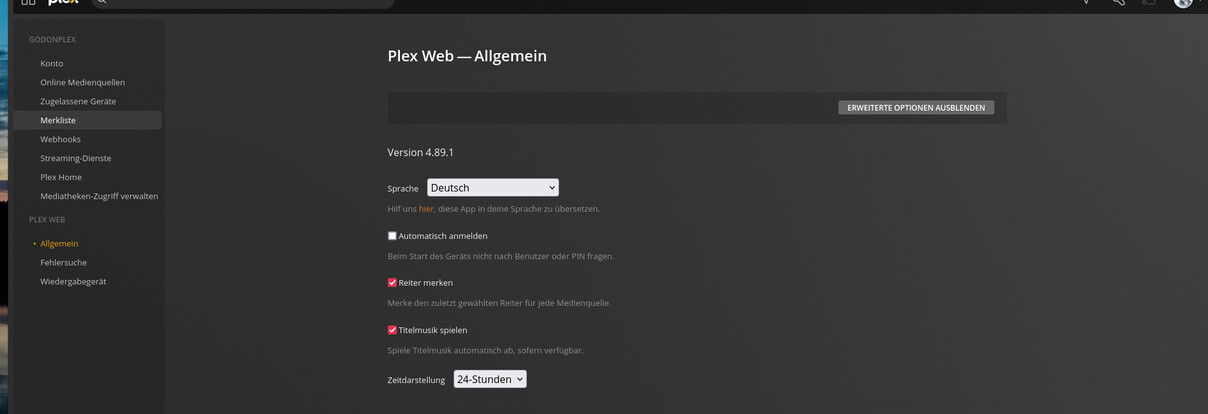

 The problem when changing your password - in the worst case - is that plex(.tv) loses the connection to your server, which you can re-connect with a simple click.
 But at least you’re up and running again, good to hear