Server Version#: 1.26.1.5798
Player Version#: 4.82.1
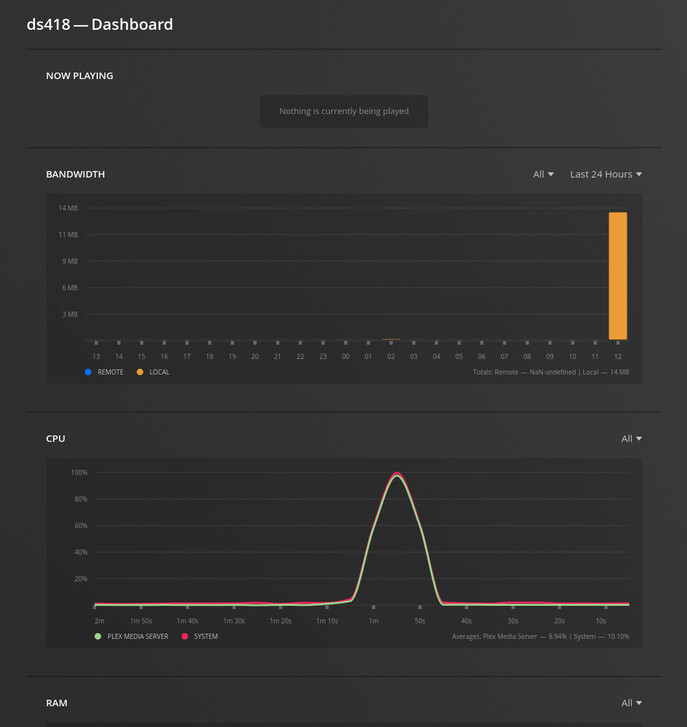
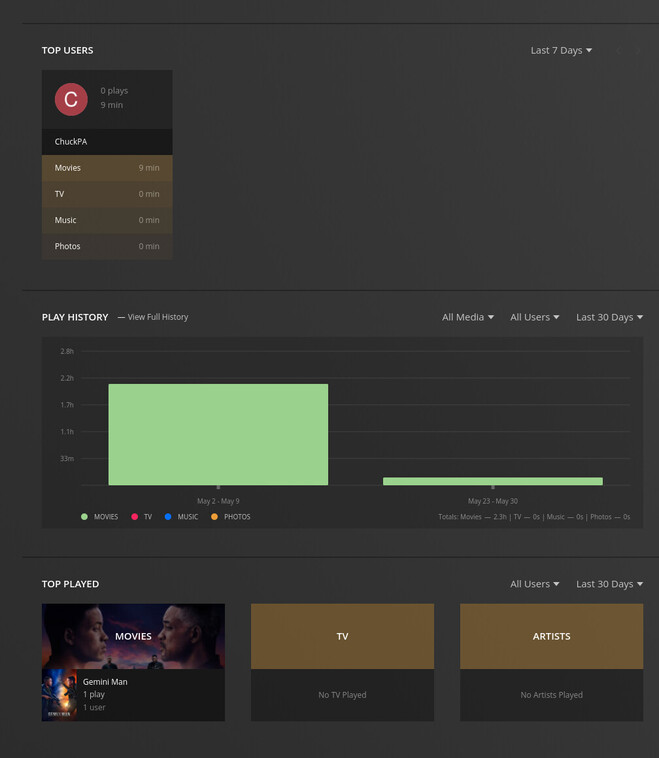
When clicking the link to view play history for a user on the dashboard, it responds with the “something went wrong” page. The problem is simple. The last variable is not url-encoded. (“activeTimePeriod=day” INSTEAD OF “activeTimePeriod%3Dday”)
https://app.plex.tv/desktop/#!/server/xxxxxxx/playHistory?filters=accountID%3D1%##viewedAt%3D#######&activeTimePeriod=day
I cannot guarantee this is only synology’s build. So it should probably be tested against al. builds to see if this is an error in those as well.
I can’t replicate using https://app.plex.tv.. but that might also be the server version I’m using (a development/qa version).
I’ve forwarded your findings to the Plex/web team
I’m updating to the newest server version now (updating to version 1.26.2.5797) that just showed up in my dashboard. I’ll update findings afterwards.
…and guess what? The new update fixed this!
Great! So, I experience the issue, I post, THEN I get notified of the update, then I install update, then it is working.
My luck stinks! Sorry folks!