Server Version#: v1.41.7.9823-59f304c16
Player Version#: Chrome Web Browser
I’ve noticed this issues for months now, so I’m not sure exactly when it started.
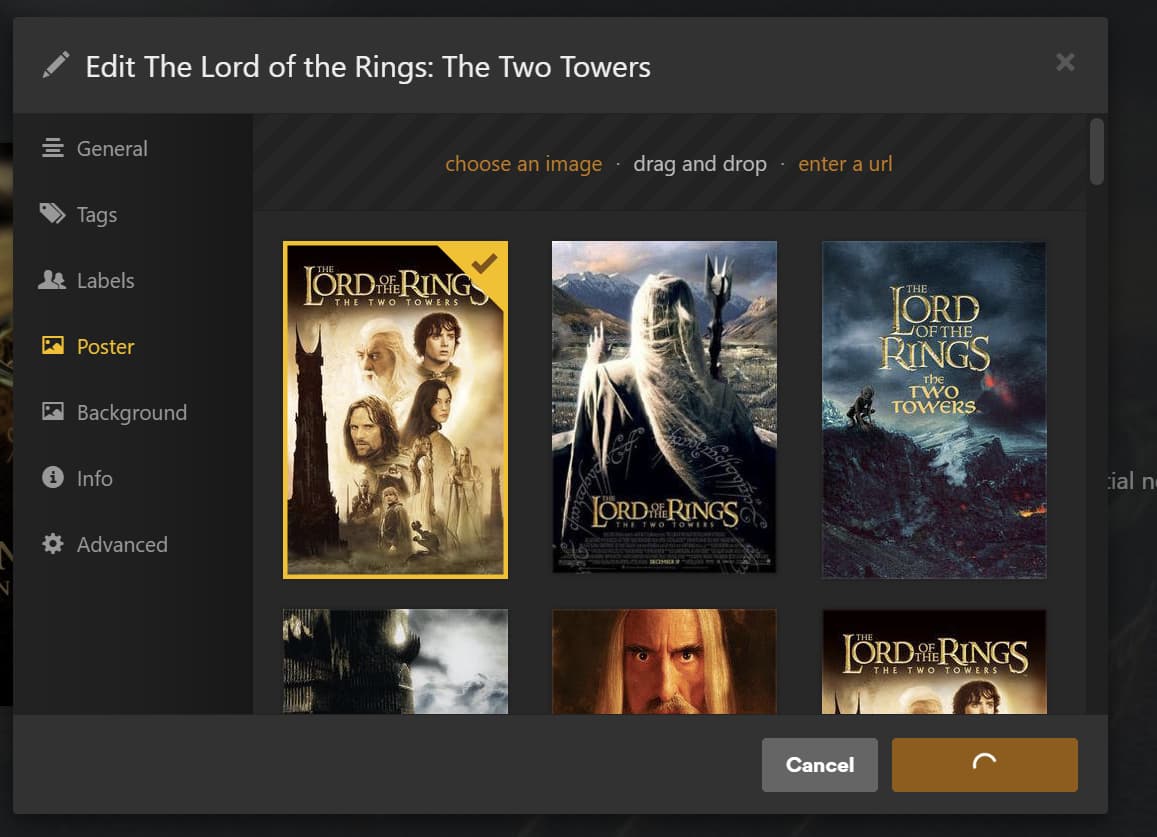
When I go to change posters in Plex, it takes forever to load them, and this is what it looks like:
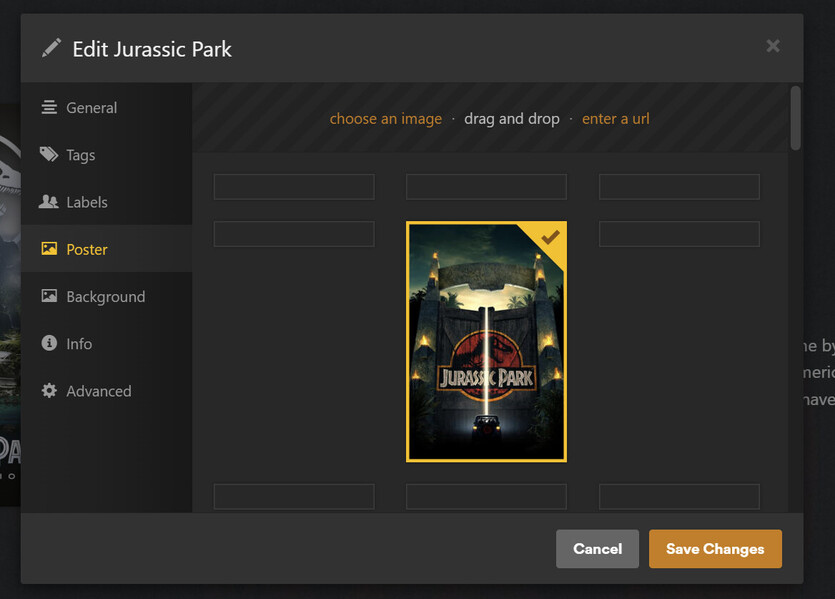
Once it loads, it also takes FOREVER to save:
I’m talking minutes in both cases.
It does if I access via app.plex.tv and my local server’s port directly. It’s like something’s slow about the movie and poster APIs, but I’m not sure what. Since it’s been so long, I can’t even pinpoint what might’ve caused it. I used to be near-instant.
I assumed everyone else was having issues, and that it’d be fixed by now.
I checked the request it’s making for the poster, and it loads instantly when I go to the URL in the fetch request:
https://10-1-0-6.f01df56df50d4f28a36962a4d4f90780.plex.direct:32400/library/metadata/359064/poster?url=https%3A%2F%2Fimage.tmdb.org%2Ft%2Fp%2Foriginal%2FrCzpDGLbOoPwLjy3OAm5NUPOTrC.jpg&X-Plex-Product=Plex%20Web&X-Plex-Version=4.147.0&X-Plex-Client-Identifier=ibypqkeuyxptgi06mhrynkbu&X-Plex-Platform=Chrome&X-Plex-Platform-Version=136.0&X-Plex-Features=external-media%2Cindirect-media%2Chub-style-list&X-Plex-Model=standalone&X-Plex-Device=Windows&X-Plex-Device-Name=Chrome&X-Plex-Device-Screen-Resolution=1279x988%2C3840x1600&X-Plex-Token=redacted&X-Plex-Language=en&X-Plex-Session-Id=bee45e34-56f8-4b8e-8b7e-43e95ca7ba22
Have you run DBRepair recently to tighten up the DB?
It helps with posters and searches
It won’t help fetching from Plex’s servers / upstream media sources (if that’s where the problem is)
The request you’re making is pulling existing (on server) metadata
I did run those in the past, maybe that’s what caused it, but I ran both today, and this is what it looks like now:
Still not great.
I’m wondering why the fetch would be slow. Is there something special I need to do?
Yeah, Metadata refresh is needed on that.
This is my machine (which is just a stock load)
Worst case scenario, Bounce (Plex Dance) the media so it pulls it back in completely fresh with a fresh load of posters (as if new)
I have a lot of movies and shows and music I’ve purchased over the years. Is that possibly the cause?
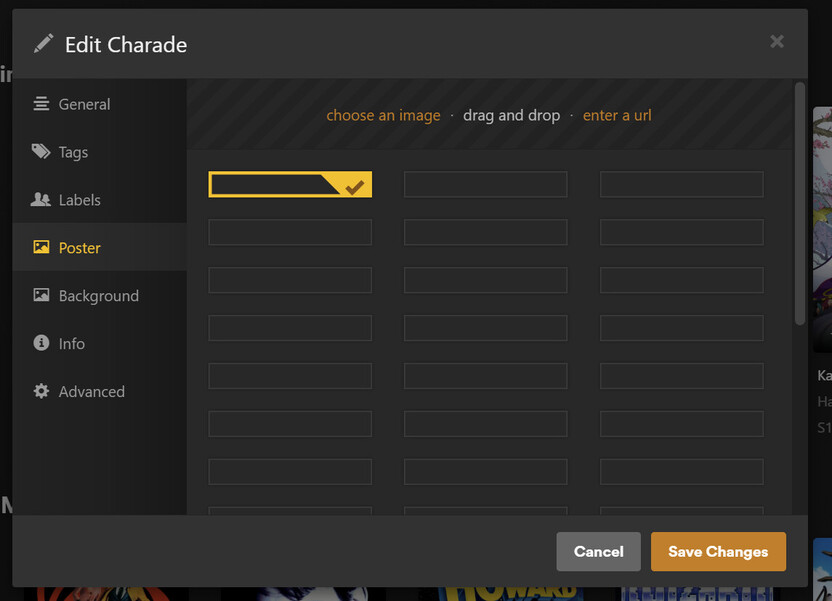
The list of posters to load is there. I see all the possible squares, but the images themselves take time to load.
Even after refreshing metadata, I’m not seeing any change. What specifically is taking a long time?
From the network requests, it looks like it’s trying to transcode these images:
I have an NVIDIA 4060 in here, and I’ve got it set up to transcode through Plex. Yes, it does do transcoding of videos. The processor is 16C/32T Epyc of the Ryzen 5000 series generation, so even if it was using the CPU, that shouldn’t be an issue.
If I load the URL directly, it hangs for a second. It has to be something with the GPU transcoding these images.
I’m using the latest version of Plex and the latest TrueNAS. This is the container config:
When loading images I looked at my CPU and GPU load:
CPU load is incredibly high for this system, but Plex is currently refreshing a ton of metadata for all my other libraries in parallel.
GPU load is non-existent. Nothing is using the GPU even if I watch it while loading those images.
I’m still having this issue. Seems worse each time.
I’m really lost as to the cause.
Have you run DBRepair inside the container and used the Prune functionality to clean up the Photo Transcoder directory ?
Thanks for responding!
I’m trying out your tool now  :
:
root@8b425f8cb930:~# ./DBRepair.sh stop auto start exit


      Database Repair Utility for Plex Media Server  (Docker)
                       Version v1.11.07


[2025-07-04 23.25.14] Stopping PMS.
[2025-07-04 23.25.17] Stopped PMS.

[2025-07-04 23.25.17] Automatic Check,Repair,Index started.
[2025-07-04 23.25.17]
[2025-07-04 23.25.17] Checking the PMS databases
[2025-07-04 23.25.19] Check complete.  PMS main database is damaged.
[2025-07-04 23.25.24] Check complete.  PMS blobs database is OK.
[2025-07-04 23.25.24]
[2025-07-04 23.25.24] Exporting current databases using timestamp: 2025-07-04_23.25.17
[2025-07-04 23.25.24] Exporting Main DB
[2025-07-04 23.25.33] Exporting Blobs DB
[2025-07-04 23.26.13] Successfully exported the main and blobs databases.
[2025-07-04 23.26.13] Start importing into new databases.
[2025-07-04 23.26.13] Importing Main DB.
[2025-07-04 23.26.38] Importing Blobs DB.
[2025-07-04 23.26.52] Successfully imported databases.
[2025-07-04 23.26.52] Verifying databases integrity after importing.
[2025-07-04 23.26.59] Verification complete.  PMS main database is OK.
[2025-07-04 23.27.00] Verification complete.  PMS blobs database is OK.
[2025-07-04 23.27.00] Saving current databases with '-BACKUP-2025-07-04_23.25.17'
[2025-07-04 23.27.00] Making repaired databases active
[2025-07-04 23.27.00] Repair complete. Please check your library settings and contents for completeness.
[2025-07-04 23.27.00] Recommend:  Scan Files and Refresh all metadata for each library section.
[2025-07-04 23.27.00]
[2025-07-04 23.27.00] Backing up of databases
[2025-07-04 23.27.00] Backup current databases with '-BACKUP-2025-07-04_23.27.00' timestamp.
[2025-07-04 23.27.01] Reindexing main database
[2025-07-04 23.27.08] Reindexing main database successful.
[2025-07-04 23.27.08] Reindexing blobs database
[2025-07-04 23.27.11] Reindexing blobs database successful.
[2025-07-04 23.27.11] Reindex complete.
[2025-07-04 23.27.11] Automatic Check, Repair/optimize, & Index successful.

[2025-07-04 23.27.11] Starting PMS.
[2025-07-04 23.27.11] Started PMS
This line is interesting:
PMS main database is damaged
I ran it in my Docker container and after running, it’s still like this:
But even still, it’s many times faster than before. While I do see that screen, it loads after 5 seconds rather than 5 minutes.
Here’s some more info:
root@8b425f8cb930:~# ./DBRepair.sh show


      Database Repair Utility for Plex Media Server  (Docker)
                       Version v1.11.07


==================================================================================
2025-07-04 23.24.40 - ============================================================
2025-07-04 23.24.40 - Session start: Host is Docker
2025-07-04 23.25.14 - ============================================================
2025-07-04 23.25.14 - Session start: Host is Docker
2025-07-04 23.25.17 - Stop    - PASS
2025-07-04 23.25.17 - Auto    - START
2025-07-04 23.25.19 - Check   - Check com.plexapp.plugins.library.db - FAIL ()
2025-07-04 23.25.24 - Check   - Check com.plexapp.plugins.library.blobs.db - PASS
2025-07-04 23.25.24 - Check   - FAIL
2025-07-04 23.26.13 - Repair  - Export databases - PASS
2025-07-04 23.26.52 - Repair  - Import - PASS
2025-07-04 23.26.59 - Repair  - Verify main database - PASS (Size: 438MB/422MB).
2025-07-04 23.27.00 - Repair  - Verify blobs database - PASS (Size: 437MB/457MB).
2025-07-04 23.27.00 - Repair  - Making repaired databases active
2025-07-04 23.27.00 - Repair  - Move files - PASS
2025-07-04 23.27.00 - Repair  - PASS
2025-07-04 23.27.00 - Repair  - PASS
2025-07-04 23.27.00 - Reindex - MakeBackup com.plexapp.plugins.library.db - PASS
2025-07-04 23.27.01 - Reindex - MakeBackup com.plexapp.plugins.library.blobs.db - PASS
2025-07-04 23.27.01 - Reindex - MakeBackup - PASS
2025-07-04 23.27.08 - Reindex - Reindex: com.plexapp.plugins.library.db - PASS
2025-07-04 23.27.11 - Reindex - Reindex: com.plexapp.plugins.library.blobs.db - PASS
2025-07-04 23.27.11 - Reindex - PASS
2025-07-04 23.27.11 - Reindex - PASS
2025-07-04 23.27.11 - Auto    - COMPLETED
2025-07-04 23.27.11 - Start   - PASS
2025-07-04 23.27.11 - Exit    - Delete temp files.
2025-07-04 23.27.11 - Session end. Fri Jul  4 23:27:11 CDT 2025
2025-07-04 23.27.11 - ============================================================
2025-07-04 23.29.52 - ============================================================
2025-07-04 23.29.52 - Session start: Host is Docker
==================================================================================
I wonder if there’s maybe some other command I need to run?
Posters are transcoded by the CPU, not the GPU, so there is that to contend with.
Browsers will use hardware acceleration
loading posters into the Poster selection page is a function of the machine, the local internet service, and retrieving them from plex.tv in real time.
The next thing you can try is the prune command.
By default, this will remove all temp files & posters more than 30 days old.
(they tend to accumulate)
I tried the Prune command, it got rid of stuff, but it didn’t fix the issue.
It also happens on my phone:
So it doesn’t seem to be limited to any of my PCs.
Next would be the router. I can try testing via 5G on my phone, but I believe the result is the same, actually, it’s worse.
You can see it takes a while to even show the poster list:
And then this again:
Still takes 5 sec or so before it populated. I remember this list being instant when I first started using Plex.
Another thing I could try for troubleshooting is a whole new instance of Plex, but I’m wondering if you have other suggestions.
How big are your Database files? ( wondering if you’re dealing with bloat )
Your server DEBUG logs which capture this happening would be of great help here. (I can look for time-out and other issues)
How should go about getting server DEBUG logs and checking the size of the database files?
-
Confirm DEBUG logging is enabled
– Settings - [server] - General - Show Advanced
– Confirm DEBUG logging is checked
– Confirm VERBOSE logging is NOT checked
– SAVE if any changes made
-
Now recreate the issue
-
Settings - [server] - Troubleshooting (Web app) - Download Logs
-
Attach the ZIP file it gives you
Databases are stored, by default, in "/var/lib/plexmediaserver/Library/Application Support/Plex Media ServerPlug-in Support/Databases" on Linux hosts.
A standard ls -lah will show the contents with humanized sizes
Plex Media Server Logs_2025-07-05_21-00-05.zip (4.4 MB)
The “Download Databases” button showed ~450MB in the zip file.
But the whole folder you noted is 3.1GB:
root@8b425f8cb930:~/Library/Application Support/Plex Media Server# ls -lah Plug-in\ Support/Databases/
total 3.1G
drwxrwx--- 3 plex plex   30 Jul  5 02:06  .
drwxrwx--- 7 plex plex    7 Nov 14  2024  ..
-rwxrwx--- 1 root plex 4.2K Jul  4 23:34  DBRepair.log
drwxrwx--- 2 plex plex    6 Jul  5 02:06 'Music Analysis 3'
-rwxrwx--- 1 plex plex 416K Jul  4 23:34  com.plexapp.dlna.db
-rwxrwx--- 1 plex plex  32K Jul  4 23:34  com.plexapp.dlna.db-shm
-rwxrwx--- 1 plex plex 801K Jul  4 23:34  com.plexapp.dlna.db-wal
-rwxrwx--- 1 plex plex 458M Jul  4 23:34  com.plexapp.plugins.library.blobs.db
-rwxrwx--- 1 plex plex 232M Nov 14  2024  com.plexapp.plugins.library.blobs.db-2023-12-04-tmp
-rwxrwx--- 1 plex plex 1.0K Nov 14  2024  com.plexapp.plugins.library.blobs.db-2023-12-04-tmp-journal
-rwxrwx--- 1 plex plex 438M Jun 26 02:05  com.plexapp.plugins.library.blobs.db-2025-06-26
-rwxrwx--- 1 plex plex 438M Jun 29 02:05  com.plexapp.plugins.library.blobs.db-2025-06-29
-rwxrwx--- 1 plex plex 438M Jul  2 02:05  com.plexapp.plugins.library.blobs.db-2025-07-02
-rwxrwx--- 1 plex plex 458M Jul  5 02:04  com.plexapp.plugins.library.blobs.db-2025-07-05
-rwxrwx--- 1 plex plex  32K Jul  5 20:55  com.plexapp.plugins.library.blobs.db-shm
-rwxrwx--- 1 plex plex 1.4M Jul  5 20:55  com.plexapp.plugins.library.blobs.db-wal
-rwxrwx--- 1 plex plex 423M Jul  5 20:57  com.plexapp.plugins.library.db
-rwxrwx--- 1 plex plex 2.5M Nov 14  2024  com.plexapp.plugins.library.db-2024-06-10-tmp
-rwxrwx--- 1 plex plex 1.0K Nov 14  2024  com.plexapp.plugins.library.db-2024-06-10-tmp-journal
-rwxrwx--- 1 plex plex 3.3M Nov 14  2024  com.plexapp.plugins.library.db-2024-06-16-tmp
-rwxrwx--- 1 plex plex 1.0K Nov 14  2024  com.plexapp.plugins.library.db-2024-06-16-tmp-journal
-rwxrwx--- 1 plex plex 9.5M Nov 14  2024  com.plexapp.plugins.library.db-2024-06-19-tmp
-rwxrwx--- 1 plex plex 1.0K Nov 14  2024  com.plexapp.plugins.library.db-2024-06-19-tmp-journal
-rwxrwx--- 1 plex plex    0 Feb 23 02:01  com.plexapp.plugins.library.db-2025-02-23-tmp
-rwxrwx--- 1 plex plex 440M Jun 26 02:05  com.plexapp.plugins.library.db-2025-06-26
-rwxrwx--- 1 plex plex 437M Jun 29 02:05  com.plexapp.plugins.library.db-2025-06-29
-rwxrwx--- 1 plex plex 440M Jul  2 02:05  com.plexapp.plugins.library.db-2025-07-02
-rwxrwx--- 1 plex plex 421M Jul  5 02:04  com.plexapp.plugins.library.db-2025-07-05
-rwxrwx--- 1 plex plex  32K Jul  5 21:02  com.plexapp.plugins.library.db-shm
-rwxrwx--- 1 plex plex 6.3M Jul  5 21:02  com.plexapp.plugins.library.db-wal
What should I be looking for in the logs? Anything in particular? And which file specifically?
If you can provide server logs then somebody can see where the bottleneck is.
@drzoidberg33 That’s great! I hope these help 
Update, it works now. Must’ve been some combination of what I did with that great tool, but I’ve not had issues since.
Thank you so much @ChuckPa!