I used to able to sit in my living room and watch seasons of old shows I missed, when I downloaded them on my pc, then stream it in my living room, now I can’t. Why did you guys stop supporting MKV files?
Plex hasn’t stopped supporting MKV… That would be daft as it is pretty much the most common container these days.
It is more likely your problem is elsewhere, however you are gonna have to provide just a tad more information if you want people to help you with this.
Ya know, stuff like… Server version, server OS, what client and version, what is your setup, more info about the problem MKV’s… etc, etc!
Lol we don’t need another revolt right now

Firstly, not a great idea to advertise where and how you are getting your content!
And secondly… Still lacking ANY kind of information about your system and problem…
Is there an error message?
Does the screen just go blank?
Does it spawn a mini black hole?
Ya gonna have to help us to help you mate!
It simply doesn’t show up when i go to the file on plex app on my smart tv, or any device, almost as if it doesn’t exist. Its on my PC, i can watch it, just cant stream it on the app on the tv in the living room or any device
Gotta use the standard folder and file structure for tv shows, that’s why.
TV Shows (folder)
—-All American (folder)
———- Season 05 (folder)
—————-All American - S05E02.mkv
Is that something I need to do on the PC, or the App Plex?
Right OK… So it’s not that it won’t play, it’s that Plex hasn’t matched it and therefore it is not available to play…
Is this the only episode you have for this show or do you have other episodes?.. Does the show itself not show up?
What is your folder structure?
Does it look anything like this…

Did you not download and install the SERVER.exe from the website and install THAT first on your PC? You have to have the SERVER installed first.
Like he said 

I have it installed
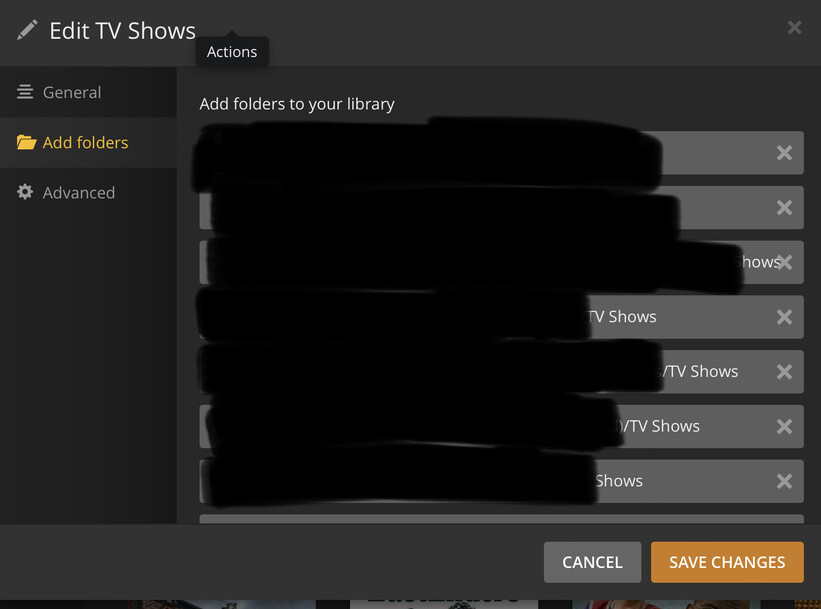
Delete the above images that you uploaded so you don’t get booted.
Thank you everyone, I was able to resolve it, I appreciate everyones help, merry christmas
