Server Version#: 1.21.1.3830
Player Version#: 1.25.0.1511-47afccd4
Basically what is happening is if I’m watching 4k content on my little laptop it’s trying to transcode it on the laptop. The laptop can’t handle this and the video stutters and just goes slow. You can tell it’s moving a frame or two to slowly and just doesn’t look right.
Even knocking it down to 1080p manually it still tries to transcode this on the laptop and not my server which has HW Transcoding enabled with a GPU ready and willing to do this.
If I go to plex.tv or even use my phone it works great and puts the work on the server. When I use the windows client it wants that local machine to do the transcoding.
I can’t find a way to stop this short of using the web interface. Am I missing something? Is this a bug or a “Feature”
I suppose that’s what setting the video quality is for…
therefore… not surprised if Plex tries to direct play the 4K video if set to play in original quality. Can you confirm on the now playing section on your server if the load is still on your client?
Could it be that particular video has subtitles that Plex will try to burn-into the video and therefore not using hw-transcoding at all (instead using the CPU of your server – not sure if that’s strong enough for the 4K videos).
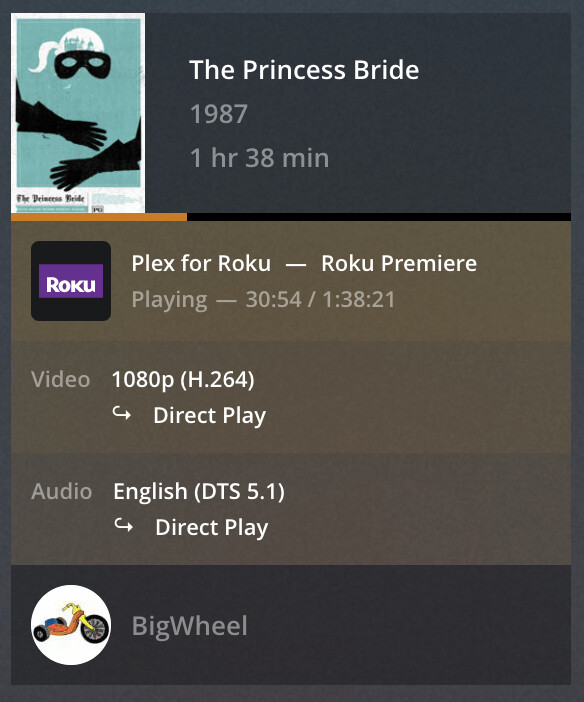
What information is showing in the “now playing” tile for that playback on the Plex server dashboard?
It’s showing is as playing in 4k. This is a 1080p screen.
If I leave it alone it will stay at 4k as the quality. If I set it to 1080p manually it still says “Direct Play” on the server and still looks terrible because of the video lag.
If I drop it all the way down to 720p it does start to show HW Transcode and it works fantastically.
It almost feels like plex thinks my old i5 in this laptop is good enough to do the work but it’s not. Then when I get down to 720p it gives up and asks the server for help.
That’s not the correct terminology or what’s happening. Transcoding means to convert in real time from one codec to another. When playing on your laptop, nothing is being converted. Your laptop is justdecoding the file, basically reading the file and turning it into video, the same it does for any video.
My guess is that the graphics processor in your laptop is not able to handle the 4k hevc video you are trying to feed it.
Edit - just noticed your last screenshot. So it’s not using the graphics card, which means your graphics card doesn’t support reading hevc video files, so it’s pushing the work to the cpu and your cpu is not up to the task. What cpu is in your laptop?
Sorry for the delay. I moved across the country and kind of forgot about this with getting settled in.
It has an i5 4200U and I’m sure that’s the problem. I guess my real problem is why it’s trying to play 4k content as 4k on a 1080p monitor, and why even when I manually set it to 1080p does it still try to “Direct Play” without transcoding it on the server.
Your earlier screenshot showed it was transcoding to 720p on the server.
If you are referring to switching to 1080p. Keep in mind that the quality setting is a cap, not a “transcode to this” setting.
So if you have a 10 Mbps hevc file and the setting is set to 20 Mbps h264, it does not transcode., since it is below the cap You have to set it lower than 10 Mbps for transcoding to kick in.
If your original was 30 Mbps 4K hevc, then it would have transcoded to 20 Mbps 1080p h264 to stay within the cap.