Server Version#: ?
Player Version#: ?
<If providing server logs please do NOT turn on verbose logging, only debug logging should be enabled>
I don’t know the server or player version, because it won’t launch.
MacBook Pro, M1
OS X 14.6.1
Just downloaded. Opening Plex Media Server launches in the browser (Safari) and gives the spinning loading graphic non-stop. I’ve opened the same URL in Chrome and Firefox as well, and same issue.
I’m not sure if there’s an issue with the auth token or what. This is my first time trying to use anything Plex. I have an account and can use the website just fine.
The server version should be listed in Finder when you select the app in your Applications directory.
Is this a generic loading spinner from Safari or something you get to see on the Plex web app?
Any browser add-ons / plug-ins which might be blocking the web app while loading in your browser?
There are possibly browser add-ons that are conflicting. I’ve issues with content blockers. I can turn every blocker off, and still can’t open Google search links that have trackers, for instance.
I’ll try Safari, Firefox, and Chrome in safe mode.
Edit: Still doesn’t work in any browser with zero extensions running.

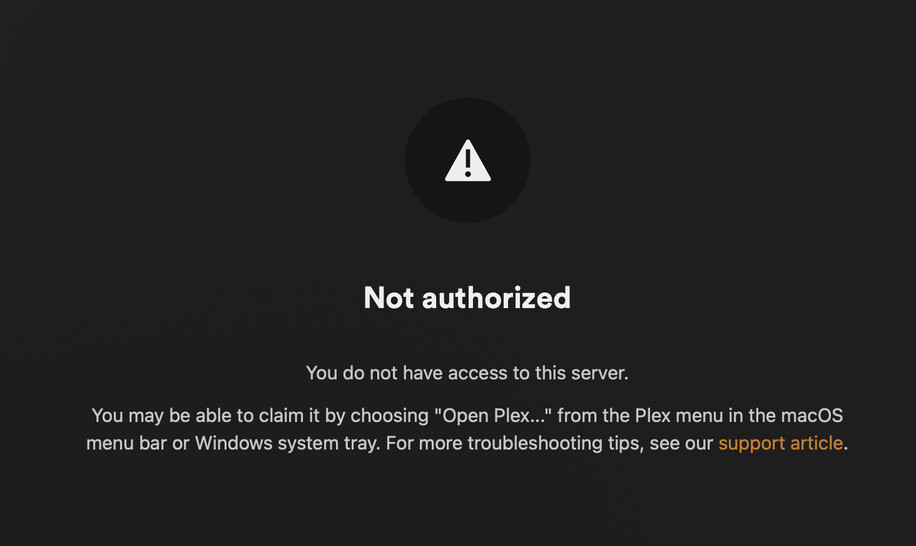
 Little Snitch was on Silent Deny for all new connections.