Hi,
Big Plex N00b, at least with the music area. I did make a post similar to this but it was a little different, the result was the Lamdba app. But, I really couldn’t get that to work properly, and I think that is more geared for movies and TV.
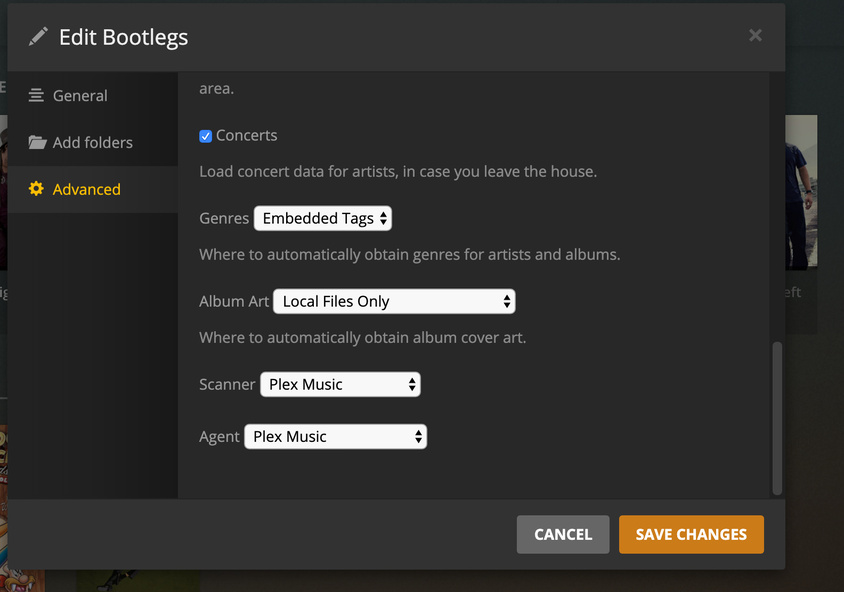
I have a library called Bootlegs, that holds all the .flac files of my Rolling Stones bootlegs. I spend the last two weeks getting the Info on the albums from over 2k down the 1300. When I originally archived the cds I used a new file folder for each cd, I didn’t combine the albums into one folder. I did this for ease of archiving for me. (took me from last July to November to get is all done).
So, obviously, Plex read the majority of these folders as separate albums, etc. I went in a fixed all the album titles and artists. They are all correct now. What I would like to accomplish, is to back up the media files with the Plex information written to the metadata. So if I ever need to move the files or give them to a friend/family, the metadata is all correct for them.
I have a lot to do yet, with adding artwork and fixing song names, but as it stands now, I want to back the files up now, before something happens to them and I have to re-do the curating all over again. (I had to restart it twice already in an effort to get lamdba to work.).
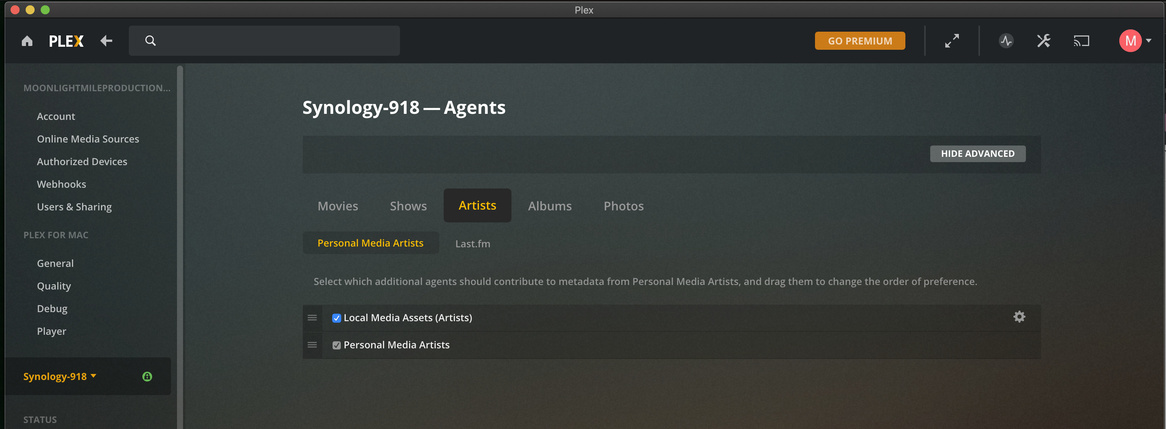
I am running Plex on my Synology 918+, so getting the root folder is a little cumbersome , which is why I think if I can get Plex to write the metadata to the files it would be a bit easier for me to backup and migrate.
I did check online sources and found tiny media manager, this looks like something that would work, but unfortunately it only supports tv and movies.
If the only way is to SSH into the nas to do this, that is fine, I can do that, but I was hoping there was a simpler way to do it. I was hoping there would be a “Download Media” option in the music section but that does not appear to be a function.
I apologize for the long post, and if this has been covered.
Any Help is appreciated!
Craig