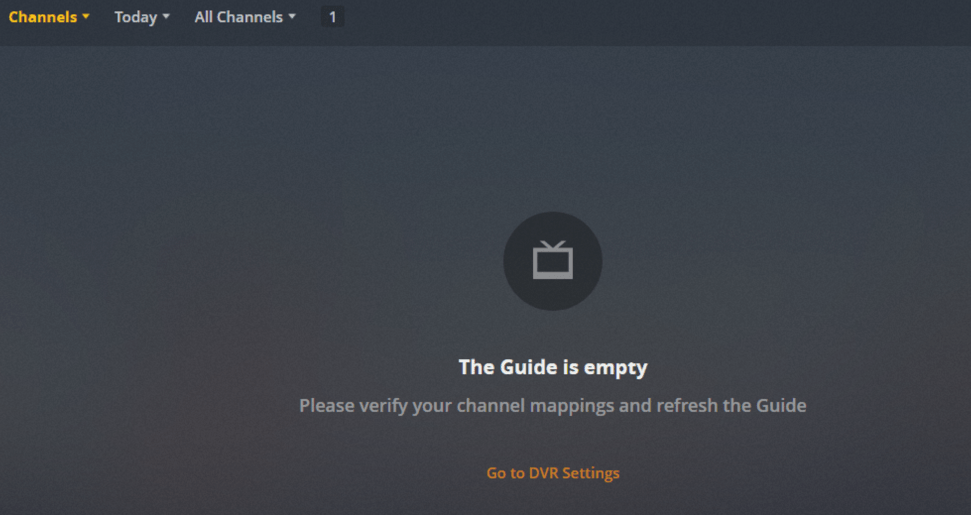
I am having issues channels not showing using Windows PMS Version 1.17.0.1841 with XTeVe 2.0.3

Hi all,
i have xTeVe running on Mac OSX and a problem with a few streaming URLs, example below.
Both URLs work fine in VLC and browser window (Safari or Chrome) but xTeVe is showing an Error message.
Any ideas? Thankyou, Ben.
2019/10/10 16:06:24 [xTeVe] Streaming Status:      Playlist: Main Channels - Tuner: 0 / 5
2019/10/10 16:12:39 [xTeVe] Buffer:                true
2019/10/10 16:12:39 [xTeVe] Buffer Size:           4096 KB
2019/10/10 16:12:39 [xTeVe] Channel Name:               ,ZDFinfo
2019/10/10 16:12:39 [xTeVe] Client User-Agent:     Lavf/58.27.103
2019/10/10 16:12:39 [xTeVe] Streaming Status:      Playlist: Main Channels - Tuner: 1 / 5
2019/10/10 16:12:39 [xTeVe] Streaming Type:        [HLS / M3U8]
2019/10/10 16:12:39 [xTeVe] Streaming URL:         **https://zdfhls17-i.akamaihd.net/hls/live/744750/de/high/master.m3u8**
2019/10/10 16:12:39 [xTeVe] Streaming Status:      HTTP Response Status [200] OK
2019/10/10 16:12:39 [xTeVe] Content Type:          application/x-mpegURL
2019/10/10 16:12:39 [xTeVe] Streaming Status:      HTTP Response Status [200] OK
2019/10/10 16:12:39 [xTeVe] Content Type:          application/x-mpegURL
2019/10/10 16:12:40 [xTeVe] Content Type:          video/MP2T
2019/10/10 16:12:40 [xTeVe] Streaming Status:      HTTP Response Status [404] Not Found
2019/10/10 16:12:40 [xTeVe] Error with this URL:   **https://zdfhls17-i.akamaihd.net/hls/live/744750-b/de/5/../6bc81f042f797b394887280bd8c5c5d6/5/156/311304.ts**
**2019/10/10 16:12:40 [xTeVe] [ERROR] Not Found (This error message comes from the provider) - EC: 4004**
Hi,
I am new to xteve. My stream has 10800 channels (Some are movies). How do I filter out the ones I want? I tried just filter the name but adding all of them would take forever. In my file there is groups “Denmark” for example. How do I filter so I just get the ones in that group?
Best regards,
T
Maybe you wait a few days or switch to the beta. Then VLC and FFmpeg will be available as a buffer option.
1 Like
Filter -> New -> Group Title -> Select your group
Thankyou marmei - unfortunately I still get the “Not Found (This error message comes from the provider)” message for these streamsafter updating to the beta.
There is no groups when I try to select. The group Title pulldown list is empty even if I know there is many groups. Maybe I should try another browser?
I have tried different browsers with the same result. Nothing…
@marmei Everything fine and working with vlc now.
(note to myself: read and think before posting)
Then your playlist will not contain any groups.
It was the m3u list that was the problem. I changed it to m3u_plus and it worked fine!
Thanks,
I’m using plex 1.18.0.1944 with xTeVe 2.1.0 (windows / amd64). I can get my 140 streams m3u list to show if I connect directly with VLC from http://localhost:34400/m3u/xteve.m3u but I can’t connect to it via plex.
I can see the tuner, and I can see all channels when configuring live TV and DVR… the problem happens when I try to watch it as it gets locked on loading when connecting via plex until I get a “Playback Error: Could not tune channel. Please check your tuner…”.
I’ve tried no buffer, ffmpeg and vlc buffer and no option seems to work. Looking at Plex Media Server.log I can see those two lines:
Oct 14, 2019 23:03:17.769 [36852] ERROR - CheckNetIsolation.exe exited with code 0x5
Oct 14, 2019 23:03:17.770 [36852] ERROR - Failed to grant application loopback exemption
Curious to know if anyone had this issue and know how to solve it.
Thanks!
3 Likes
Yesterday I had a full list of 300 channels. In the morning I turn on Plex I only have a list of 2 channels.
What can this result from?
Guys anyone here has any idea how to make plex understand the EPG is a TV SHOW and give the option to store it in the tvshow library?
Just use Xteve =].
It works for me but only on the phone.
I have a buzzer on the PC every few moments:

I have this problem from the very beginning. I’m using Xteve on Qnap. Does anyone have similar?
I have the same issue
I’m facing a problem while connecting Plex DVR to xTeVe, too. While most times, plex is able to find xTeVe, and shows the correct channel list in the next step, I get an “Unknown Status” (“Unbekannter Fehler”) Error on the next page. (see screenshots)
I’m using PMS Version 1.18.1.1973 and the newest xTeVe Version.
@marmei Do you have an idea, how to debug / fix this error? I can’t find any useful information in the PMS or xTeVe log files.


Use the file path of the xteve.xml file. Not the HTTP link.
Thanks for your reply @marmei!
Unfortunately, that didn’t work out either. Do you have another idea what I could do differently?
Btw, when entering the local path “/volume1/docker/xteve/xteve/data/xteve.xml”, the plex console says:
DVR:Grabber: Checking device URI http:///volume1/docker/xteve/xteve/data/xteve.xml
Seems like it automatically adds “http://”.


@marmei Did you mean, I should enter the xml filepath in the screen here, mentioned on Step 7? https://support.plex.tv/articles/using-an-xmltv-guide/ I don’t even get to this step, as I get the “Unknown Status” Error directly after step 5.
Additionally, I found some logging information on the PMS console that might help finding the error:

