I am getting a user that is getting: 1080p (H.264) (hw) > 720P (H264)—Transcode (hw)

can someone explain this to me.. I am using a synology DS1520 for the server
It means the video is being transcoded using the Syno’s iGPU hw-decoder and encoder.
Source: 1080p h.264 video
Target: 2 Mbps 720p h.264 video
There’s a number of possible reasons why the video is being transcoded. Some of those are:
are there any settings on the synology I can change that won’t need transcoding??
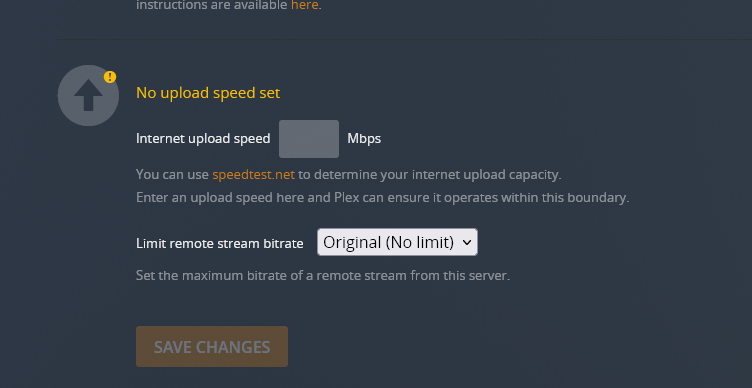
That all depends on your Internet upload speed. You can’t stream faster then your max upload speed and you don’t want to max it out on remote streaming as that will also affect your ability to use the Internet as well. hence why you want to set limits. Also the remote client has speed restrictions as well that need to be configured that can’t be controlled from the server.
20 Mbps upload is not that much. 1 1080p stream can eat that up depending on how it was encoded. Most remote streams will be transcoded because by default the clients are set to use lower resolutions for remote streams and this must be changed by the remote user.
ok… all are 1080p 5.1 audio 2600kbps mp4
Let your friend(s) check the remote streaming quality setting in their client.
For Roku that’s in Settings > Video > Remote Quality
If your upload is up to it, you can ask them to go with original or max quality.
As Alucard1 pointed out… those 20 Mbps will give you a realistic 8-11 Mbps of average video bitrate / quality (given max. bitrate of a video w/ 8-11 Mbps can be 1.5-2x the bitrate and Plex will try not to clog more than 80% of your uplink). Not withstanding that you could still get some compressed 1080p videos through