Hello @anon18523487, when you guys do not followup on bugs, it seems like you guys don’t care about your customers. Is it what is happening or am I missing something ?
Good morning everyone. I’ve been hanging around forums for a few days because something very strange happens to me. When I try to play a video on my Thomson TV with Android OS via PLEX, it does not start if the audio track that is selected is AC3 5.1. No problem if the audio is Stereo or DTS 5.1
The problem is that many files have two audio tracks, one in the original version of DTS 5.1 and another subtitled in Spanish usually comes in AC3 5.1. I can always use the option to send the video through the Chromecast, so I lose a lot of quality video and audio.
In case someone has doubt. Yes, I tried to play the file directly on the TV using a pen drive on the USB and it is perfect with the native video player application.
Can anybody help me?
I’m also having the same issue with a Mecool M8S Pro L box running Android TV (7.1.2) with app version 7.9.0.8439. Connecting to Plex via LAN. Plex Server version 1.14.1.5488 running on a QNAP TVS-873.
When I enable “Passthrough audio” within the Plex app I get a “Connection lost” error:
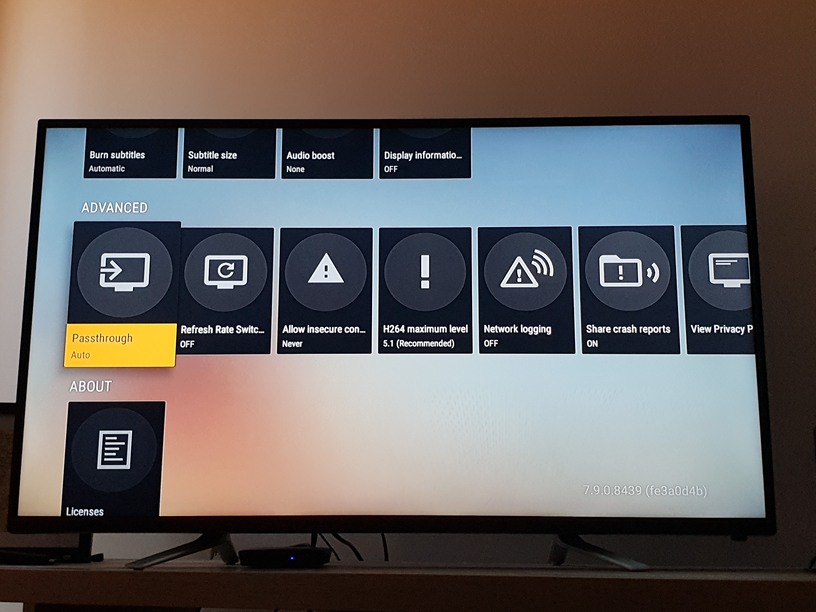

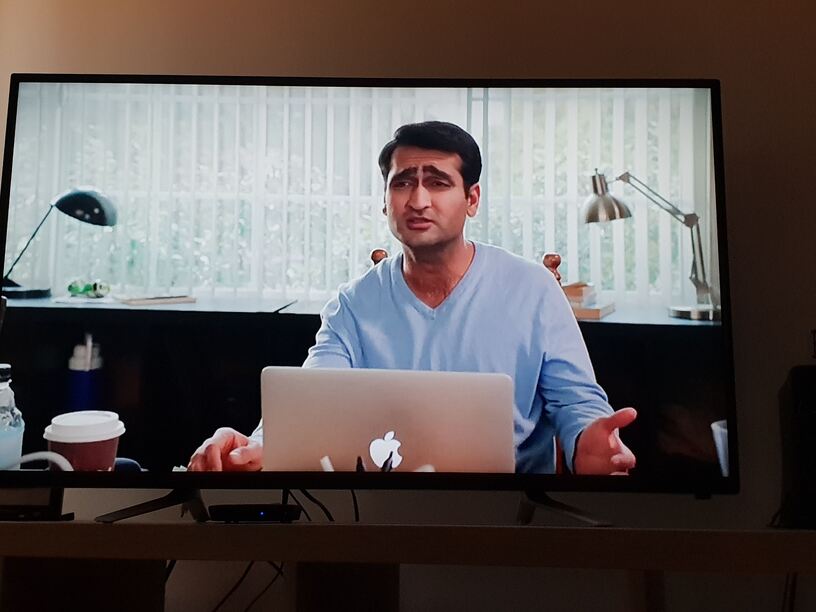
When I disable “Passthrough audio” within the Plex app I get no audio. It doesn’t matter if I have the Mecool device sound settings on PCM, SPDIF RAW or HDMI Raw (which is what I leave it on). The video within the Plex app will play, just with no audio:

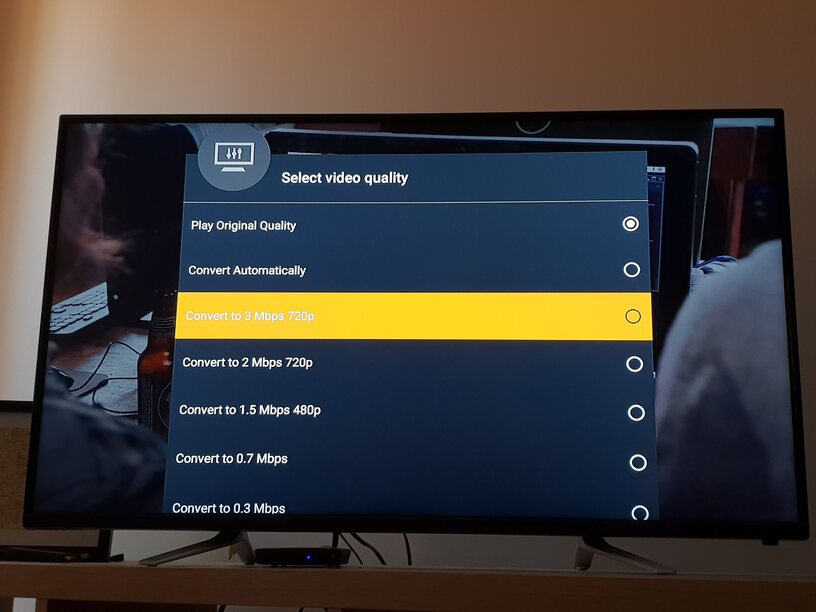
Now if I change the video quality within the Plex app, the video plays perfectly with audio:
AAC audio works perfectly. It’s just AC3 for me so far.
Please find my Mecool M8S Pro L log here: logging.txt (1.2 MB)
@anon18523487 I just got accepted into the Plex Android App Beta and this issue appears to be resolved in version 7.11.0.8965 (0b407fb9). I just played a bunch of AC3 audio encoded video files successfully whilst running at original video quality. Please find my logs here for reference: logging.txt (1.1 MB)
Were you connected via optical?
No I have “Audio passthrough” set to disabled. I’m using audio out from Mecool box to TV via HDMI then from TV to speakers via a 3.5mm cable. Was using the same physical setup before with app version 7.9.0.8439 and audio passthrough set to Auto but AC3 audio didn’t work unless I changed the stream quality so it transcoded. Now with this new app version, AC3 audio works without having to change stream quality. See my post above for all the settings I’m using and how I recreated the issue before this new app version.
I don’t know of any changes that would have fixed this for you but glad to hear it’s working.
The beta app just got updated from 7.11.0.8965 to 7.11.0.8996 but both have options in settings that are different than the public version of the app (7.9.0.8439). Under “Audio Passthrough” you can choose between “Disabled, HDMI or Optical”, if you select Optical you get an additional option for “Optical Encodings” and you can check “AC3 & DTS”.
I just tried all of them and for my setup, disabling Passthrough means AC3 audio encoded files play every time.
If I set “Audio Passthrough” to “Optical” with both “Optical Encodings” options on, I get the playback has stopped error.
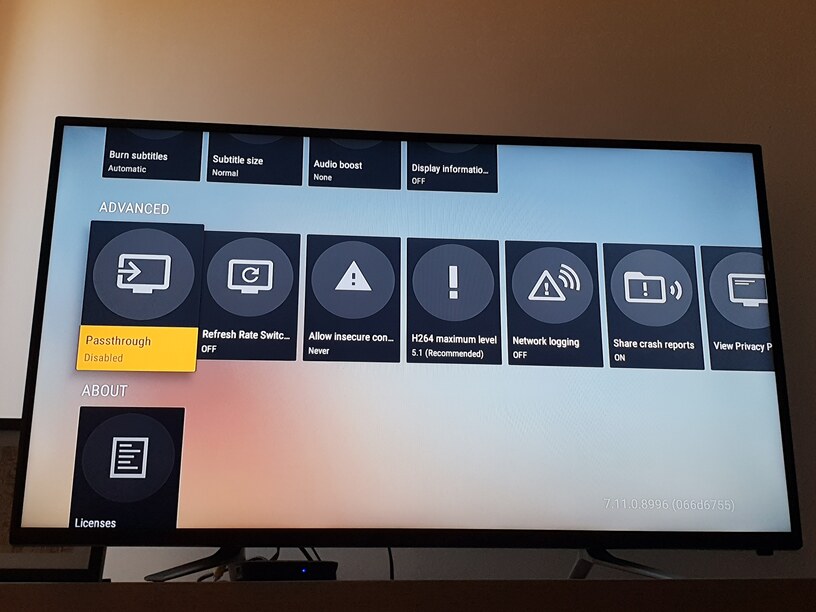
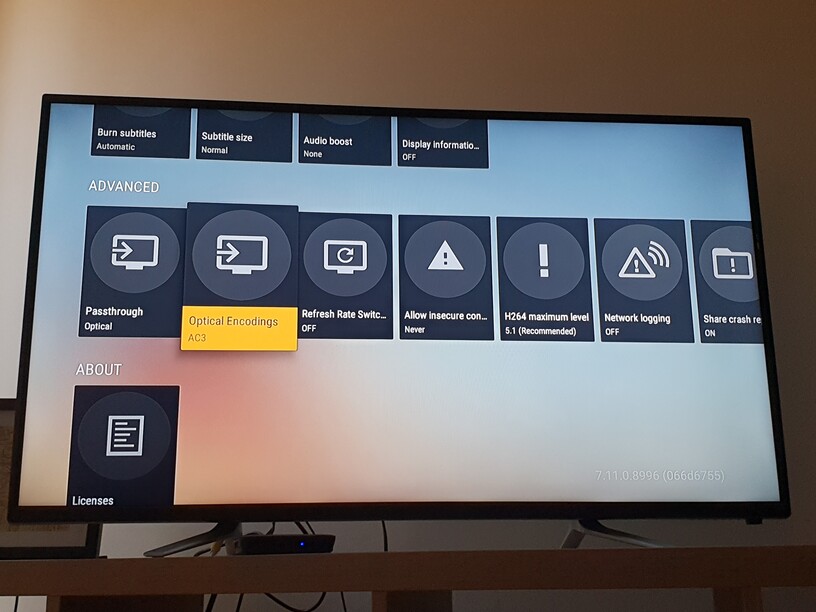
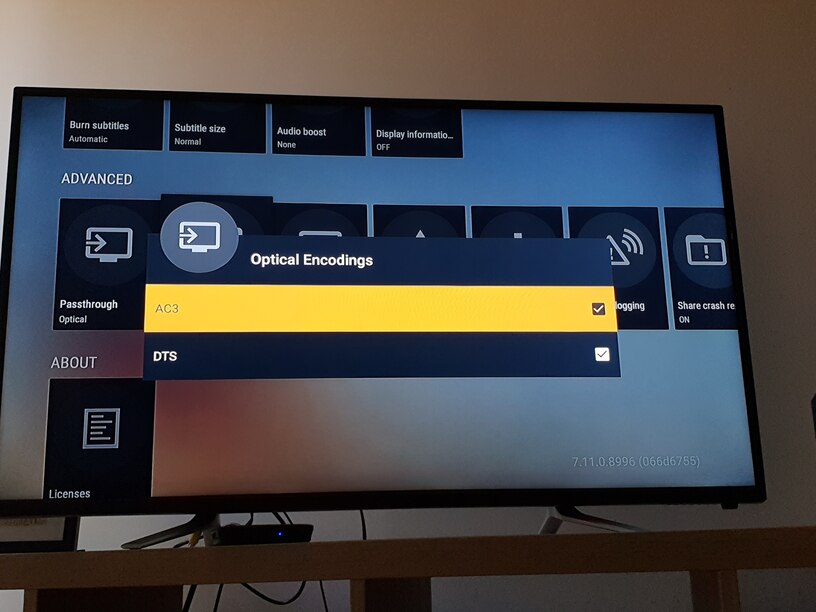
If I set “Audio Passthrough” to “HDMI”, I get the playback has stopped error.
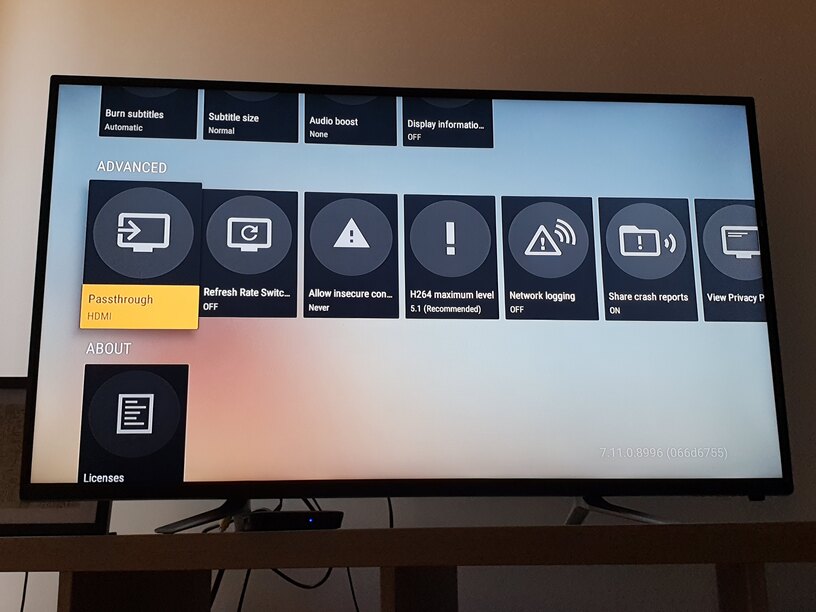
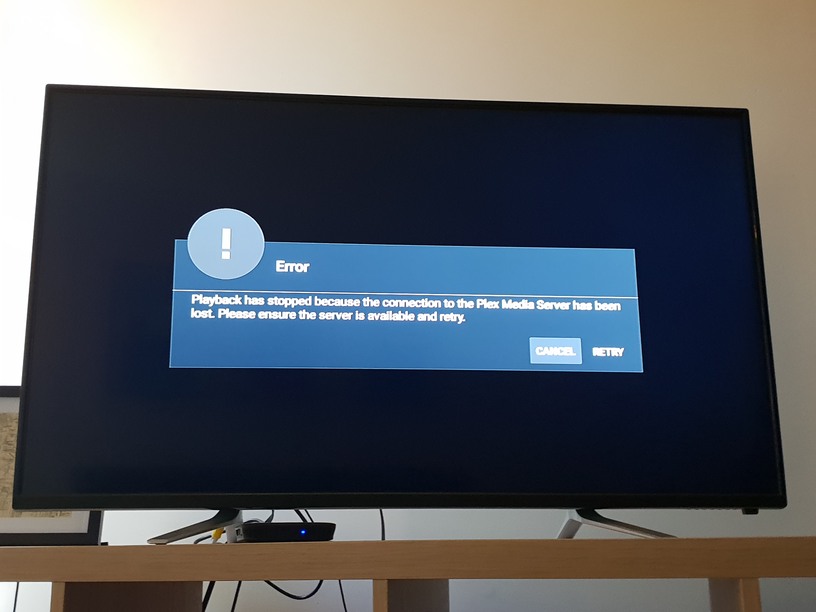
If I set “Audio Passthrough” to “Disabled” playback works fine with the quality set to original (default).
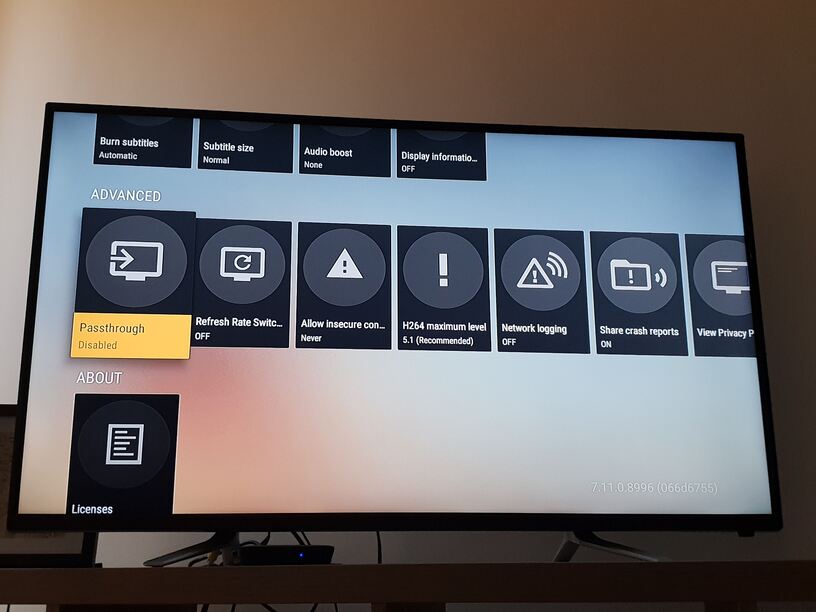
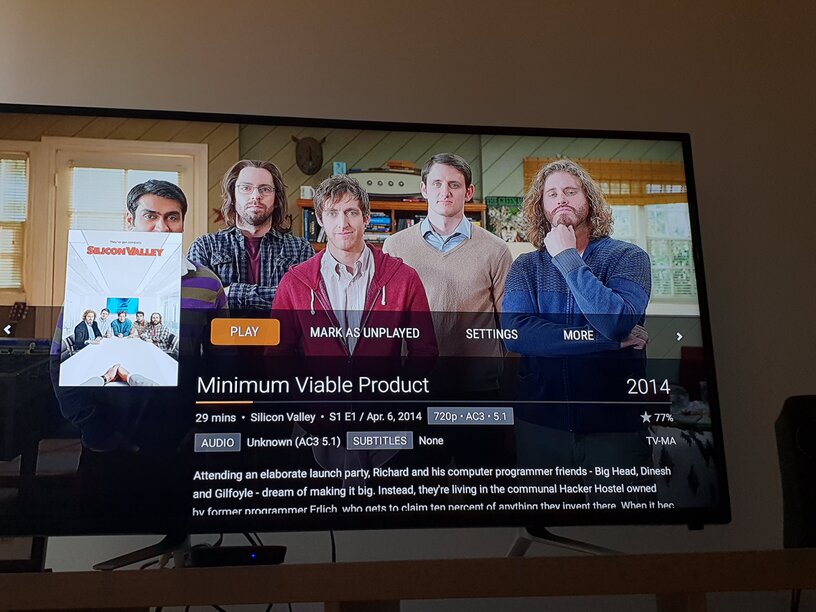
Please find my Mecool M8S Pro L logs here for reference: logging.txt (1.0 MB)
Connecting to Plex via LAN. Plex Server version 1.14.1.5488 running on a QNAP TVS-873.
i have an mecool km3 with android tv 9 and same issue, with ac3 audio the video sound is not working.
With the kodi app it works fine.
How is possible more than one year after and plex android tv app can’t play ac3 audios? i try with passthrought with all variants and same result.
2 Likes
@anon18523487 please take a look at my problem.
I have TV in PCM mode.
Audio pathtrough - disabled (tried all possible settings)
Mecool KM3 surround settings - auto (tried all possible settings)
I get no sound for AC3 until I force transcoding by reducing quality.
Here are logs:
logging.txt (1.1 MB)
Your Android TV device reports that it support 5.1 AC3. You have that disabled on your TV, so that means it’s up to your Android TV device to decode and downmix the 5.1 AC3 to 2.0 PCM.
As previously mentioned, if your devices lies about what it supports, we don’t have a way to override that. What you can try is to check the audio settings for your device and see if you can turn of surround sound support there. If it reports that it does not support 5.1 AC3 to Plex, then we will either do the decode and downmix in the app or have PMS transcode the audio.
@MovieFan.Plex I have Surround Sound set to Auto in the AndroidTV.
AndroidTV show correctly that it support only PCM.
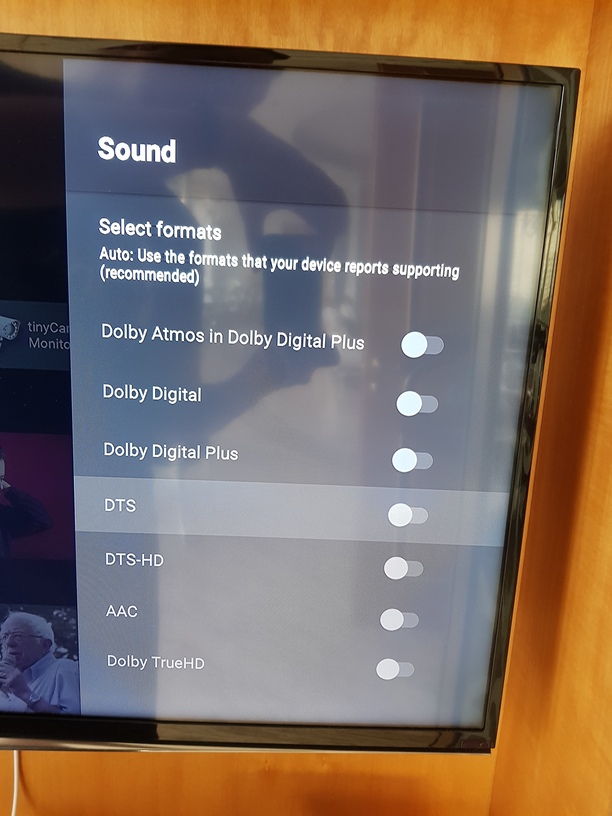
Are you sure that AndroidTV lies?
On the screenshot everything is correct.
Why plex uses corrects settings when I force decode?
If it still lies I would like to see advanced sound settings in plex app where I will be able to choose channels (2.0, 5.1, 7.1…) and sound formats (DD, DTS…) to solve this problem.
01-01 03:00:36.978 i: [VideoUtils] MediaCodec found (OMX.amlogic.audio.decoder.ac3) for audio/ac3
01-01 03:00:36.984 i: [VideoUtils] MediaCodec found (OMX.amlogic.audio.decoder.eac3) for audio/eac3
01-01 03:00:37.171 i: [MediaCodecCaps] Support detected: (audio/ac3, Max: 6)
01-01 03:00:37.172 i: [MediaCodecCaps] Support detected: (audio/eac3, Max: 16)
That is what is being reported to Plex. The image you provided is what you device can output. If that is the only audio settings, then it is not possible to override what your device reports it supports for the input. As I said before, this puts the responsibility of handling the AC3 back onto your device.
@anon18523487
In this case (when device fails to report correct settings) we can just ignore what device reports and override it inside advanced audio plex settings.
This may not fit in your original approach that android devices will always report correct settings.
But as results show Chinese manufacturers fail to do it correctly.
Mecool doesn’t have official website, to report the problem.
So currently Plex users suffer.
Here’s a user unable to trigger a Direct Stream - transcode audio only - and his FireTV plays no dialog tracks…:
on streaming device, Settings, Advanced, disable Passthrough.
that will solve all problems with AC3 and AC3 5.1
It doesn’t solve the problem.
No, it won’t:
At my house Passthrough works as intended 'cause the TV can downmix AC3 5.1.
Above link clearly shows nothing works for @samg_TV - as Plex refuses to recognize the TV can NOT downmix AC3 5.1 and also refuses to Direct Stream a transcoded audio mix that includes the dialog <---- and that’s pretty dam important, if you ask me.
Are you sure your tv box is downmixing to stereo? (Other players are fine? VLC, MX Player?)
I was able to force downmixing to stereo on my rooted tv box by editing the /system/etc/audio_policy.conf file on Android 7 ATV.
According to this test it can play any kind of audio format:
My goal is to deliver PCM only to the TV.
Settings:
TV - PCM mode
Plex - Audio pathtrough - Disabled
Android TV Box (Mecool KM3) surround settings - Auto
In Plex I get no sound for AC3 until I force transcoding by reducing max image quality.
Plex is the only app I have problems with sound.
I have just tried MX Player. I got no sound for AC3 until I enabled force SW decoder for audio.
