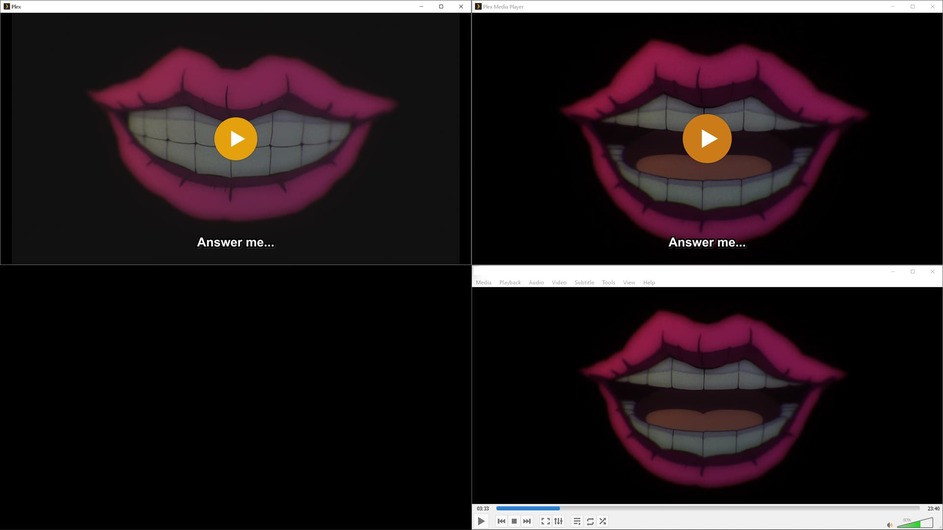
I dont know what the issue is, but the old PMP is much better for playing in windows than the newer plex media player. I think the new one does not do HDR tonemapping. Here is an example of plex for windows, pmp, and VLC. PMP has some artifacting thats not visible in VLC but is much better than the ugly gray mess that is plex for windows.
[mod-edit: got the image to show]
itd be nice if a plex employee could comment about if theres any plan on making plex for windows play videos with HDR tonemapping
HDR tonemapping should work with Plex for Windows as it uses mpv just like PMP or Plex HTPC. You may want to set special settings as you prefer in the mpv.conf. All the stuff that can be set is explained here => mpv.io
@Mitzsch which settings would I need to change to mimic VLC or PMP in the default plex app?
Normally you wouldn´t need to set anything, mpv does a great job with its default values. Just tried it on my windows machine with the latest version (1.43.3.2951-1d73e3f3) and it works gorgeously without anything specifically set in the mpv.conf
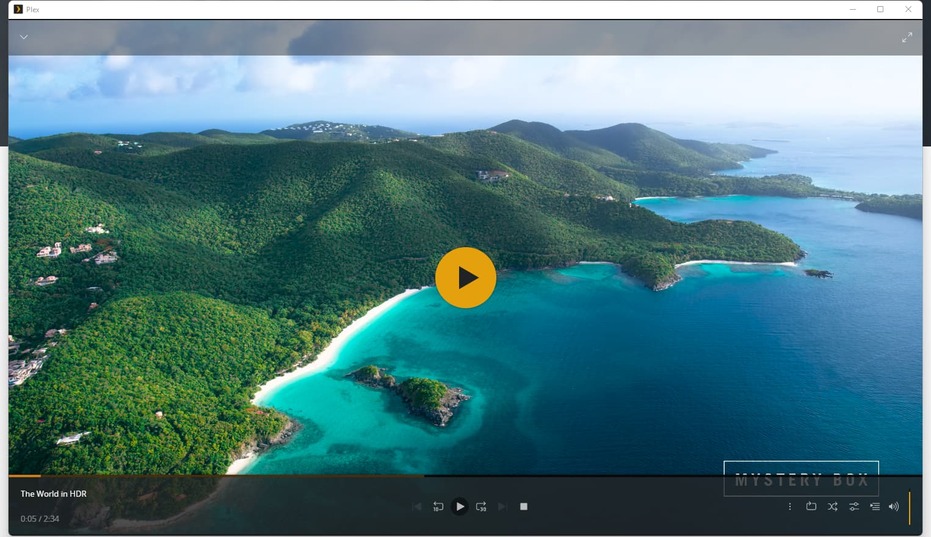
As you can see tonemapping works fine.
Maybe there is something wrong with your installation try to re-install Plex for Windows. Or can you share your logs?
Settings that are useful for tone mapping start around here => mpv.io in the manual. Just tinker with them as you like.
The latest “Plex for Windows/Mac” has this new preference:
Settings - Plex for Windows - ‘Show Advanced’ - Player - “Video Playback Quality”
Play around with this selector. Results may vary, depending on the type of GPU you have.
Do also toggle the “Use Hardware Decoding” checkbox on and off and compare results.
@Mitzsch @OttoKerner Thank you both. it appears uninstalling and reinstalling the app has fixed it. Maybe something to do with the fact that I installed plex for windows when it first came out and something borked a long the way through the updates.