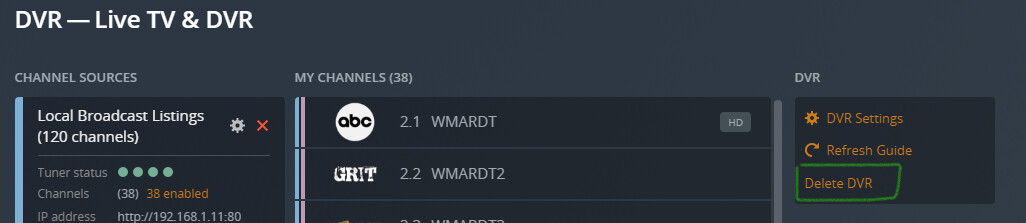
Server Version#: 1.25.6.5577
Tuner Make/Model:
- HDHomeRun CONNECT DUO
- Model: HDHR5-2US
- Device ID: 106320F8
- Firmware: 20220203
Guide/Lineup name:
Using XMLTV?: No
Channel number/Name:
When setting up my Plex DVR I am unable to find a way to enter additional zip codes in the DVR setup as found in step 5 of the DVR Setup guide on https://support.plex.tv/articles/225877347-live-tv-dvr/
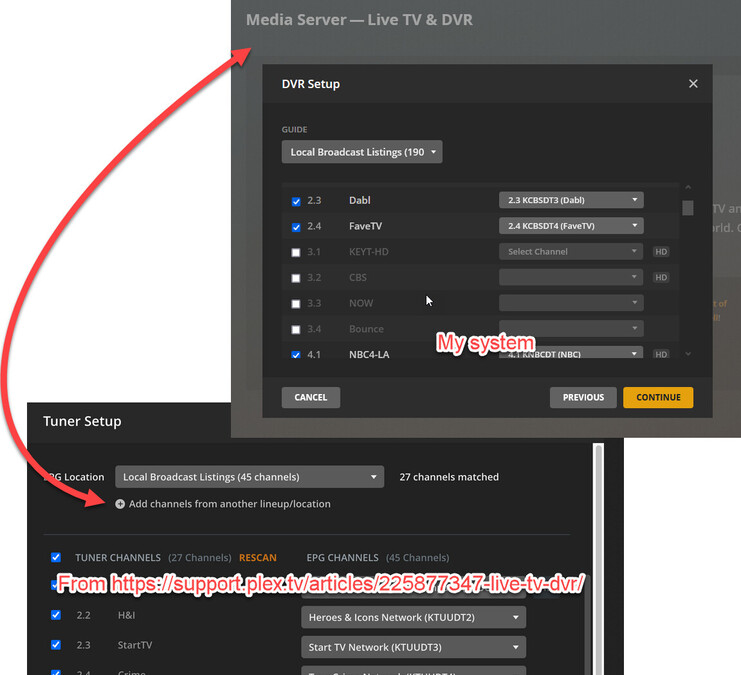
Image link if that upload doesn’t show: Imgur: The magic of the Internet
I realize that second zip code link is for the “Tuner setup”, which does not come up when I go through the Live TV and DVR setup as shown on that page.
But, the HDHomeRun tuner finds and assigns all the stations correctly using my home zip code. I live between Los Angeles and Santa Barbara, and get stations from both areas. The Plex DVR does not find channel mappings for several of the Los Angeles stations when I use my home zip code, but does for Santa Barbara. If I input a Los Angeles zip code in the Plex DVR settings, it finds those Los Angeles stations but not the ones in Santa Barbara.
Is there a way to enter an additional zip code into the DVR settings? Or should I just set up two DVRs, one for Santa Barbara and one for Los Angeles?