Album posters are all black boxes during poster selection - how to fix?

Server Version#: 1.25.9.5673
Player Version#: local web browser (edge)

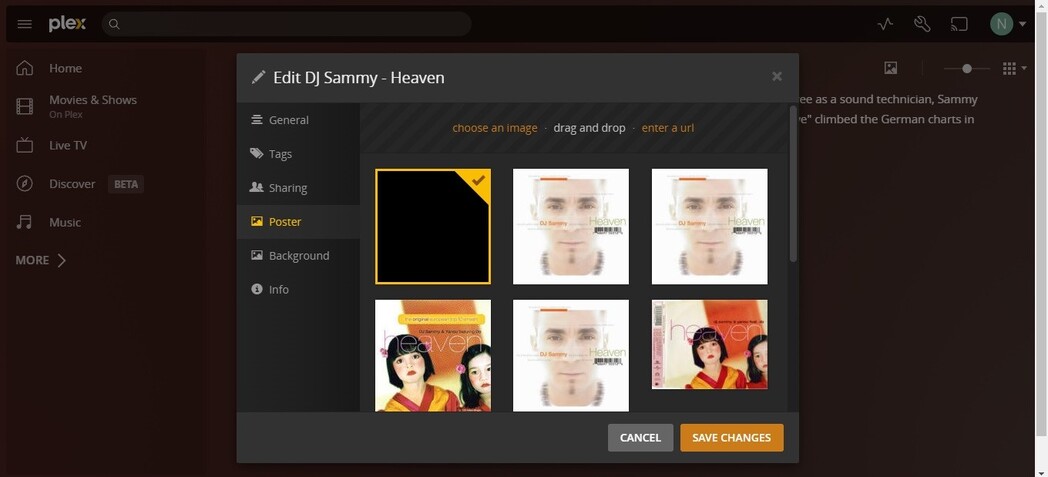
For albums, all posters are black boxes. No images are displayed after downloading metadata. The poster files appear to be on the server; however the web browser, Roku tv app, android app, and plexamp app do not show any posters.

Notice metadata is loaded:

Selecting edit shows a list of posters that are all black:

Posters exist on the server:

Opening one of the files above shows an album cover:

If I add a cover manually, it appears:

This cover also appears on the file system:

The system appears to not want to display any covers in the contents directory:

If I copy one of the files from the contents directory to the uploads directory, the poster appears.

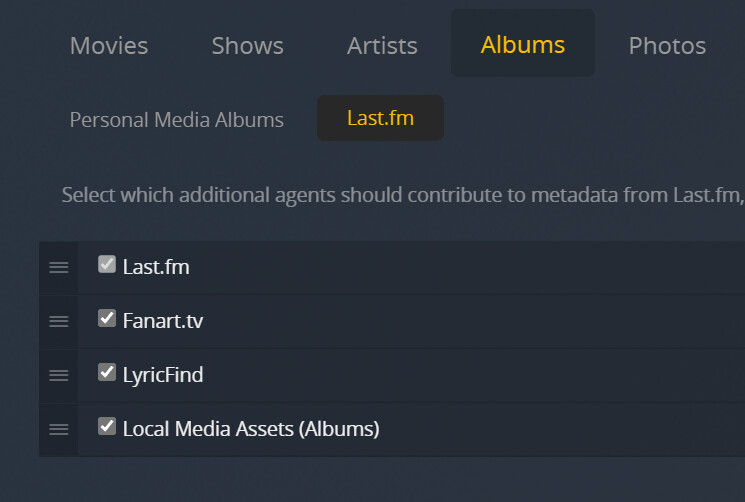
Library settings use Plex Music.

This is still a problem in 1.26.0.5715-8cf78dab3

Anyone have any thoughts??

I have the same issue with the TV shows folder, some of the newly added shows won’t load posters and background. And when I choose another poster it turns black and had no image, here are examples

Using the latest version of Plex Media Server 1.25.9

Still a problem in version 1.26.2.5797

This issue appears to be resolved in 1.27.0.5897

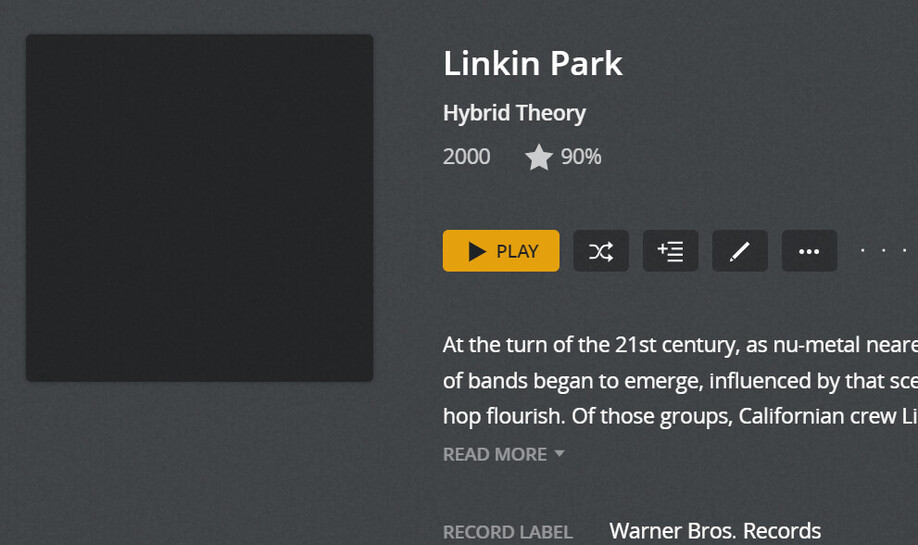
i have kind of same problem but with my music its selecting the black poster but in the poster section the album cover is there any help only thing that i can do is do it all manual which is a joke TIA included a picture to show what i mean
This topic was automatically closed 90 days after the last reply. New replies are no longer allowed.