I have encountered a strange issue that I cannot explain when playing media on Fire TV (4K) where the framerate stutters when direct playing, locally. I tested the exact same piece of media on Plex for Desktop (also local direct play) and it was fine without losing any frames.
Here is a screenshot of the media in question, as far as I am aware this should be direct playing without issues on the Fire TV 4K?
When I went into playback settings and changed the quality to “convert automatically”, the server was now transcoding the media in question but the framerate was correct. I’ve not encountered this problem with any other media on the server.
I also at the same time tried a 1080p h264 movie which played back without any issues.
Not uncommon at all.
XVID / DIVX files often have timing problems (the old encoders were buggy)
The new player devices aren’t as robust with XVID / DIVX files as they used to be (H.264 / HEVC / AV1 is the new focus)
Couple that with AVI files (old ones) and you’ve set yourself up for compound problems because older AVI files had the same problem.
Transcoding solves the problem because it fixes the timing problems from the original file as it’s output
There are two possible solutions here.
-
Remux the AVI → MKV using a tool like MKVToolnix. If the problem is the AVI container then MKVToolnix will fix it because it writes new timing into the MKV file.
-
Converting to H264 (not HEVC) would also be more than enough.
Were I to convert such things, example: You’re showing a 1010 Kbps file so I would set the target bitrate of the new H264 file to be 1500 Kbps and let it do two-pass encoding (assuming handbrake tool). Setting higher bitrate lets it decode to a higher raw rate but the two-pass process pulls the result back down . This is something to tinker/play with until you find what you like.
I have a lot of DVD rips of stuff never released on Blu-ray. I’ve found setting the FireTVs to always transcode works well for them.
Hi,
Thanks for the response, although I did not use the tools mentioned due to a lack of computing power to do so, I tried what you’ve suggested (I’ve attached the media info for the newly encoded file and the framerate issue still persists on the same client device. Runs smoothly on Plex for Windows again when I tested it.
Could it be something to do with the framerate? At certain times throughout the choppiness will stop and the media will play at the correct FPS - this is very rare however.
Missing From Screenshot
Width 704
Display Title 480p (H.264)
Extended Display Title 480p (H.264)
Codec AC3
Channels 2
Bitrate 192 kbps
Language English
Language Tag en
Audio Channel Layout stereo
Sampling Rate 48000 Hz
Display Title English (AC3 Stereo)
Extended Display Title English (AC3 Stereo)
Is there anything else that I can try here, other than just having the Plex server (running on Pi 4) to transcode - @NateTheBrewer Thanks for the suggestion. I don’t really want to transcode, all of my media should direct play 
Thanks
Here, take this video file (3 Mbps Jellyfish sample)
Create an ‘other videos’ section and place the file there.
Let’s see how it plays.
I would appreciate seeing the DEBUG server logs when done.
FWIW:
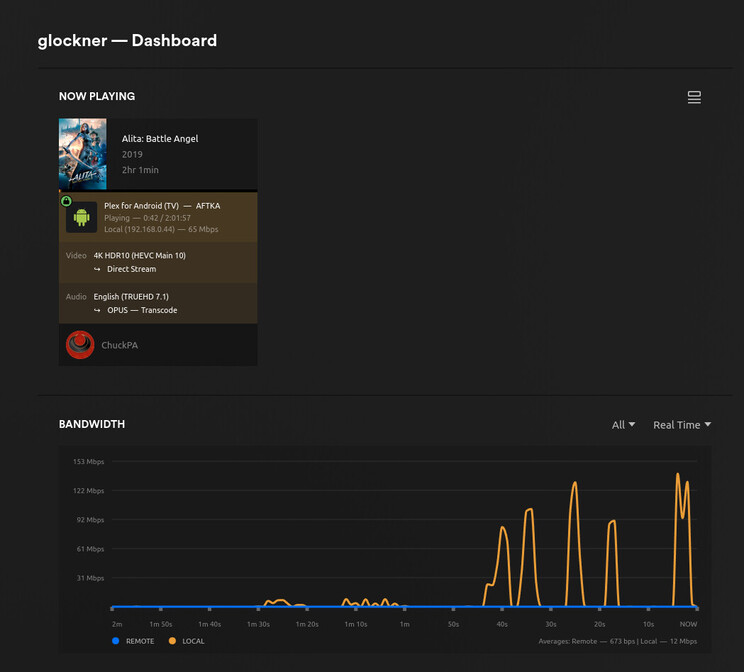
Here is my FireTV 4K Max playing.
It’s converting the audio only.
I have ample CPU to convert the audio and remux the MKV.
The WiFi is 802.11ac which is more than fast enough
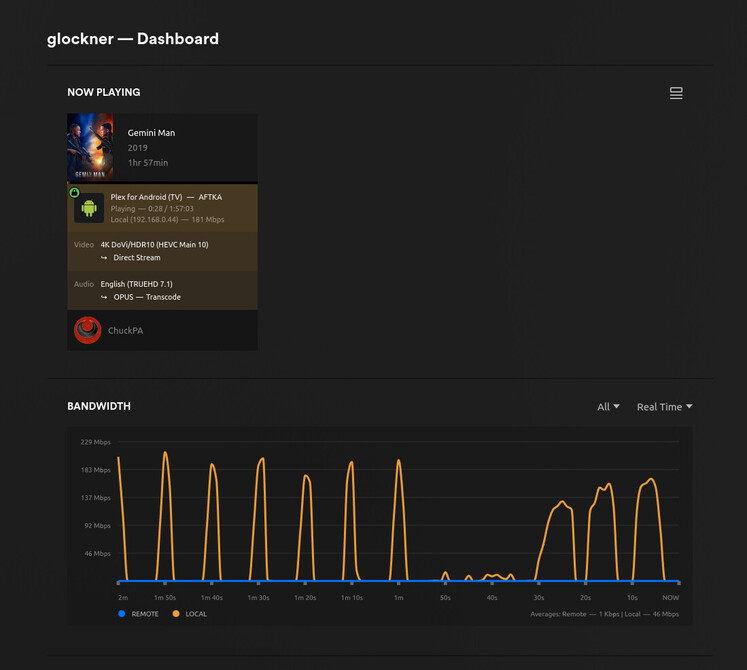
Here is Gemini Man (59.94 FPS) without issue.