Version: 7.27.0.14746 on Samsung Galaxy S10 (Android 10)
First of all, since the last update the app does not show the first letter in this yellow bubble on the right side when scrolling fast through the library.
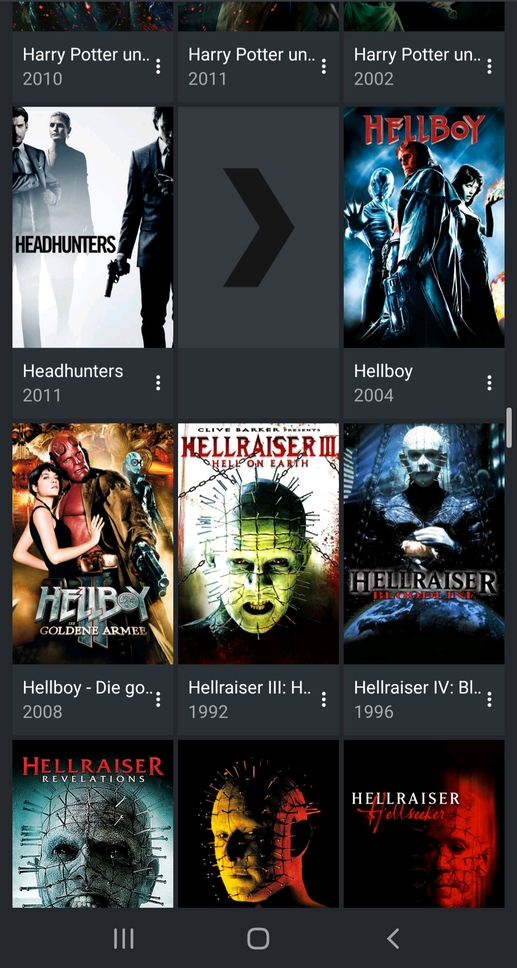
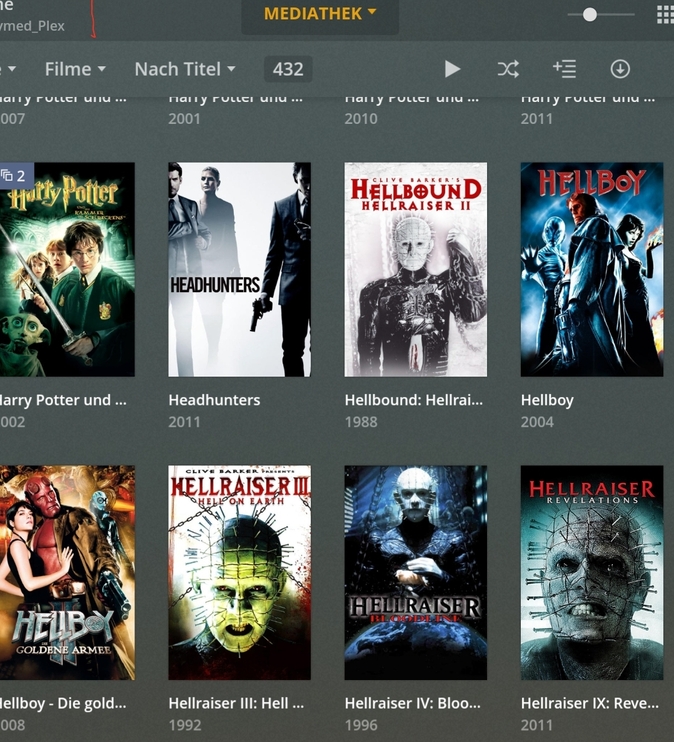
Second, there are some very odd empty frames between the other movies in the list. It looks like the poster of the movie is not loaded yet… but then it remains empty.. clicking on it has no effect…see screenshot
I haven’t seen this issue at all. Can you check how this looks on Web (is there actually and item that could be in that space?), what is your server version?
Interestingly, no! Right now it loads perfect. Currently it is another poster that doesn’t load
It seems to be at random. However beside this issue, these first letters in the yellow bubble are still not available
@TobyX While the first letter is still missing when using the slider, I’ve tried several times to recreate the empty frames issue on the latest beta 7.27.0.14844-beta without success. Can you double-check please?
Empty frames are gone with the current beta but only when scrolling very slowly through the library… when I am too fast and posters are not loaded yet, sometimes an empty frame appears.
Did you also tried to scroll very fast through your library and look for these empty frames?
Importantly, only in the middle (like in my first screenshot).
I tried flicking fast forward and backwards and doing the same with the slider, but I’ve just not been successful in recreating the issue with this latest beta. I’m not sure if it’s my imagination, but I just feel that the movie posters are being populated much more quickly this time. This is true even if I turn off wifi and just use mobile data.
However, if you’re experiencing it with the latest beta, the issue must still be there. I’ll keep trying. but so far nothing.
As for the empty frames, I’ve tried several times today and I’ve just tried again, I’m unable to recreate this issue now. Cautiously suggesting that beta 7.27.0.14844-beta has addressed this for me.
Strange… because I was able to replicate quite easily the empty frames issue with the previous beta. Anyway, for what it’s worth I’m working with Android 10 on a Pixel 3XL.
Did you mean missing first letter when using the slider? The slider is there for me (though its narrowness on the right side of the phone in portrait mode makes it a bit awkward to operate).
That might be the reason; I am using Android 10 as there is currently no newer version for the Samsung’s Galaxy S10 (note this is still their newest model from the Galaxy series - no old fashioned Android furthermore).
Ah! I see this slider but it is very(!) narrow. Grabbing it is rather luck
In landscape it’s indeed better.
Okay! Slider is there but too narrow in portrait mode (in my opinion!)… however as @basilh said, no first letters