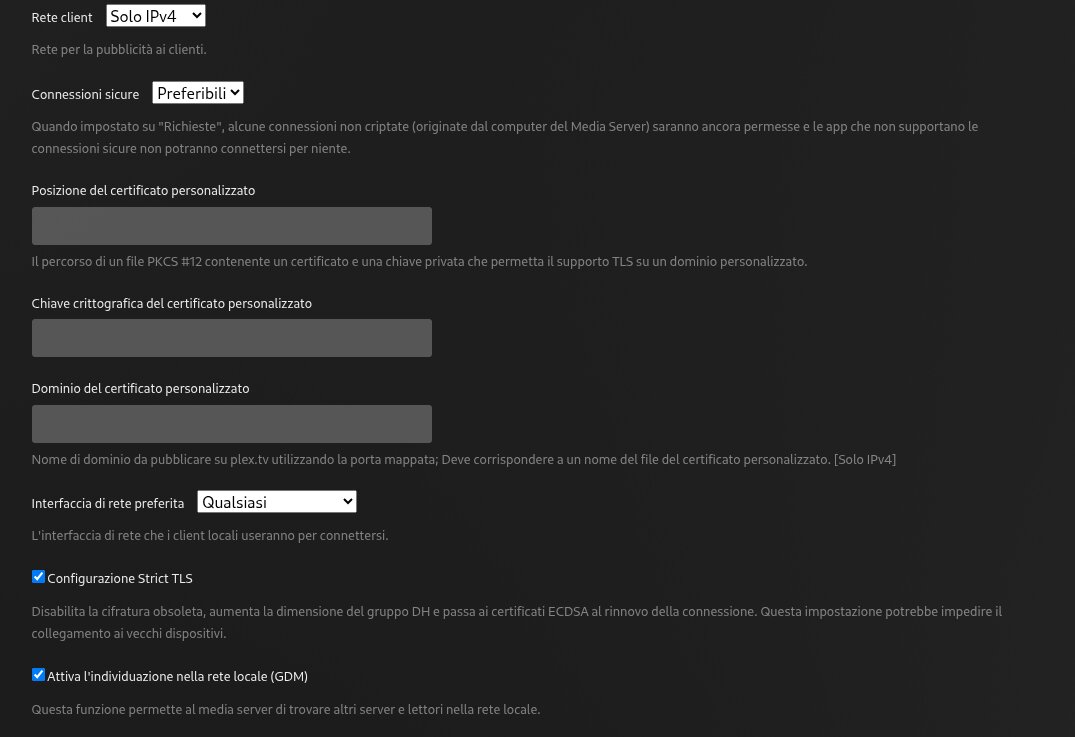
Hi. For about two weeks now, when I go to app.plex.tv, I can’t see my server anymore. I correctly enabled port forwarding on my router to port 32400. Everything worked before. Now, after a while, I can’t see anything on app.plex.tv anymore. The only solution is to restart the server, but shortly after that, it disappears on app.plex.tv
What do you think a 127.0.0.0/255.0.0.0 actually does? That is designed for network/netmask for your local LAN. If you have a standard class C LAN it should be 192.168.1.1/255.255.255.0 However given your suspected technology skill level, trying to work it out and walk you thru it correctly isnt worth what it gains. in 99% of cases its not needed.
Can you please provide the requested server log zip? The single file you provided doesn’t capture the server initialization process.
@OttoKerner@dbirch I don’t know how long you’ve been using Plex, but about 10 or 11 years ago, there was a bug where I couldn’t transcode media to the server. A few months later, I discovered the server couldn’t connect locally. Strangely, after debugging the problem and adding the entire localhost network to the server settings, everything started working fine. The situation has now been fixed, but I’ve left it that way ever since. It doesn’t hurt, after all… and it could also be useful for some scripts running locally or when there are problems connecting to the server via an account (we all know Plex sucks. Most updates break some features, not to mention the questionable decisions the devs have made over the years!!). So, in answer to your question, I know very well what a Class C or Class A or localhost! Unfortunately,
Among other things, I also had my internal network and my home network in that setting before, only plex every time I reboot, always deletes some settings that I enter (this thing has been present for many years still!). I think I will open a ticket in the future for this problem.
Plex sometimes forces you to do nonsense to get it to work!
That said, here are the server logs I’ve accumulated over the past few days.
Unfortunately you disabled debug logging making most of the logs useless. I am just seeing you are using docker, without the normal server initialization logs that give a lot of info.
I would recommend enabling debug, restarting the server, give it 5 minutes and grab a fresh set of logs.