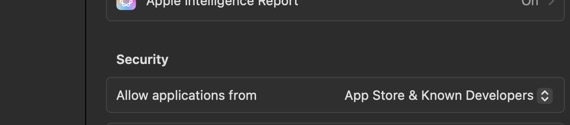
I downloaded the app, deleted it, reinstalled it, restarted my device, etc. etc. etc. I cannot get it to open. The furthest I get is “This is an app from the internet, are you sure you want to open?” I click yes and then nothing. I try to double click, clear cache, etc. Anyone else having this issue? I just bought the lifetime subscription and will be pretty upset if I cannot use it to upload family videos from my Mac.
When installed add this to a Browser add bookmark. For me, I have added it to Safari as a Homepage as I use another Browser for my everyday needs as a default. I don’t use the Chevron in Menu bar to Open Plex.
Keep in mind that the server does not have a user interface. Running will do nothing except you’ll see the Plex icon in the taskbar. You open the web client, either local copy or online version, to manage the server.