Plex is unifying their user experience across all platforms and the “Recent Channels” option is being removed and you will be forced to select “Live TV” and then select a channel from the guide. This is a terrible user experience on Apple TV and mostly just spins and never shows the channel you want to watch (and I have gigabit internet and my Apple TVs all connect using Cat6).
The current iPhone and iPad experience is terrible, and shows what’s coming to Apple TV.
To protect yourself on Apple TV, go to Settings > Apps > Automatically Update Apps and turn off.
To anyone interested, I’m now on Version 2025.29 and there is nothing to fear except some features yet to be implemented. The new player is far better with stuttering gone and the feature of find subtitles a fantastic experience for Foreign Language content.
So your claims it just spins and never shows channels has been no issue for myself. This sounds more like a server issue.
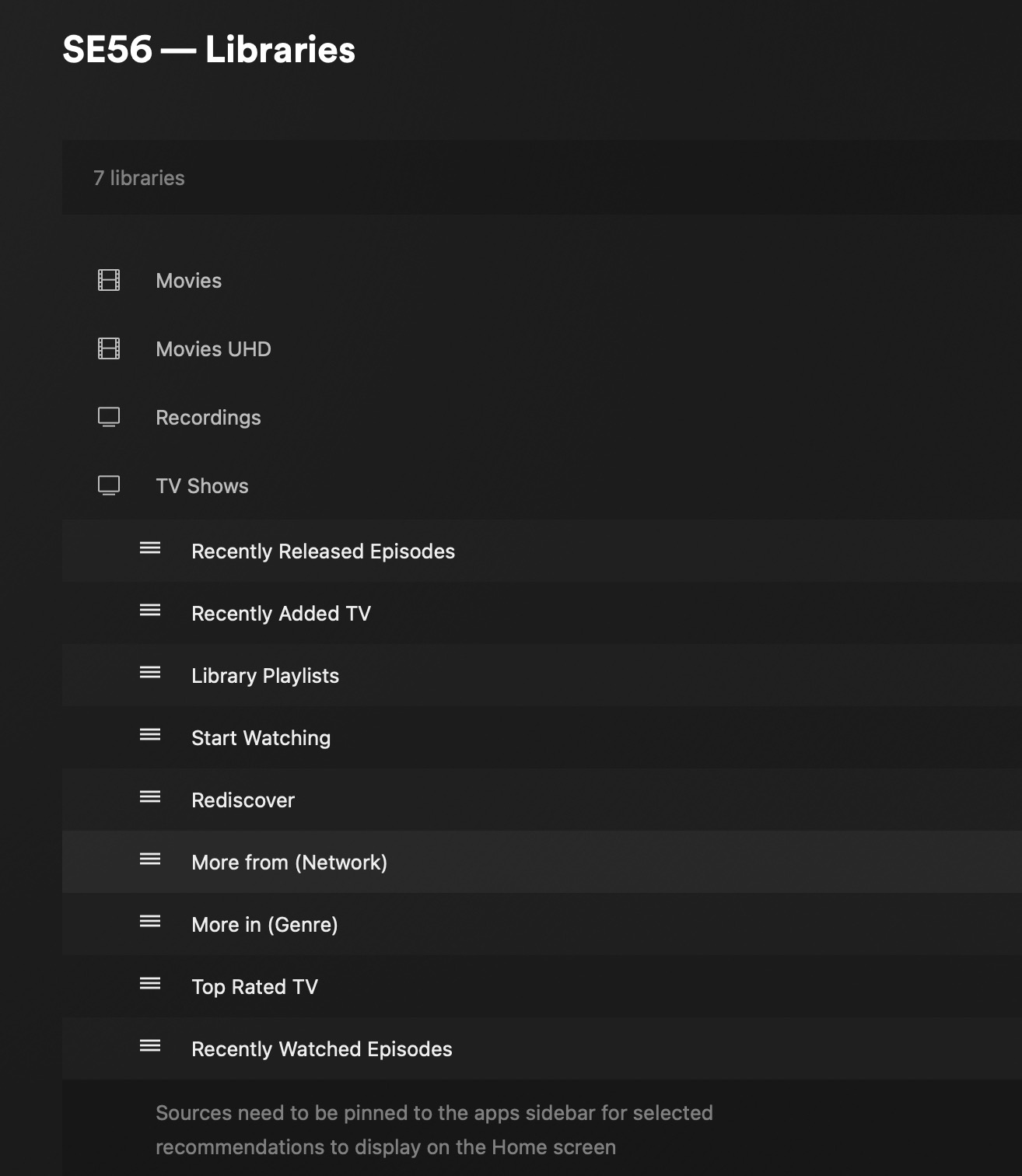
Too add I was a user that normally liked using Libraries from the left menu. Now I live from the Home page, if set up correctly is far superior, I would never go back. Visits to my Libraries are not often now days and will agree are not as convenient, yet it works for me. Not forgetting Customisation of Home Page is often overlooked to add exposure of libraries to the home page. (Server Setting)
@SE56 I’m not sure if you understand my post. I’m talking about being able to select a TV channel from the “Recent Channels” option instead of the Live TV Guide (which sucks on Apple TV, iPhone, iPad, and Roku TV).
If you have an iPhone, iPad, or Roku TV you will be able to see what’s coming (your screenshot has no relevance to what I’m saying).
Ok, I do understand. For me I use IP TV apps for viewing and Live Tv DVR for recording. In my location picture quality of IP TV is not interlaced but progressive.
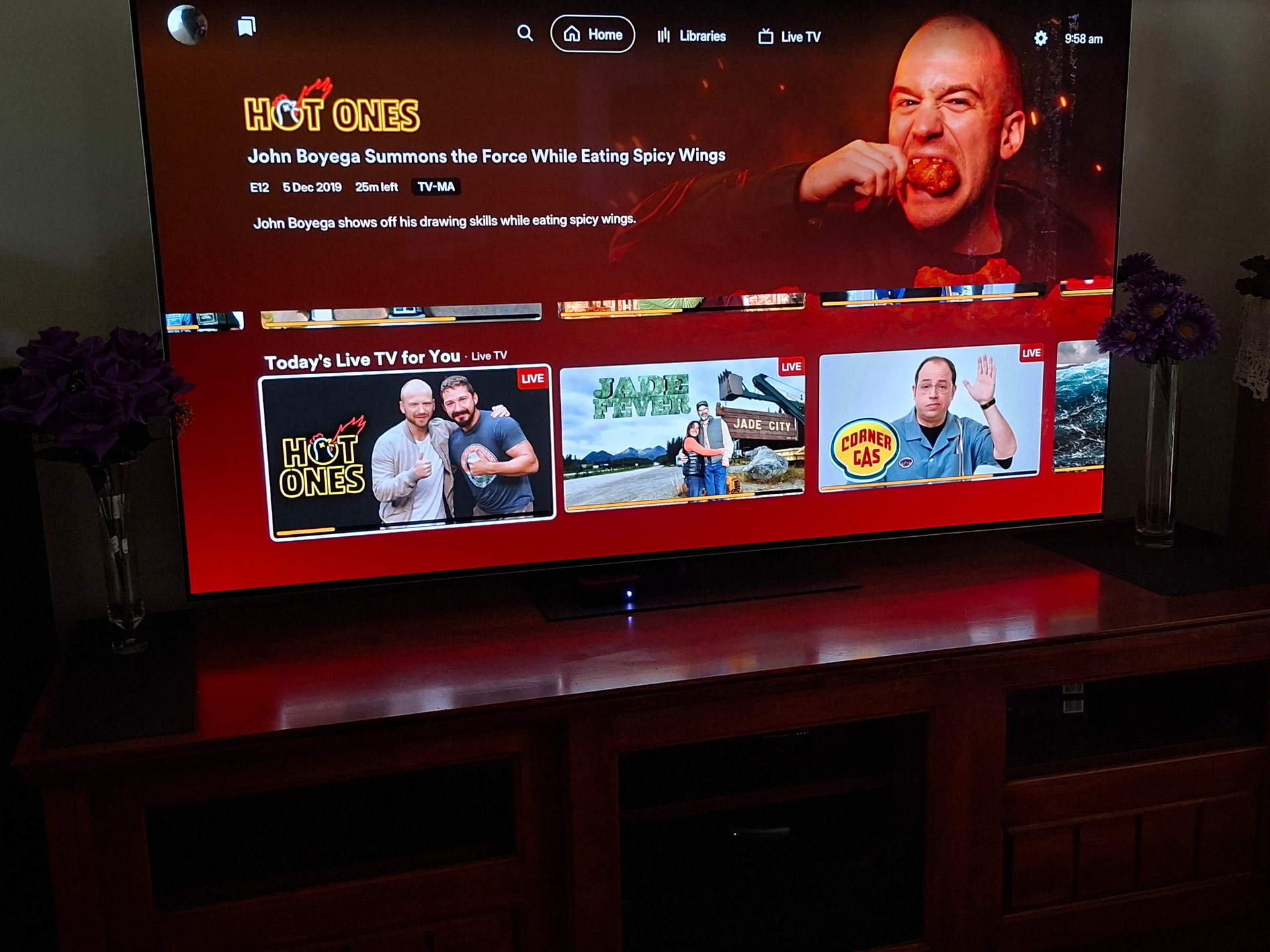
Anyway this is what it looks like and works perfectly, this is reliant on the quality of Program guide providers.
For What on Plex Channels it is found on Home Page with Guide link
OTA /Terrestrial ChannelsWhat on Now is found in Guide page which does have a link at the bottom of Home page or from top Menu on ATV (Left Menu).
Recent Channels has been omitted and is now more reliant on Favourites.
I agree that Recent Channels is a useful function for the home page and should be customisable for the Home Page.
@SE56 here are the facts. This unified update has already rolled out on iPhone, iPad, and most recently, Roku TVs. It’s just a matter of time before it hits Apple TV and the point of my post was to offer a way for Apple TV users to prevent this from happening (since you can’t rollback app updates). IMO, your comments were a distraction from the point of my post, which is why I said they were not relevant. I’m sorry if you don’t like my tone, but I stand by the purpose of my original post.