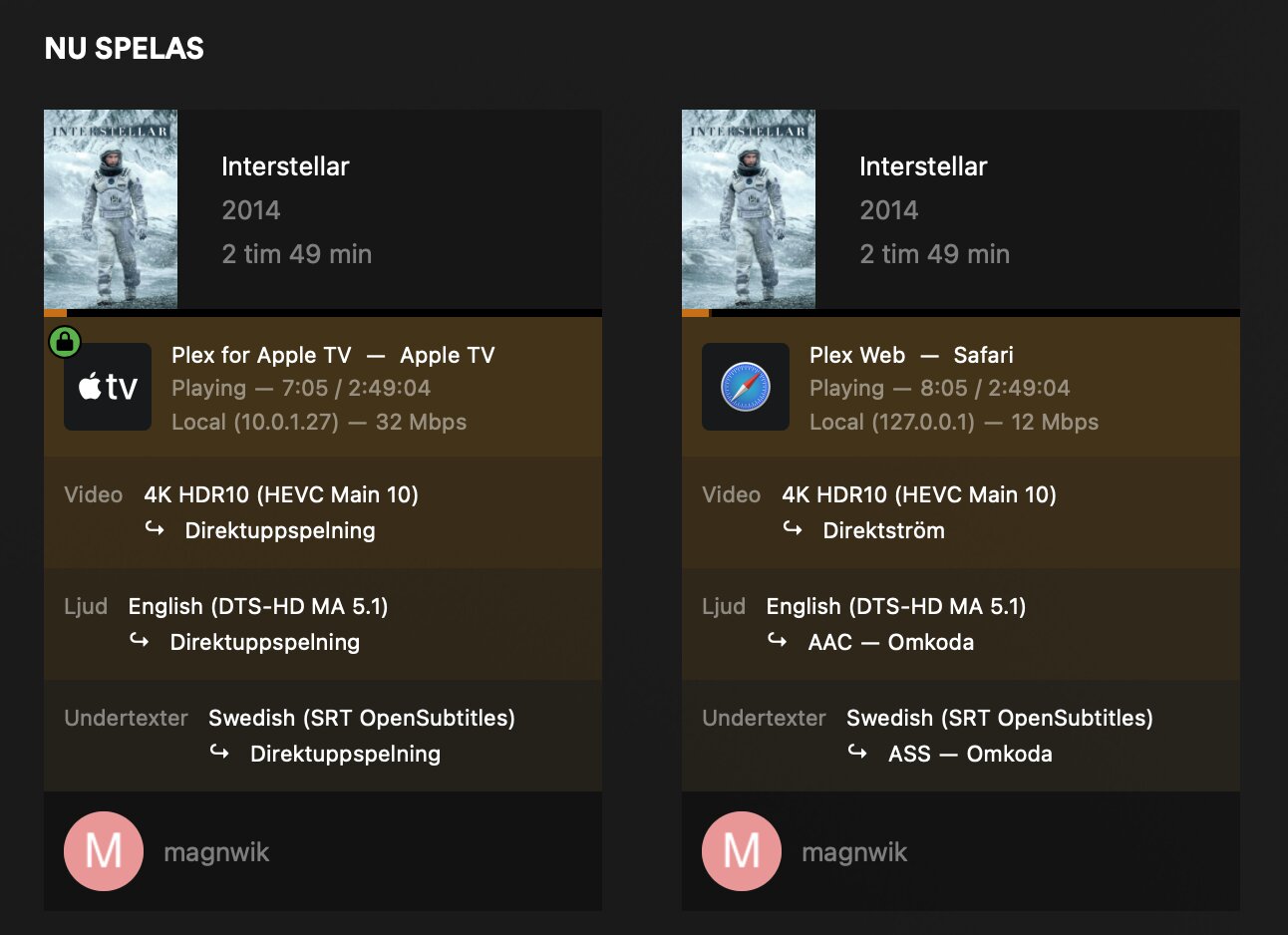
If I watch a movie of about 10GB 1080p, after a while the movie starts to show a black screen with the rolling loading symbol, then the movie reverses for a few seconds, and then it flows for a minute or so and then it starts again with a black screen. I have a MacMini M1 and Apple TV 4K 1st gen. All movies are on a WD 5TB Elements Portable, USB 3.0 Read speed 50 Megabytes per second Write speed 125 MB/s Data transfer speed 1 Megabyte per second Is there a setting I have missed or is it the equipment that is wrong?
WD 5TB Elements Portable, Hard Disk Esterno Portatile, USB 3.0
I don’t think the device itself is too old.
Still… which exact versions of the Plex Media Server (Settings > [Server Name] > General) and the Plex app on the Apple TV do you have installed?
The bandwidth mentioned as „10 Gbps“ implies the video wasn’t fully analyzed by Plex. Does the behavior change if you manually trigger Analyze from the movie‘s context menu?
Similarly… it appears the WEBVTT subtitles can’t be displayed as is and require transcoding. Do you experience the same playback issue if streaming this video without subtitles?