

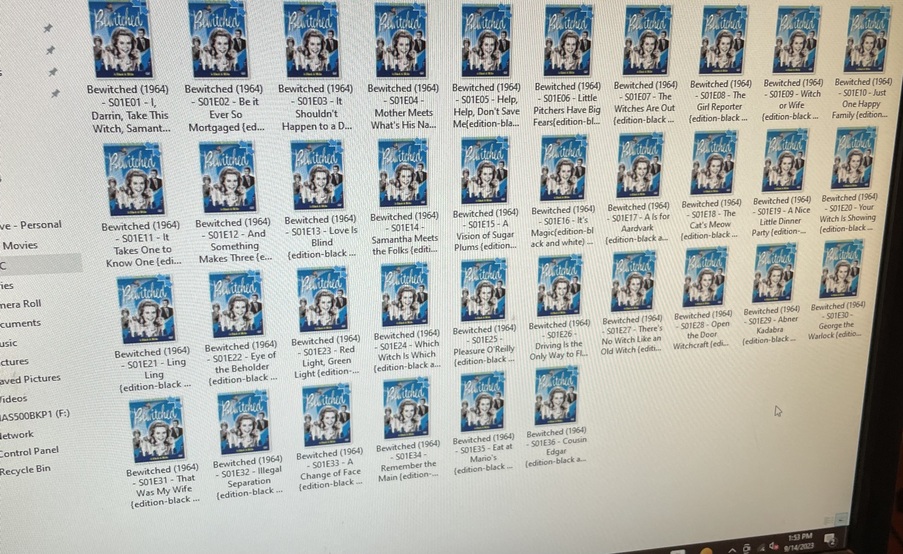


Why won’t it split the difference between b&w Vs color
Please stop posting every question you have in the feature suggestion category
Please stop posting things and not explaining what you think is wrong.
The screenshots above seem to have nothing to do with whatever you are asking about.
What does this mean? How does a screen shot of your files explain whatever it is you are reporting?
I just thought because there to different versions color vs b&w i ws wondering can we have it where it’s one version b&w and the other 1 In color


Because you put them both in the same “BeWitched (1964)” folder. You need to separate them something like
“BeWitched (1964)”
“BeWitched (1964) [Black and White]”
It will still combine them but then you can use the Split Apart feature at the show level to make two separate listings. Then you will need to rename in the edit Window which is the black and white one.
I see you are trying to use the Edition feature but that only currently works with Movies, not TV.
Can we add that feature across the board so then I don’t have to change it
Maybe, but I cannot say when that might be. It would not be anytime soon imagine. You would still likely need to put them in separate folders.
They are in to separate folders so if i label the folder with this would it work [Black and White]


I want a way to pull my names difference between color and black and white
Server Version#:
Player Version#:
<If providing server logs please do NOT turn on verbose logging, only debug logging should be enabled>
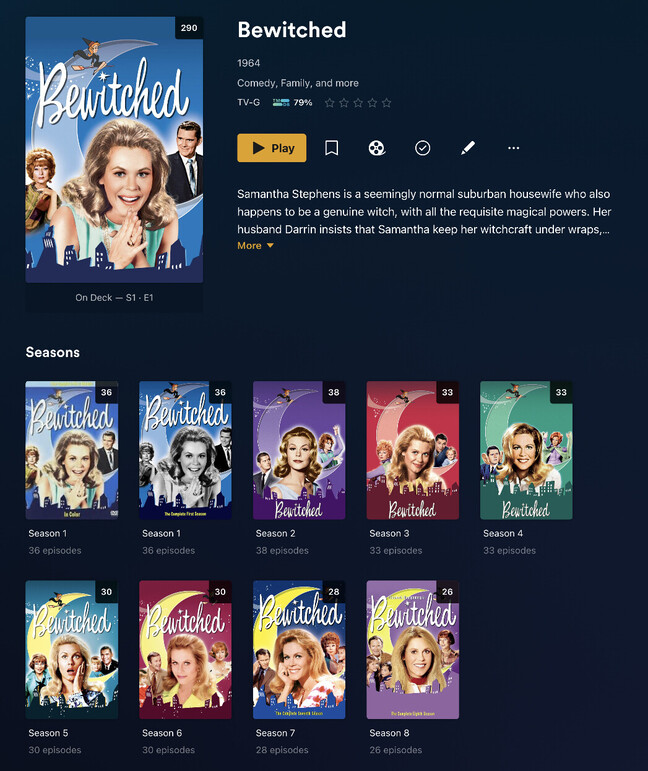


Why can’t it pull all names from the file for color versions like black and white versions

Plex doesn’t currently have a concept for different editions of the same episodes/shows. As for a workaround on how to do this, you got already some hint/guidance from BigWheel.
If you have more questions, let’s follow up right here instead of posting the same pictures over and over (without the actual context)
I was wondering why won’t it allow it automatically pull names from both places because it’s already labeled
Plex is not considering the text you place in the episode file names as input for the actual episode title. If you place that information there it’s purely for your convenience to find it in your file manager.
Plex is deriving its metadata (titles, descriptions…) from online sources, e.g. The Movie Database or TheTVDb, or – if configured accordingly – from embedded metadata in your files.
At the moment your best shot is what BigWheel has explained…
Place the different versions in two separate tv-show folders – let Plex add the files – then select the Split Apart option on the show (not the season or episode) – this will give you 2 “Bewitched” entries in your library… check which is which and manually add the “Black & White” part to the correct show.
Example:
C:\media\tv shows
  Bewitched (1964) [black and white]
    Season 01
      Bewitched - s01e01 - I, Darrin, Take This Witch, Samantha.mp4
      Bewitched - s01e02 - Be it Ever so Mortaged.mp4
      ...

  Bewitched (1964) [colorized]
    Season 01
      Bewitched - s01e01 - I, Darrin, Take This Witch, Samantha.mp4
      Bewitched - s01e02 - Be it Ever so Mortaged.mp4
      ...
The Split Apart option is only available on the show level if there’s multiple top-level folders that are associated to the show (here: Bewitched (1964) [black and white] and Bewitched (1964) [colorized]).
https://support.plex.tv/articles/201018248-merge-or-split-items/
Maybe, hopefully, Plex will at some point add support for different editions as it’s available for movies. At the moment that’s not an option 
