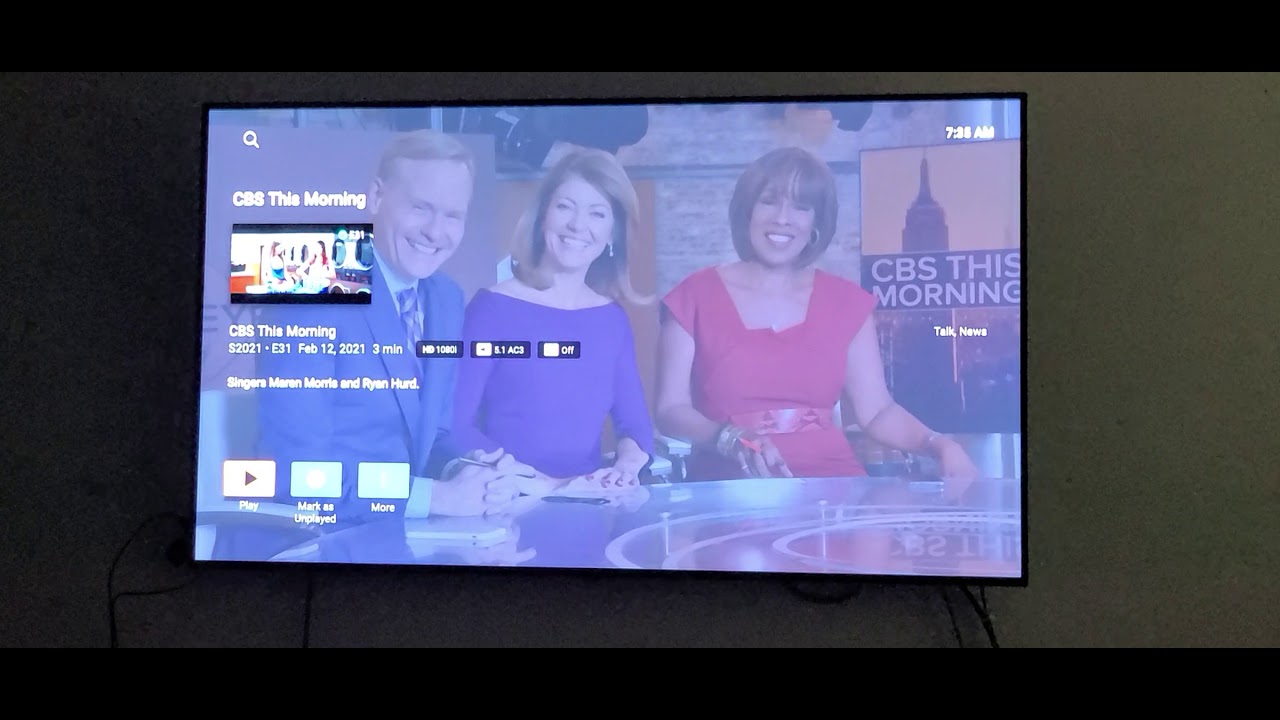
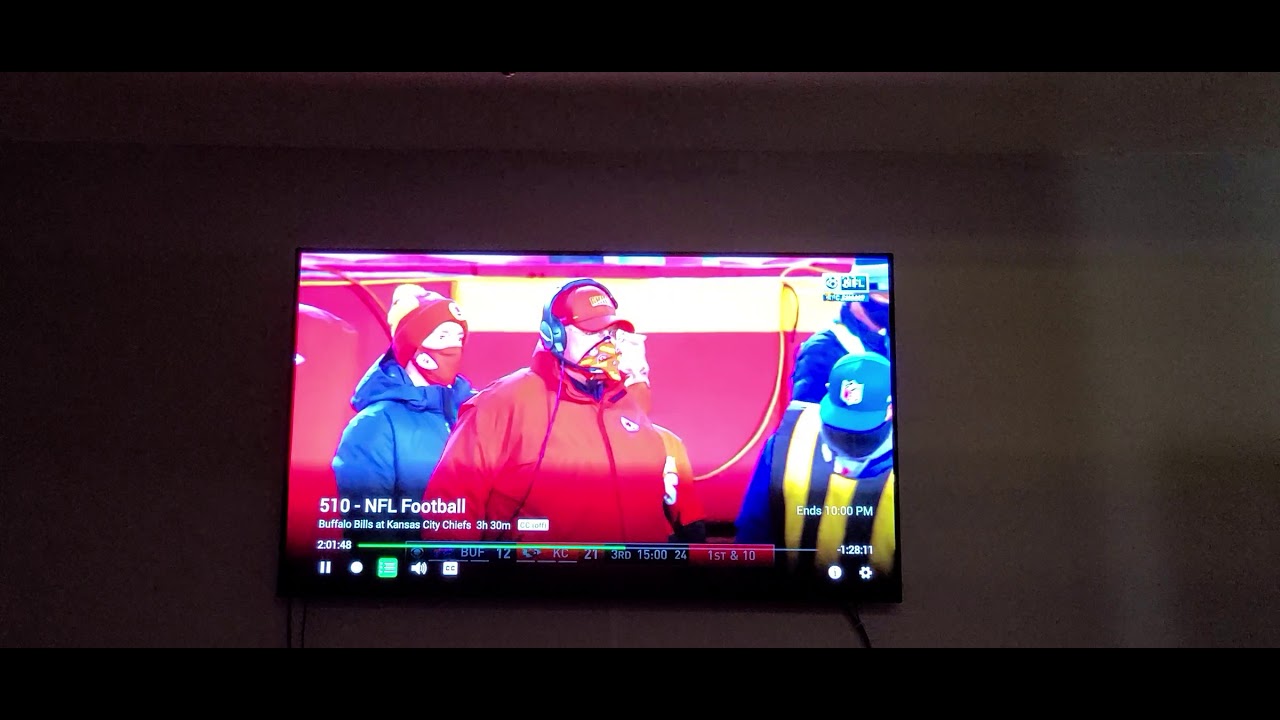
I have noticed that Plex DVR has a very bad picture quality when streaming live TV from a HDHomeRun, compared to other apps using the same tuner device. PQ inside the HDHomeRun app as well as my GoogleTV based Sony TV, which can also connect to the tuner, have a way better quality.
Another thing I noticed is that my TV, when streaming directly from the HDHomeRun, says that those streams are 1080p, while Plex says the same stream is only 720p.
Is there anything I can do to improve PQ in Plex’s DVR?
@cryptochrome Which Plex client(s) are you using that are transcoding down to a lower resolution? If Plex Web, then I’d suggest trying one of the installed clients (such as Plex for Win). Plex Web is the most likely client to cause transcoding. If Plex on Roku, then check the Video settings in the Plex app. In particular make sure that allowing direct stream is checked, that local quality is set to original, and that allow MPEG2 is checked. Also verify in the Dashboard in Plex web when a problem stream is playing to ensure that the client is recognized as “local” (assuming this is a local client.)
Also, what model HDHR is this? If it is an Extend, then verify what transcode setting you have set IN PLEX. The transcode setting on the Extend isn’t used by Plex.
the Quality/Remote Quality in the Plex app is in full control over your server and “720” means you’ve never changed it from it’s default. <—or a Network Malfunction has your playback
in ‘Relay’ (Dashboard Details will reveal that condition). <—720 is the max for Relay and it’s just awful quality (it’s an Emergency Network Failure Option - to be used only in Dire Emergencies, temporarily, until you figure it out and fix it).
It’s also very likely your TV’s Plex App is transcoding interlaced material (find that setting and disable it), which might be a good idea, if your TV isn’t already de-interlacing anything that shows up interlaced - like mine does (check for that possibility and react accordingly).
Live Advertising is a PITA - to be honest.
That’s why I stopped watching any of it about 40 years ago and in that time span it’s only gotten worse, not better.
I am not sure it’s actually transcoding down to a lower res. German broadcast TV is broadcast at 1080i, so it’s probably just deinterlacing the content (which will end up as 720p).
The client I am using is Plex on Android TV (Shield).
And yes, it’s a HDHR Extend. Where in Plex would I set the transcode settings for the tuner? I am only aware of the general transcode settings that apply to normal content, and there is no resolution setting there.
Thanks, but that’s not whats happening. My settings in the client are set to stream at maximum quality, it’s not set to automatic or forced to a lower resolution (it’S all direct-play and direct-stream). There is also no network malfunction and I am not going through Plex relay.
This is more likely what’s happening, as German TV is broadcast at 1080i, so deinterlaced that would be 720p. There is also no setting in Plex to influcence deinterlacing behavior.
However, what I don’t understand is why all other apps use 1080p (this is probably upscaled 1080i to progressive 1080p by the HDHR). And I also don’t understand why there is such a massive difference in PQ between playing back the TV stream through Plex vs. playing it back through other apps.
To find the Plex HDHR Extend transcode settings go to Plex Web → Settings-> Live TV&DVR. Then click on the gear next to “HDHomeRun Extend”. The “Transcoder Quality” drop down is what you are looking for. “Original Format” is just that - no Extend transcode. “Highest Quality” will give up to 1080i60/720p. “High Quality (30fps)” up to 720p30 and so on…
Now that you mention it, LOL. Didn’t even notice. Just read up on it and it seems the Expand is a US only model. Oh well. I guess I just keep watching TV through my TV’S built in app.
De-interlacing would produce a 1080p video. However, the Shield can directly play 1080i so it shouldn’t need to do anything. Can you play something again then grab the Android logs?
Hi @MovieFan.Plex this is correct but hdhomerun has found a issue with the Nvidia Shield deinterlacing 1080i MPEG2 content in certain circumstances which I don’t exactly understand. This is probably what @cryptochrome is experiencing. The picture quality is terrible when this happens it causes it to be very jittery, blurry and pixelate even on cable. The only solution is to transcode it into 1080p but unfortunately the application in Plex does not allow you to do that. Hdhomerun has some type of fix for it built into their app. This has been going on for almost a year-and-a-half now. I brought this up to Nvidia developers multiple times and they said they would look into it but they’ve done nothing. Any other Android device playing the same channels work fine. A good example for me at least is Discovery Channel & NBC 1080i is terrible and unwatchable most of the time on the Nvidia Shield. Since Nvidia won’t put a fix in on the shield hopefully one day Plex will put a transcode to 1080p option on the application:). I’ve been following this for over a year .
As for Plex reporting it as 720p and not 1080 p or I I’m not sure. Have you tried a different client device other than the Nvidia Shield? I have a TiVo Stream just to watch Discovery Channel as I really don’t care for the hdhomerun app LOL
My pleasure just hope it’s fixed one day. It’s been going on a long time. It’s not really a Plex problem. But hopefully Plex can put a fix in the client software like hdhomerun did to fix this since Nvidia doesn’t want to fix it.

 .
.