Thanks! I saw the posts above about two songs playing at once, but wasn’t sure if the source of the issue was the same as having a duplicated player.
1 Like
About Android Auto, I mention that when I turn off the car, the Plex song is regularly paused.
When restart the engine and open AA, I must manually enter Plex under “playback”: the piece starts again but the word “search for selection in progress” appears on the screen no cover no title and no artist. and the time bar is stationary.
This until the end of the song playback, from the next the information will resume.
I apologize if the wording is not correct but I have the Italian edition.
Please please add the “album” folder 
Would you mind getting a clip or an screenshot about that? TBH, I haven’t seen many car Android Auto integrations, so not sure how “different” they are from the vanilla app I have on my phone (which almost sure it doesn’t allow that “search for selection in progress” voice command).
1 Like
We hope  . The steps to reproducing the multiple notifications don’t always work so I guess we will see when the next beta goes out as you guys seem to be able to break anything
  .
.
We have found another issue with notifications in the last few days so it’s possible the multiple notifications bug is related to that rather than the player.
1 Like
I’ve noticed an issue Plex not direct playing synced content when on cellular. My expectation is that Plex notices that a song has been synced (FLAC in my case) and uses the synced version and does NOT start requesting the transcoded version from the server!
Steps:
- I’ve synced a whole album in original quality (FLAC) to my mobile device over wifi
- I’ve switched off wifi and cellular took over
- then I started playback of a song from the previously snyced album
- playback information dialog revealed that it did transcode the song with 128kbs flac - opus and the source was my server. The buffering indicator underneath the timeline moved slowly which indicated that it really got transcoded and transferred over cellular.
- now I emptied the queue, selected “offline browsing”
- Then I played exactly the same track and playback information dialog stated direct play and source was the mobile device, not the server
version 7.8.1.8186
@SamFromPlex I’ve DM some logs
@SamFromPlex was bitrate of music in playback info intentionally removed?
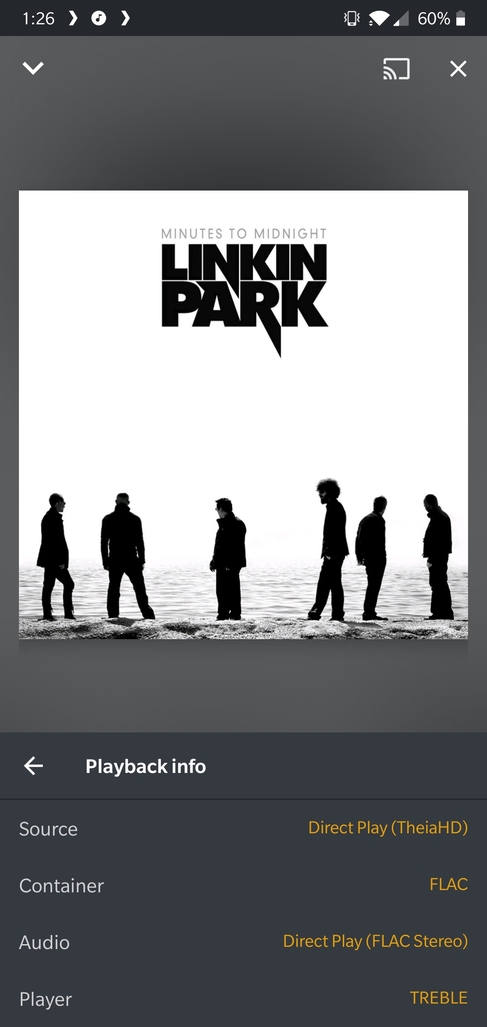
I checked before installing the version they just published, and noticed it’s missing in the previous build too.
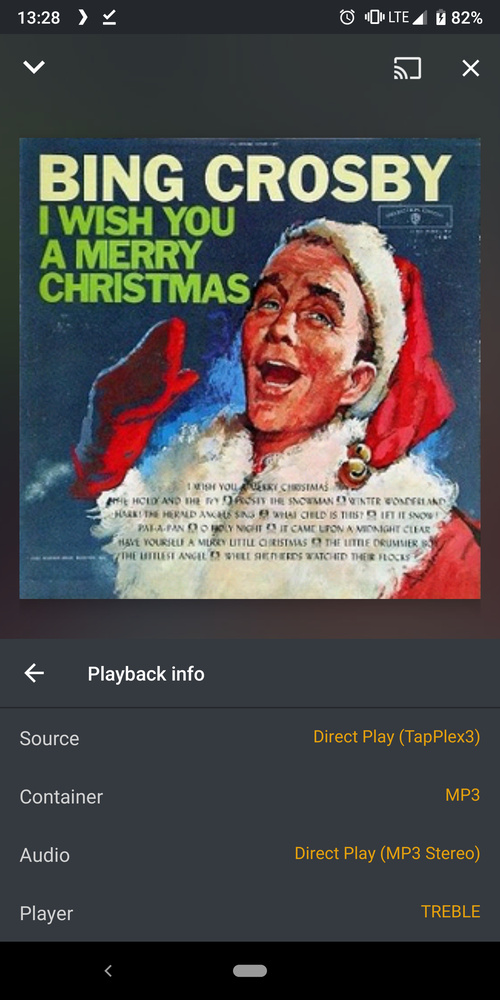
WiFi to LTE handoff is still broken in latest beta. I’ll try to test any casting improvements in a bit.
I need to look at your logs still, sorry I forgot about it. Does this happen with TIDAL?
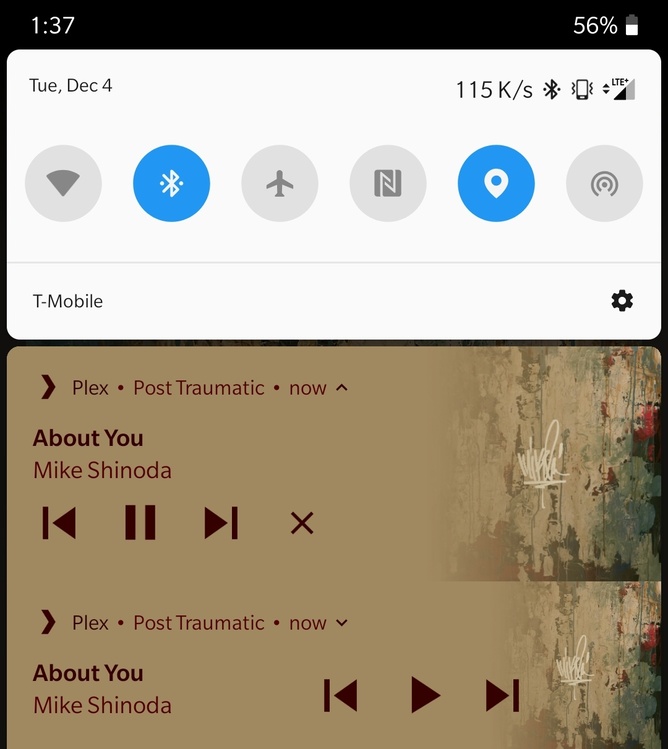
Can you please provide steps for how you are reproducing it (double notifications)?
The bitrate info should not be missing, in fact that screen looks a little… wrong, is it a tall device?
We will bring the bitrate info back during the beta 
1 Like
At the time of writing the new version had been released. I tested it and even the new release has this problem.
Thanks. It should definitely be using the synced content, I’ll inspect your logs.
Casting to chromecast doesn’t crash Plex anymore but still does not work. Tested with chromcast audio and google home mini.
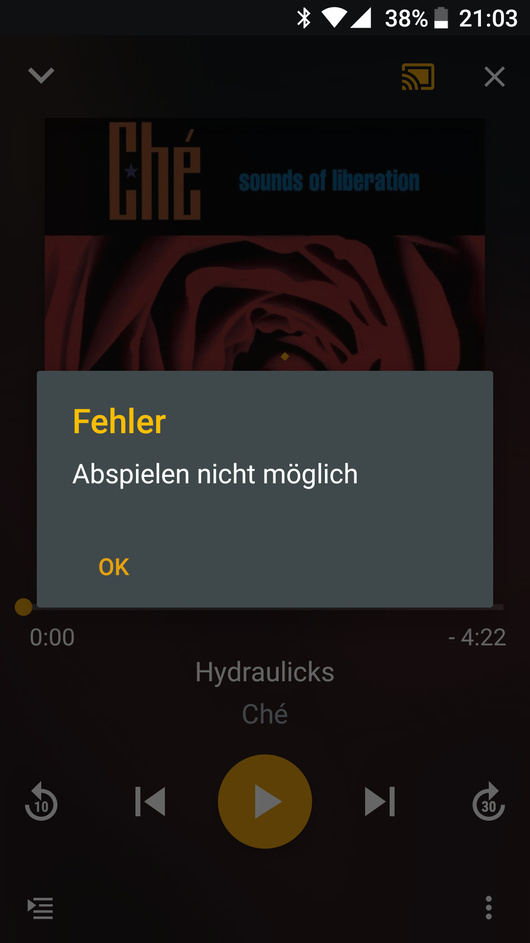
I’m confirming to seeing this same thing but on WiFi.
Below shows my flac album synced to my device but when playing it, the info says it’s coming from my server as flac when it should be 192kbs locally
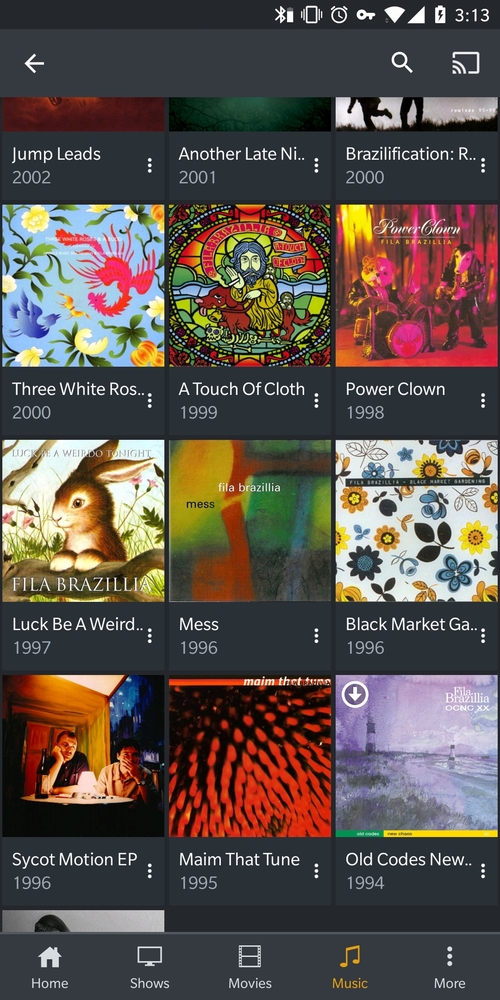
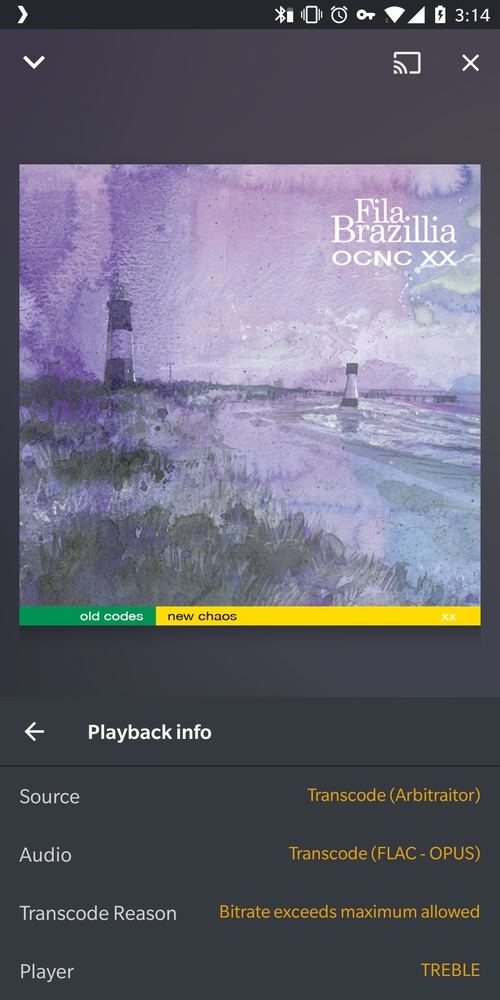
This is on the brand new beta uploaded today
Skipping still produces unexpected behavior: https://i.imgur.com/9F9gAeH.gifv
After the video, the app also froze up, moving a lot of data. it seems to be trying to catch up with skipping, but did not on freeze until actually caught up with streaming the script songs.
That error means there was an unknown error occurred, or the request needs to downgrade from https to http. I’d check your chromecast is able to access your server correctly and I’ll see if we can get the error message improved.
No it does not, just tested.
