[BETA] UI bug on iPad & iPhone

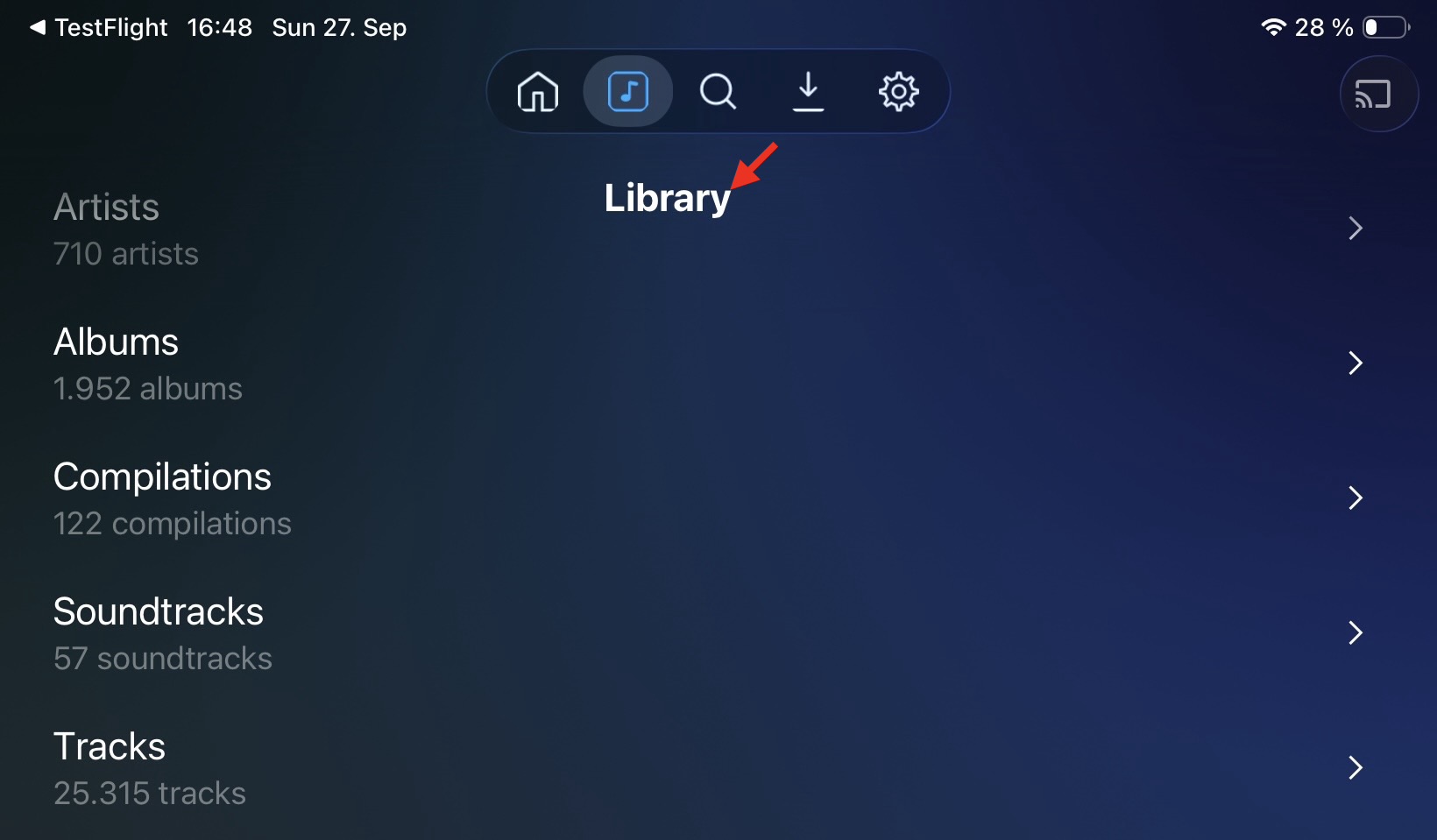
There is a display issue on iPad and iPhone where the page header overlays controls like the search field or the topmost list item, making those controls inaccessible. On iPad this happens in portrait mode as well as in landscape mode. On iPhone it’s only in landscape mode.

Version is 4.50.20

How did you even end up with the main navigation at the top of the page?
I have the same version and can’t seem to reproduce this behavior :thinking:

Sorry, should be fixed in the next release, I forgot I wanted to do one more private TF before pushing public.

I haven’t got the slightest idea. All I did was installing the beta release and open it.

In the official release the nav bar was indeed at the bottom.
