The Plex player is using GPU 3D to decode video instead of Video decode…It is resulting in dropped frames to the extent some videos cant be played back at all. Is this a feature in disguise. It seems to work most of the time, just when it comes to heavier files it becomes a stumbling block.
There are many devices that are able to play these videos back that I have tested that will not in Plex. This is to the tune of a GTX 1060 6GB not being able to play back a 4K video in Plex but can outside of it.
you tagged two different players, not sure which you are talking about
It is definitely the case for Windows. However without seeing Htop on android, I have played back this video on VLCs mobile app and then through the Plex client, with similar results.
I don’t have any other variations of the client that I can see the resource utilization.
Re Plex for Windows, enabling/disabling hardware decoding in the app passes mpv hwdec=auto or hwdec=no respectively. vo=libmpv is always used; the other VO would render video separately from the application.
I need help understanding what you mean.
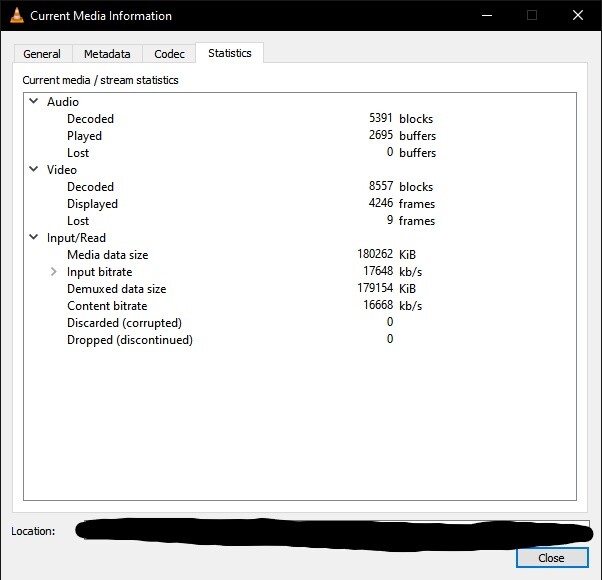
I do have the ‘Use Hardware Decoding’ enabled. I don’t know why it’s performing this way, I’m just hazarding a guess based on what I can see. To help make sense of what I mean I’ll attach screenshots.
Plex is dropping most of the frames and the video is lagging with the framerate while the audio track plays at normal speed. The task manager screenshot where the 3D is under load is with Plex the other is with VLC.
If I’m wrong LMK, just curious more than anything. I get around it by making an optimized version.