Server Version: 1.27.2.5929
Player Version: 1.48.2.3124-647ff031
I have a working plex server on my synology nas.
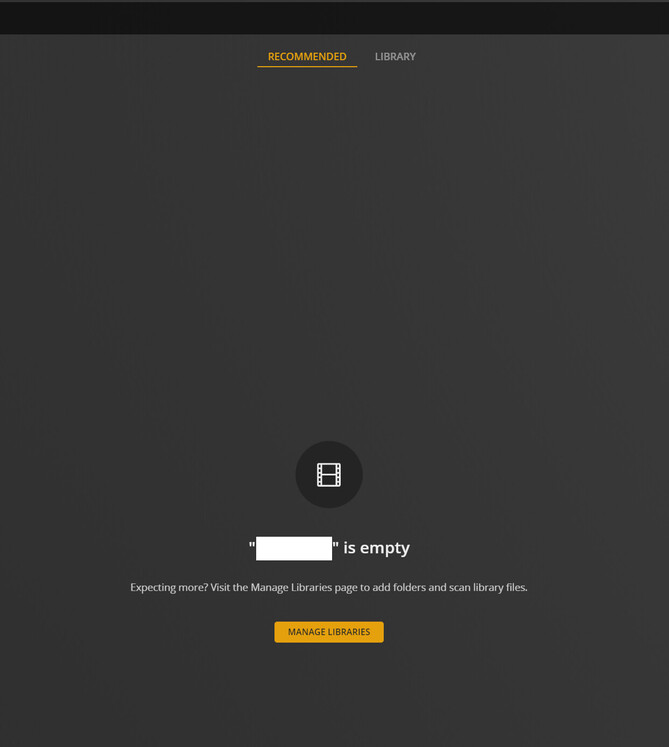
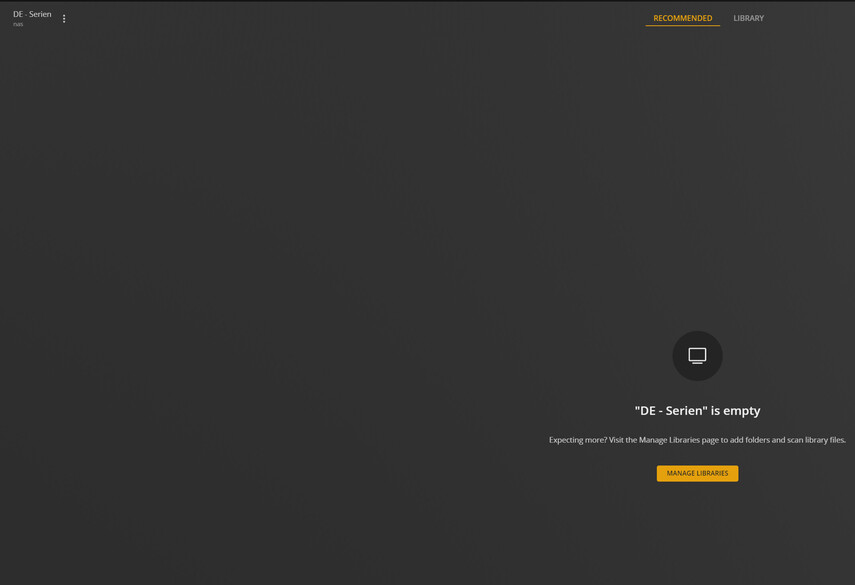
After I turned off all recommendations for all libraries, when I click on a library in either the web interface or the windows app, it opens the “recommended” tab which claims:
“Library” is empty
Expecting more? Visit the Manage Libraries page to add folders and scan library files.
When I click on the “Library” tab on the top I can see the content. This is not a bug with my clients, because others see the same issue.
I consider this a bug because: It claims the library would be empty, although it is not. What is empty is the recommendations, not the library. This is irritating for users.
I suggest that either:
Plex should offer a way to disable recommendation tabs / recommendations all together
Plex should state: “Recommendations are empty, check out the Library tab” and show a link to the library tab next to this statement.
You are correct, 1.48… is probably the player version. I have edited the post.
The installed synology package version is 1.27.2.5929
Yes, I do have media indexed. It shows up in the “library” tab of the library. And that is exactly why I report this as a bug. The library has content, yet the “Recommendations” tab claims otherwise.
I followed this tutorial by Plex to disable all recommendations (all checkboxes are unchecked)
Yes I use plex player on Windows, but Plex.tv shows the same behavior. I noticed that when I have an unfinished movie, it shows up on the recommended tab and the error is gone, since the recommended tab now has content. But when I finish watching that the error is back. I think it’s not an issue related to any platform.
I assume: As soon as there is no content for the recommended tab, it claims the library would be empty, although it’s not.
Go to settings → Manage → Libraries → remove all checkmarks from “Library recommended” and you should see the same behavior.
If I turn on even one of the recommendations, it shows up the recommendation. If you turn that recommendation off, the issue is visible
I read your message 6 times now, I am still not sure what you are asking for.
Current situation: When there are no recommendations, it claims the library would be empty (see screenshot in my original post) although it is not.
What it should do: Check if the library is empty. if the library is empty, say it’s empty. if the library is not empty, say something like “there are no recommendations, switch to the library tab”.