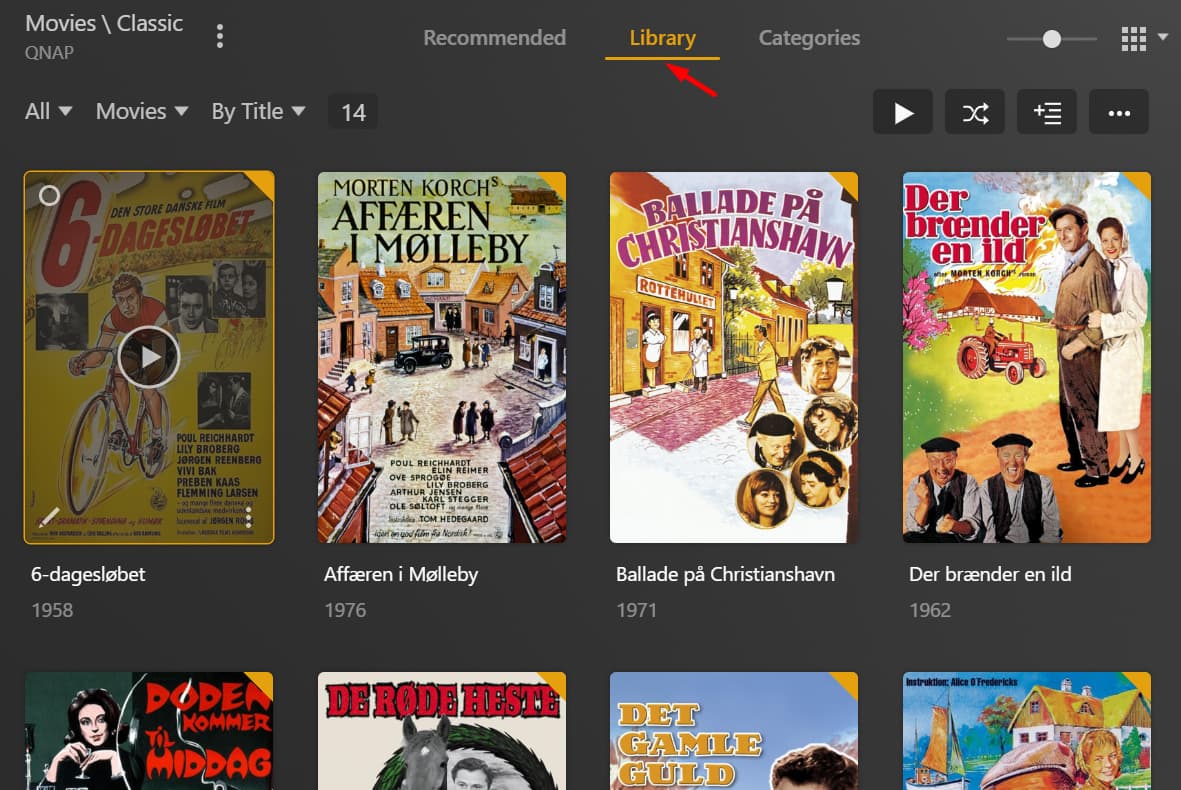
I have a separate library with old classic Danish movies. When I click Library or Categories the movies are shown. but for some unknown reason Recommended show "Movies \ Classic" is empty.
Note: All movies has valid/parsed metadata. The library uses Plex Movie for scanner and agent. Clicking Refresh All Metadata doesn’t update or change anything.
Does this persist if you quit the browser and reload the page or if you reboot the server?
If this is specific to your experience in Plex Web, you could check if Settings > Plex Web > Debug > Restore Defaults fixes this behavior (keep in mind this will reset your customizations in the web player!)
Google Chrome devtools Network > Disable cache and reload. Still happens.
PlexWeb > Debug > Restore Defaults. Logged out and back in. Still happens.
Restarted the Plex Media Server in the QNAP App Center. Still happens.
Rebooted the QNAP NAS completely. Still happens.
Enabled DEBUG(not verbose) logging.
Restarted PMS (emptied the Logs dir before restart).
Waited a few minutes, so Plex could be done with startup tasks.
At 15:57 (exact, 3:57pm) I click the Movies \ Classic library.
Check under Settings -> [Select Server Name] ->Libraries -> Manage Recommendations for the affected library. Ensure that you haven’t unchecked everything under Library Recommended.
I think others have brought this up in the past in an effort to remove the Recommended tabs from their libraries. As far as I know it didn’t gain much traction. There’s still an open feature suggestion for its removal, but it doesn’t seem very popular. (There may be other more popular ones, but this is what a quick search turned up.)
You can have your client view for a library default to the Library tab by enabling “Remember selected tab” in the clients’ settings and then visiting that tab in a given library. But this has to be done per client.