Server Version#: 1.31.3.6868
Player Version#: 4.103.2
When browsing my Audio Books library, which is classified as Music type, selecting the Collection tab loads the content from the Library tab and does not display collections.
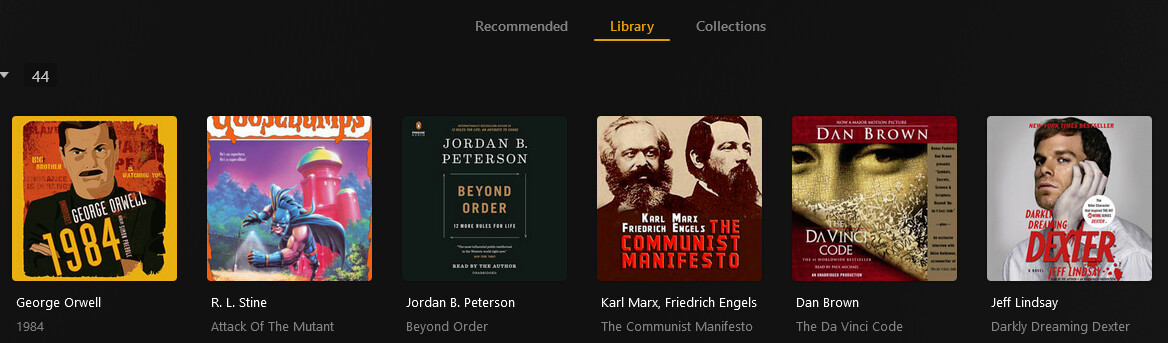

Context: I had just adjusted my library to not point at my eBooks library and instead point at all the sub-folders that only had audio books. All my content was removed from Plex until I did a second Library Scan. I begun cleaning up my library, starting with adding back Photos for all the Artists / Authors. No issues occurred. I next began to tackle the Collections. I took a screenshot of all my collections and began adding all my Audio Books back.
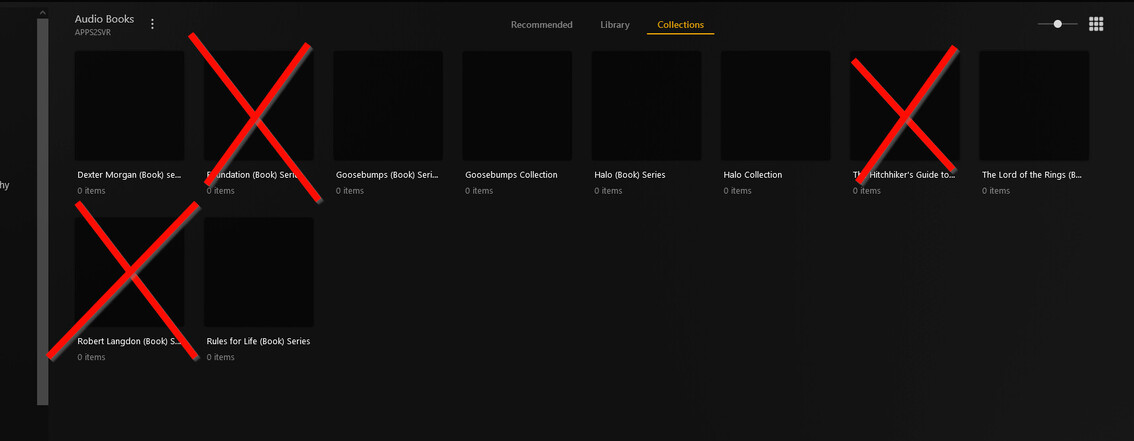
I completed adding books to 2x collections, however, when I got to the third, my issue presented itself.
I had been adding books to collections in bulk, from the Library section, I selected 7 Isaac Asimov audio books, selected Bulk Edit, and added them to the Foundation Collection I had. Upon saving, I selected the Collections tab right away to confirm they were all present in the collection. At this point, navigating to the Collection tab loads the Library and subsequently continues to do so.
I’ve cleared cache for *.plex.tv, I’ve tried a different browser, I’ve tried a different computers, I’ve tired going direct to the server IP, nothing. HOWEVER, if I switch users to a different user in my Plex Home, they do not have this problem.
This all points to a Server side issue that’s user specific, and as such, seems like a bug to me?
I know the typical response is to “Delete the Library and Try again”; and while this is doable considering the library is small…it still represents alot of manual effort, and worse so if this were to happen in a larger library.
What can be done? How does Plex store this data? Is there something server side I can delete/recreate/adjust?
