Server Version#: 1.42.2.10156
Player Version#: 9.0.34.10854
I have a bunch of movies on my Plex Server that have an .nfo metadata file for either English dub actors in regular movies or actor metadata for custom movies e.g. Fan-edits or combining shorter TV series as a movie. Specifically, the metadata links to the actor profile info & profile pictures on the TMDb, so the only local assets are the video file and the .nfo file. In Plex Windows Server + Windows Client + Fire TV + Firestick, the metadata shows correctly, like this:

However, in the Roku and Android apps, it reverts to the typical data that the Plex Media agent generates. Oddly, before selecting the movie in the Roku app, it shows the English voice actors in the preview info:

But then once the movie is selected, the Chinese voice actors show, per the Plex Media agent:
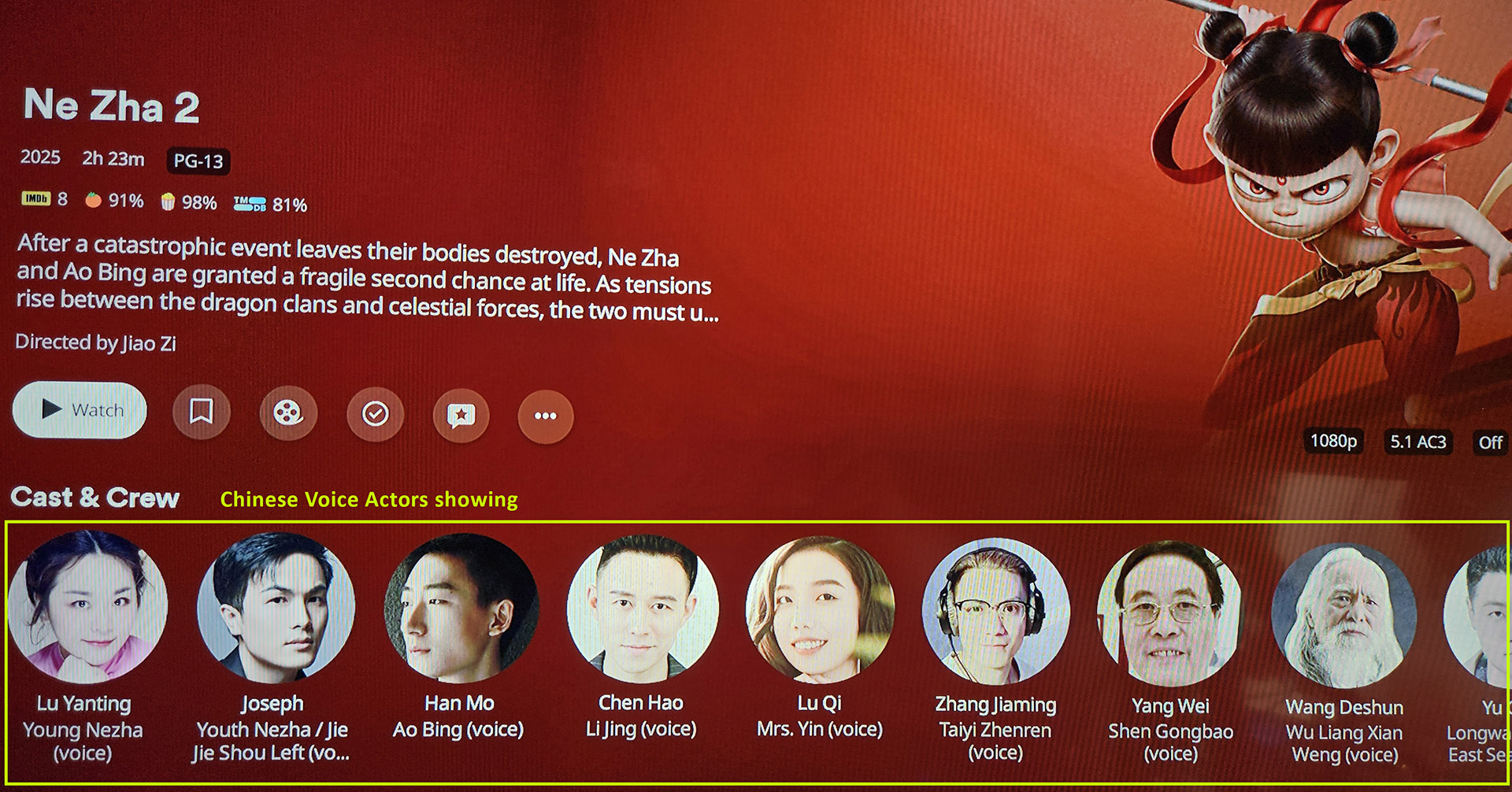
On a related note, I added a TV series that had sparse actor metadata, so I added the missing data on The TVDb. I then matched using the TVDb and then set the agent back to Plex Media. It has the same issue, which is that the better/correct actor metadata shows in Windows Server/Client + Fire TV/Firestick, but not the Roku or Android apps.
Overall, it seems as though there may be a bug that doesn’t allow Plex on Roku + Android to pull all metadata from the server, seemingly defaulting to whatever the Plex Media agent generates. Having looked through the settings in Roku Plex, I could find no setting that would fix it. I also looked through all of the Server settings and couldn’t see anything there. I am also aware of the various settings under the Advanced Library settings e.g. Prefer local metadata and have tried variations without any difference. Thank you.
