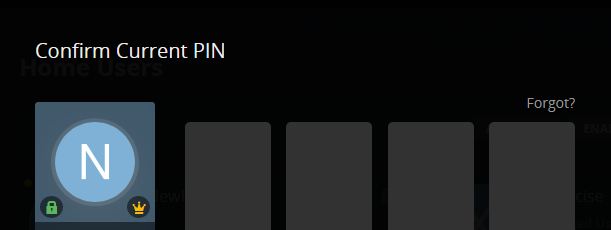
Can’t log in with my pin. Have tried changing the pin #. Have tried different browsers. Tried another computer. It just started doing this one day. Can login into user accounts that don’t have a pin and everything still works as normal.
Ang ideas on what I can do? My next step is to reinstall the media server.
No, a PIN is not local!! You will be in the exact same spot as you are now if you reinstall.
EDIT: Actually, you will be worse off because after you install plex and log in with your username/password you will come up on the ‘welcome screen’ with all the selectable users but won’t be able to log into your admin account to setup your libraries and stuff. You will be at that point, without a sever…
I suppose you might be able to contact plex and explain the situation.
I’m sure you will need to go through a series of verifiable security questions to validate who you are… But… If you can’t remember the password than it may be the only option. https://www.plex.tv/contact/?option=plex-pass-billing