I have PLEX running on a Pi connected to my network over Ethernet and until recently I had permissions to move files from my Windows PC to the PLEX HDD folders, delete media files from the folders via Windows File Explorer as well as delete files from within the PLEX browser UI.
Then I performed an update and I now can’t do any of those things. The Samba configuration appears to give me full permissions but I clearly don’t. Also, from within the PLEX UI the box is checked to allow the server owner to delete files.
If I attempt to delete a movie from within the PLEX UI I get the following error: “There was a problem deleting this item”
If I attempt to rename a media file over the network I get this error: “You require permission from Unix User\root to make changes to this file”
(1) Create a user on your NAS that has RW access to your media
(2) Use the following guide to mount the Samba share, providing the appropriate NAS credentials, to allow Linux user plex local RW access to your media: Linux Tips - #4 by ChuckPa
Just follow the tutorial and do not use the GUI tools. It will work. It’s as simple as that.
Btw: also make sure you have used the official installation guide:
Still no love. This is extremely frustrating. PLEX had been running perfectly for nearly a year and then after I performed the most recent update the permissions all went to hell. The server “functions” in that I can play movies & music from our TV which has the PLEX app, but I can no longer delete media files even from within the PLEX UI nor can I add/remove/rename files via the Windows File Explorer as I had previously been able to do. I can see the files and play them but that’s it.
So, pleas take a look at the owner of the files, at the Linux user PMS is using and at the Linux user you have used for Samba.
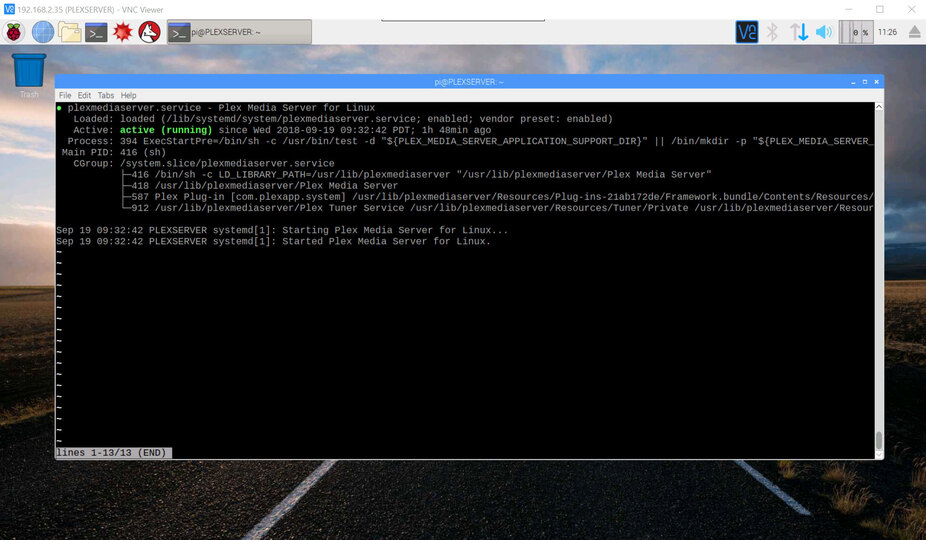
We need the output of ls -ahl /my/media/directory and systemctl status plexmediaserver.
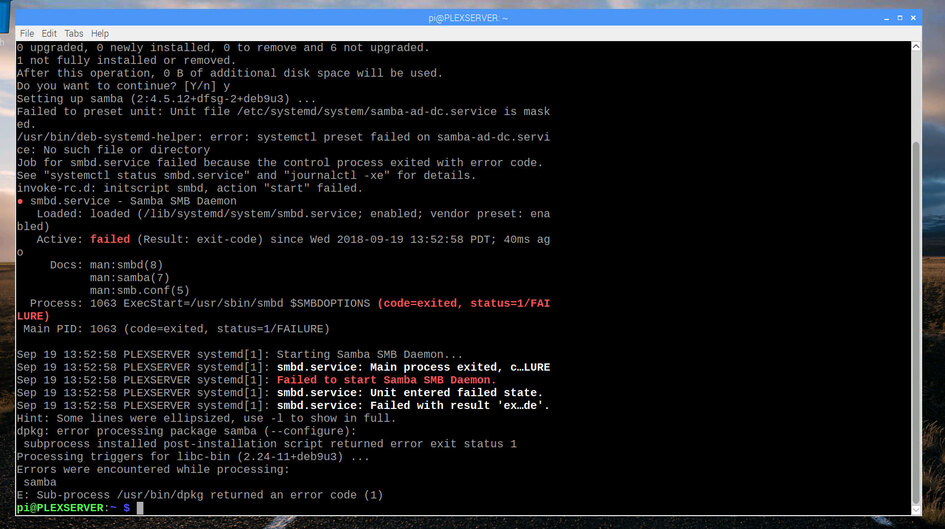
PMS updates do not change permissions of any file. Only the PMS user might have changed. PMS cannot change your Samba config. So some other update broke your setup. Not Plex. So let’s find the culprit.
Small typo in your command: it is systemctl, not systemsctl.
The directory listing is OK. drwxrwxrwx tells use owner, group and everybody else can do everything with the directories. The owner and group is root. Please also take a look at the permissions of the individual files and compare the first column or post the complete output for a single file you are unable to remove in PMS.
That’s OK. I just needed to make sure you have the default configuration. PMS runs as Linux user plex on your device. That’s perfect. Now, please check the permissions of an individual file, e.g. with ls -ahl "/disks/PLEXMedia/HD Movies/moviename.mkv". The double quotes are important.
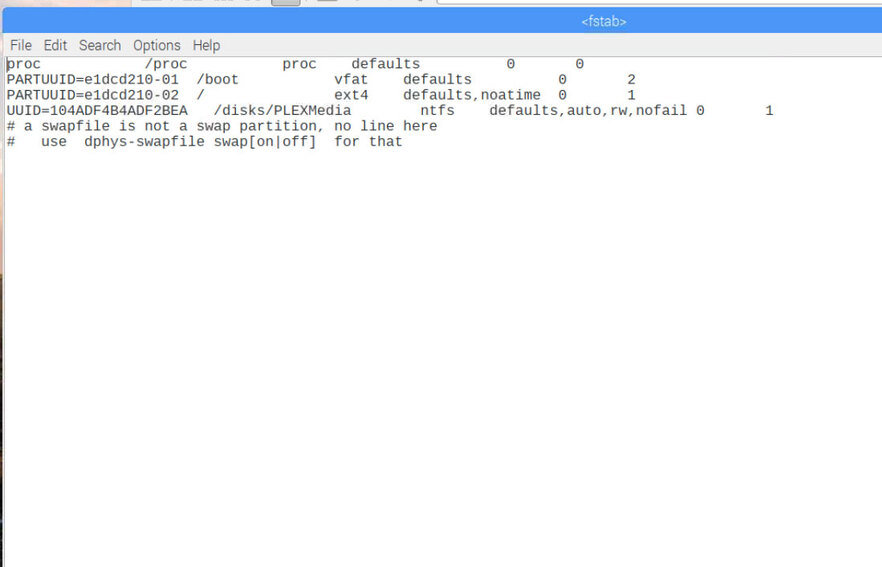
Please post the complete dmesg output. You can save the output to a file, like this dmesg > /tmp/dmesg.txt. This will help me understand why your disk is mounted read only. And please perform one more write test: touch "/disks/PLEXMedia/HD Movies/test.txt".