Cannot delete unused "sharing label"

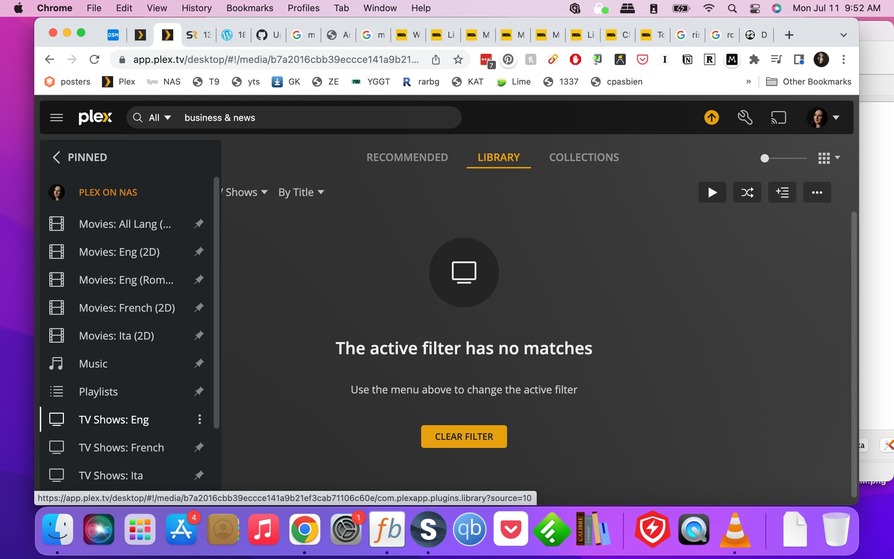
Use case: I have some “labels” (sharing > Labels) that have never been used, I would like to delete them from the list of entries that’s automatically popping up when the user is trying to add a new label.

Question: how to delete (or edit/rename) unused Labels?

Are you 100% positive that those sharing labels are currently

Yes to both.

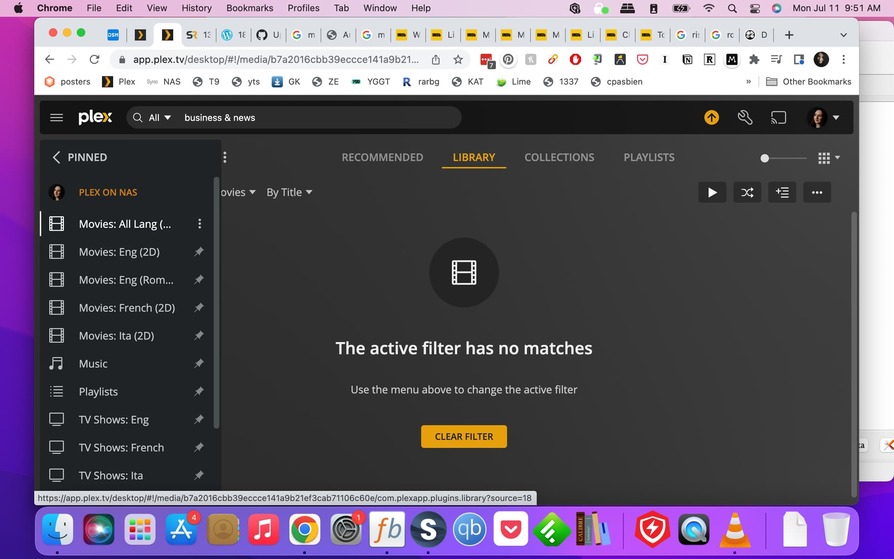
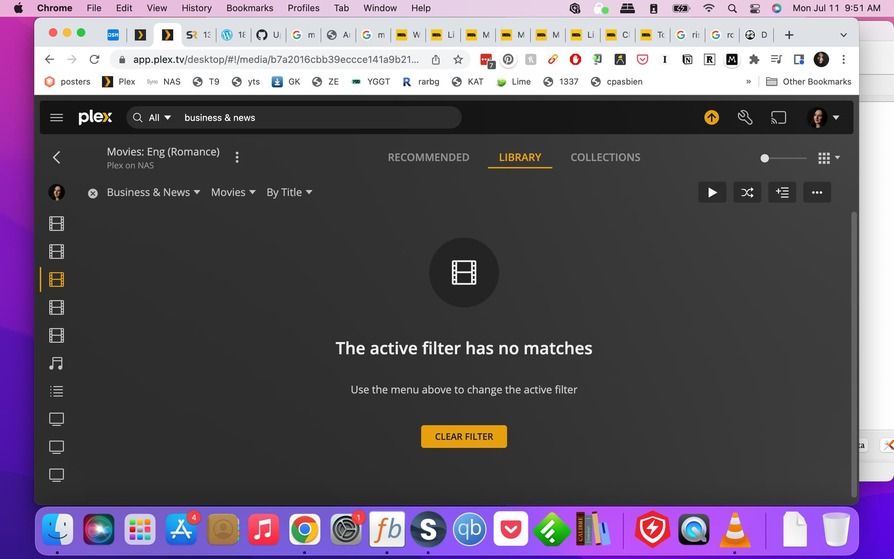
The screenshot shows only one filtered library. You have nine which are pinned and potentially even more.

Confirming I have checked all my libraries against this filter and it returned no matches each time.

Side question: are filters available across all libraries? A feature request I would LOVE to see fulfilled would be to have actors/directors to also be across libraries


Your server software version is relatively old. Have you tried to upgrade?

You also might want to check the health of your primary Plex database file.

Thanks!

I have updated the server but still see this unused filter (downloaded the file, then from the Synology package center, uploaded it via “manual update”).
How would I go about checking the health of my primary Plex database file?

  1. activate debug logging (not ‘verbose’!)
  2. stop Plex Server
  3. wait 1 minute
  4. start Plex Server
  5. wait 5 minutes
  6. fetch log files and attach them here

Or inspect them yourself. Take a look at the Plex Media Server.log file and seek for messages about database corrupt or malformed.
If you find these, you may have to repair your database.

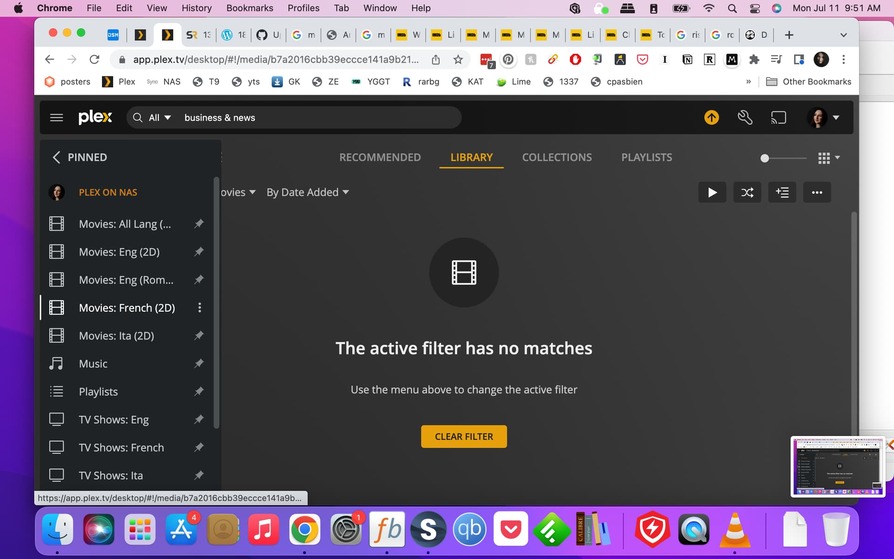
This is what I got, let me know if this is what you meant (still a bit of a newbie). Thank you for all your help!

LP logs July 11.txt (155.1 KB)

Have you tried optimizing the database?

2 Likes

That is … BRILLIANT! It did work, thank you so much!

1 Like

Database optimization happens automatically every 3 days. (If the server is running during the server maintenance period)

1 Like

This topic was automatically closed 90 days after the last reply. New replies are no longer allowed.