I need help! I have changed my AT&T service from UVERSE to the Internet Air, using their 5G Router. I have not been able to get the Plex Media Server remote access to work with this router.
In the router setup, under the category NAT Forwarding, I have added the following:
Services , Port Range, Local IP/Port, Protocol, Status
PLEX Media Server, 32400, 192.168.1.68/32400, TCP, ON
Usually what I see when restarting the media server is that the remote access shows green (available) for about 10 seconds, then shows red (unavailable). But I have not been able to make any connection to it at all.
If on port 80, it shows the IP address that Plex MS shows as the Public address. If I change it to port 32400, then, not surprisingly, the site can’t see that.
Plex Relayshould work. The connection is tunneled through servers at Plex and is limited to 2 Mbps.
Enable Plex Relay in Settings → Network. Then enable Remote Access and wait for it to fail.
You should then be able to connect via Plex Relay.
On my Android phone with the Plex Mobile app, when viewing all libraries, the server says “Relay Connection” under the server name. “Remote Connection” is normally displayed when remote access is working.
There are other options as well.
Some people use Tailscale. It is free for personal use, but you must install their software on the client (Win/Mac/Linux/Android/iOS).
You can also set up a tunnel/proxy via Cloudflare* or a server at a data center. I’ve not seen a good set of step-by-step instructions on how to set this up. Hopefully others can assist if you pursue this path.
* Unclear if using Plex via Cloudflare violates Cloudflare’s Terms of Service. Some people say it does, others say it does not.
Thanks. I just got off the phone with the AT&T support, and they are supposed to be providing a static IP (for additional $6 per month for some reason). Anyway, they said it will take up to 24 hours for the change, so I’ll check back with the status later.
Well it’s been more than 24 hours, but it still isn’t working.
I turned off the “Manually assign port”, then after clicking Retry I saw that the status continued to show green, even though my Plexamp app still could not connect to my server.
I then went to try your suggestion above, but discovered that I had the Plex Relay already active. I tried turning that off, but that didn’t help.
I also tried what is shown in the image below, I assumed this would allow communication between these 2 IPs, but if I enable the filter, I loose internet connectivity. I don’t know why.
That is a firewall rule, not a port forward. It will block connectivity. Delete it.
Try this:
Reboot the AT&T router.
Wait for the router to fully boot.
Re-enable the port forward rule as in your first post. Make sure Local IP matches the IP address of the Plex server (displayed in Settings → Remote Access → Private).
In Plex Settings → Remote Access, check the box to Manually specify public port, set the port to 32400, then Apply.
See what happens.
If Plex shows “Fully available…”, try accessing the server remotely. Try both the Plex mobile app (watch a movie/show) and Plexamp.
Well, still no luck. I suppose I will have to try one of those third party services. It’s a damn shame that these companies are not making sure these things work. I know a lot of people have the need for these kinds of connections.
First, any VPN running on the Plex server? Plex and VPNs generally do not play nice with each other. If one is running, configure it so it does not run at startup and reboot the server.
Does Plex display a public IP address in Settings → Remote Access?
If yes:
Plex Media Server must be running and Remote Access enabled, even if it fails to connect.
On the Plex server or a system on the same network, point a browser at canyouseeme.org. Your IP should match the public IP in Plex settings (if it does not, then something is wrong and this won’t work). Change the port from 80 to 32400 and Check Port.
Success or Error?
If success, then the port forward is working, but Plex is not picking it up for some reason.
If failure, then the port forward is not working.
Either way, write back. Also, pull a set of server log files (settings → troubleshooting) and upload the zip file to the thread.
In Settings -. Remote Access, uncheck “Manually specify public port.”
Enable Remote Access / Click Retry.
Plex may show green initially, while it is trying to set up the connection.
Give it three to four minutes and check if it is still green.
If so, then you should be able to connect remotely. The port number will be different than 32400.
If setup fails, and it changes back to “not available…” you should still be able to connect via Plex Relay (leave remote access enabled, even though it failed).
If none of that works, then I’m out of ideas. You might contact ATT Tech Support and see if they can help.
Turning off the Manual port setting seems to result in both Private and Public IPs being broken.
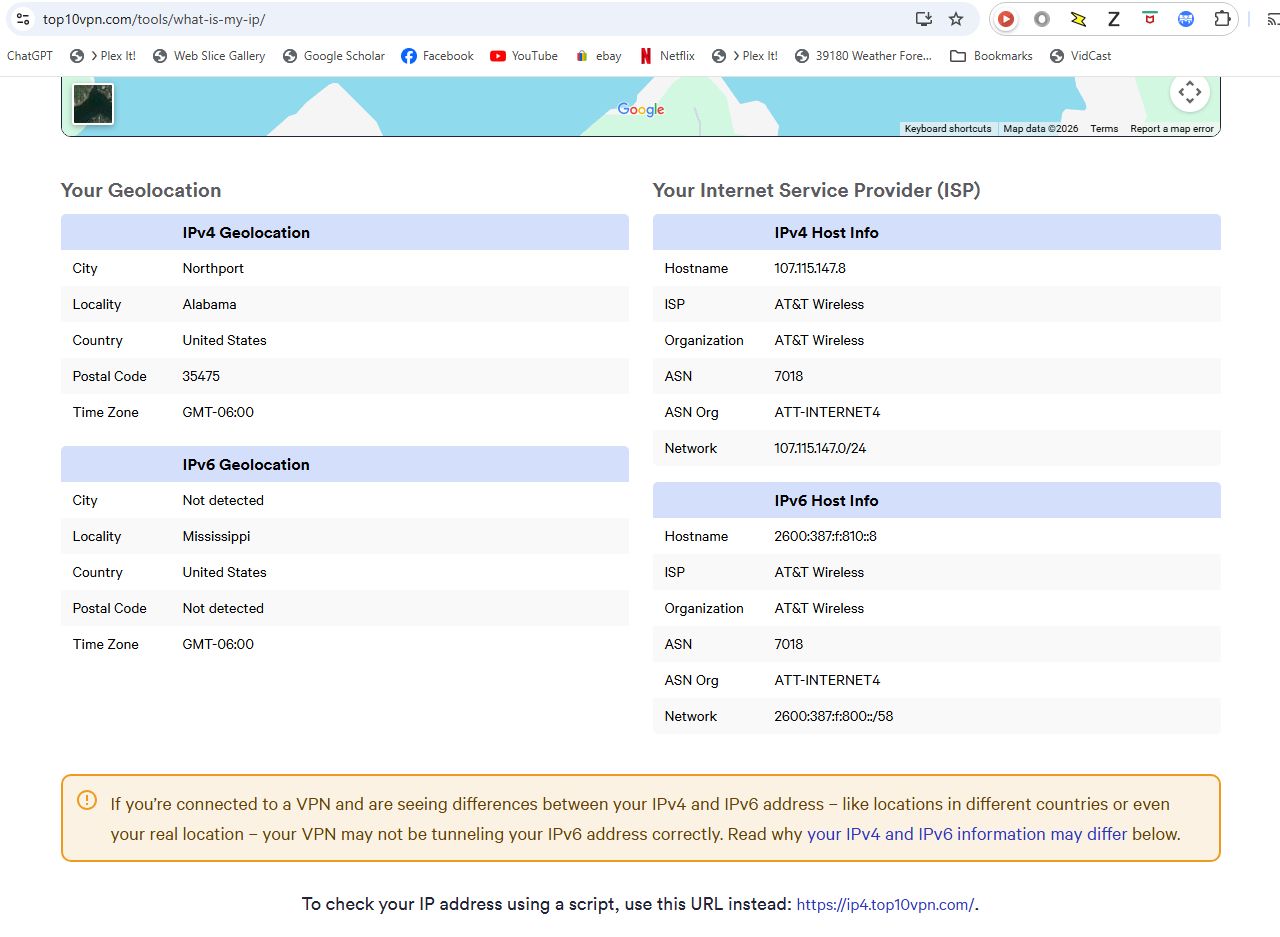
Also, I tried the "CanYouSeeMe” and it failed with the public IP (as shown in the PMS image above) for both port 80 and 32400, which is strange, because when I tried it a couple of days ago it could at least see me on port 80.
I could try ATT again, but I have serious doubts I can get anyone that would actually know anything about fixing this. Their support is terrible.
I wonder if that IP I now see as “Public” is due to ATT creating a static IP for my account? It is a different IP than what I saw previously.
And if so, might they have some restriction on that static IP that needs to be changed? I am wondering if that may be why CanYouSeeMe can’t see me any more - because of the static IP for my account via ATT.