Hi devs, hey ninjas,
I am using Plex on FireTV (7.8.2.8255 as we speak).
I have three PMS - each one set up as a DVR.
I record a lot of TV show episodes…
On Plex web recording schedule, I do not see the episode number (like S01E05 or S2018-12-21-… in the Grid view, but if I click on one of the recordings, I can see that info… this is important to me since I need to check if certain episodes get recorded.
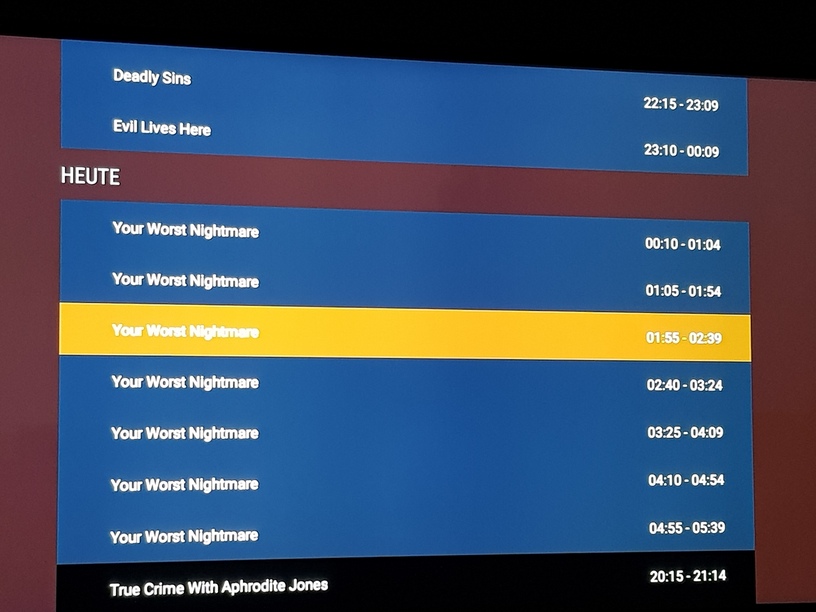
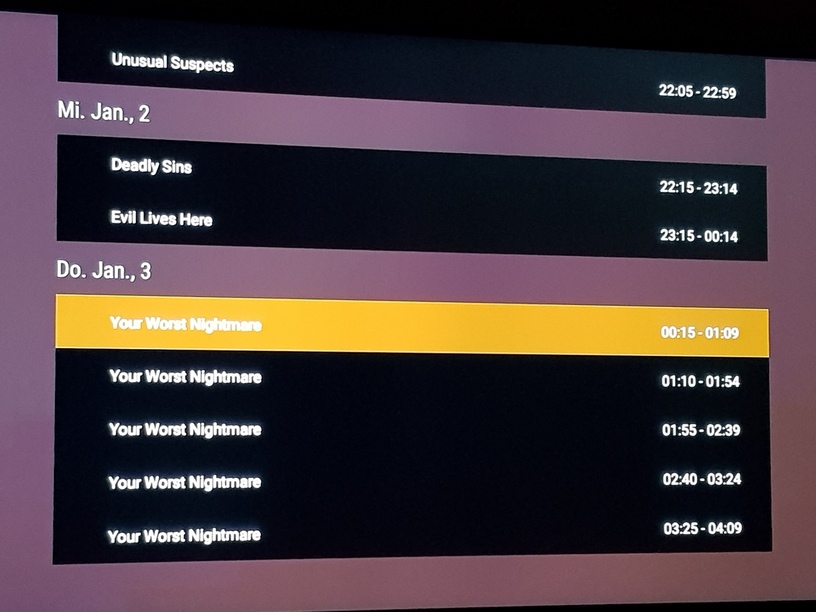
On the Fire TV, this Grid looks more like a table, wide buttons with the series title and the recording times. So far, so good.
But if I click on any of these buttons, I get directly to the configuration of the recording… no further info on the episode.
But for most series, the button holds plenty of empty space which could be used - for example for info like: S00E99 or similar.
And it would be perfect to open up a tile with full info on the recoding (incl. summary plus picture, with a button for recoding configuration - just like in Plex Web).
If the recording is a series recording, then to have no info on the episode, but to have the same config dialog no matter which button you click on does not make much sense.
To get to the top level menu and swich between the recording plan and the priority is also a bit clumsy… depending on the number of recent recordings, it can take a few dozens of clicks (or a veeeeeeeeeeery long hold) on the UP button of the remote.
Please find a way to quickly switch between top level menu and current position of the “focus”.
For example, while having the focus of any of the hundredes (say entry 137) of the recordings, the unused LEFT button of the FireTV remote could jump to top level. BTW, the RIGHT key could open the recording INFO.
While being on top level menu, the UP or DOWN key could jump directly to the last position where you came from.
The first problem (missing episode info) makes the FireTV recording schedule experience not usable (for me). The click odyssee makes it less comfortable when it is not needed to be this way…