Server Version#: 1.25.2.5319
Player Version#: 8.28.0.30077
Hi,
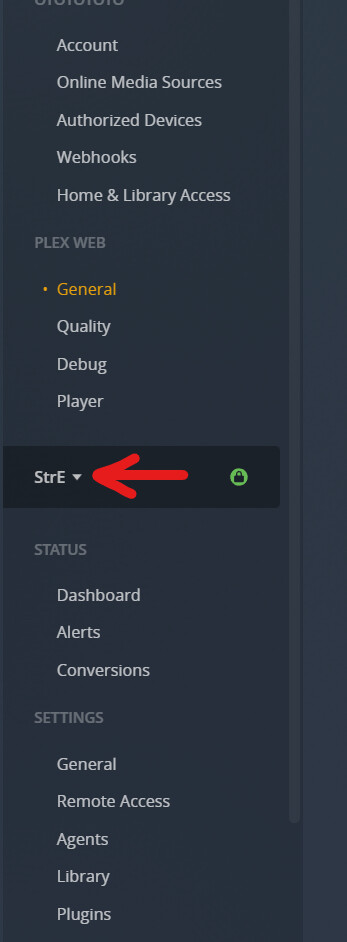
I just bought a Shield tv pro 2019 and I can’t access the shield PMS parameters via plex web on my destktop. Plex web can see the Shield PMS, but it says it’s unavailable.
PMS is enabled on the shield. The shield is connected via ethernet. Both the shield and my desktop are on the same network.
NB : I can access the resources of the destktop PMS via the plex client on the shield.
Is the Shield only connected per WiFi to your router? Or are you using more than one “router”-type devices?
It appears the Shield is located in a different network than your PC-based Plex server – which is a problem if remote access hasn’t been established yet.
No, I didn’t change anything on the router. But when I first installed the Shield I connected it via ethernet to my wifi router. As I couldn’t reach it via plex web, I then moved it to the switch which is connected to my internet router.
Did you set the IP address of the Shield manually, or did you let it configure automatically?
The Shield has 192.168.1.152
Your PC has 192.168.0.3
Netmask is 255.255.255.0
This means that Shield and PC are in different (logical) networks and cannot communicate with each other.
If you did not set the IP addresses manually, you may have a “rogue” DHCP server in your network. (having more than one DHCP server is a really bad idea)
You might wanna check if you can change the second router’s operation mode to
“access point” instead of “router”.
That way, all your devices can be in the same network.