Server Version#: 4.117.3 or is it 1.32.7.7621 ? I find two numbers depending on where I look.
Player Version#: 1.72.2.3901-b7911c36
Windows Server 2016 Datacenter Edition
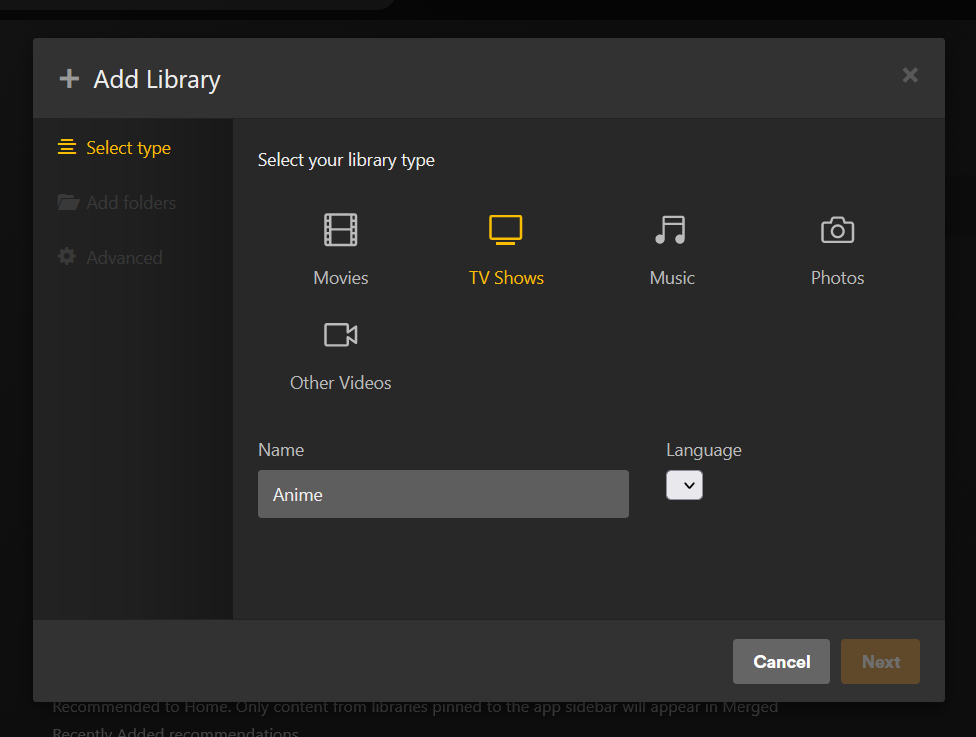
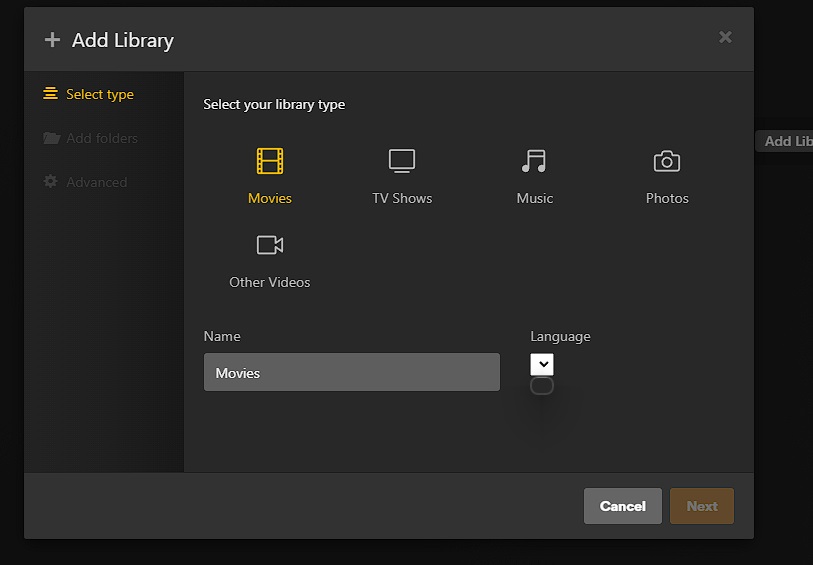
Currently I am unable to add a new library to my plex server. The language dropdown is unpopulated and doesn’t allow for the selection of a language, and as a result, the next button is greyed out, preventing me from moving to the next step in the process. I was able to add libraries when I initially configured the server.
So far I have tried:
3 different browser clients
the desktop client
a different computer
turning off VPN on the server
turning off VPN on the client
restarting the server
restarting plex
re-scanning the existing libraries
optimizing DB
cleaning bundles
re-running the plex installer
The only thing I can think of that is left to try is to completely uninstall plex and reinstall plex, which would be very disappointing, as I only configured this plex server earlier this year.
What would you recommend?