Server Version#: none. Synced content
Player Version#: make it easy to copy this on Android  9.24 …
I can sync data just fine but i can’t delete any downloaded and watched content. Am I missing something ?
Server Version#: none. Synced content
Player Version#: make it easy to copy this on Android 9.24 …
I can sync data just fine but i can’t delete any downloaded and watched content. Am I missing something ?
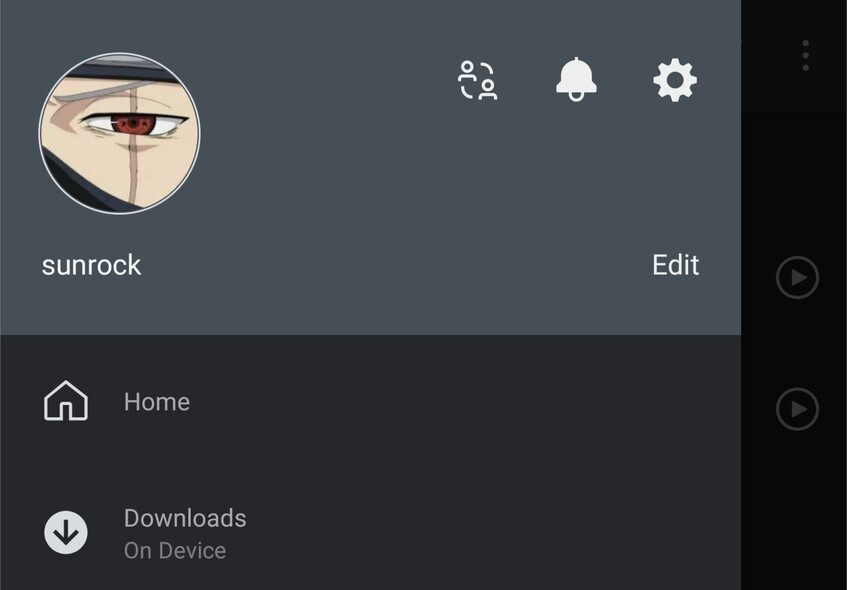
So what happens when you go to the “Downloads” library from your sidebar (inside the mobile Andoid app)
then slide the downloaded item to the left?
That does work but what if i just want to delete one episode to make space and not everything that’s been downloaded?
doesn’t work at all now. neither on the show, season nor episode
As per the response above: you can only delete „download items“ (select the Downloads section in your sidebar, then make sure to use the Items tab, not Library ). You cannot delete single videos/tracks or any aggregation of those (collections, seasons, shows, albums, artists) from the Library tab in the Downloads section.
If you want to be able to delete items individually, you’ll need to download them individually (resulting e.g. in single episode download items).
Edit: just deleted some episodes I had downloaded as single episodes in the iOS client and it seems to be working fine for me.
See „Downloads Library“ in the related support article (2nd picture). The article also details how to delete download items (see „Cancel or Delete a download“).
ok one problem is that there are two different “Downloads”. This is confusing. The other is that I think delete options should be accessible anywhere my content is available
in one Downloads, the one you see here, there are two tabs, Recommended and Library
which I click more, there is another Downloads, and on that one I see Items and Library
As I said, this is very confusing. I think this can and should be simplified.
It seems the shortcut (pinned) doesn’t show Items, but if I access it via more, it does. That is a bug
Do those two nodes persist if you upgrade to the current public release of Plex for Android (version 9.29)? Version 9.24 seems to date back to early June… (edit: I just noticed that your first post dates back to June… so you’re probably on a newer version of the app by now)
I do have 9.29 and meant to include it earlier, but got distracted by a phonecall