Can't get plex remote access to work. Linux Mint 20 | Plex Version

Server Version#:1.19.4.2935
Player Version#: 4.30.2

Hello,

I’ve been trying to get my remote server working for over a month now. First I tried it on windows but that just didn’t work. Details here: https://www.reddit.com/r/PleX/comments/hbld61/cannot_access_plex_from_outside_network_a50/

I’ve switched to linux and still the problem persists. Now on linux, the remote access page says fully accessible from outside your network all the time. When I visit IP:32400, it even redirects it to IP:32400/web/index.html, but does not display anything. The console shows the connection attempt as well.

To be sure the port forward was working, I quickly set up a python server and forwarded it. It’s working with no problems.

I’ve disabled the firewall, restarted plex/PC several times after each setting change and no luck.

Finally I’ve come here as my last resort. I hope we can get this problem solved.

Thanks!

Nice, Reddit first, and finally the forums :frowning:

First of all, we can’t use your reddit link to anything, since we don’t jump to another forum to inhale details!

When said, I did, (But only skimmed it lightly) and Reddit thread is invalid for your case, since you are now on a different OS!

Lastly, if browsing towards IP:32400/web and it doesn’t show anything, tried on two different installs, on two different OS’s, it indicates a browser issue, so a simple Q:

Did you try another browser?

Yes! Tried on my iPhone safari, iPhone plex app and my Macbook outside my network.

If it’s inside my network, everything works fine. Just having problems with remote access

And yes, I had a different issue on reddit so didn’t include details from there. Just wanted to let the forum know I had tried different os.

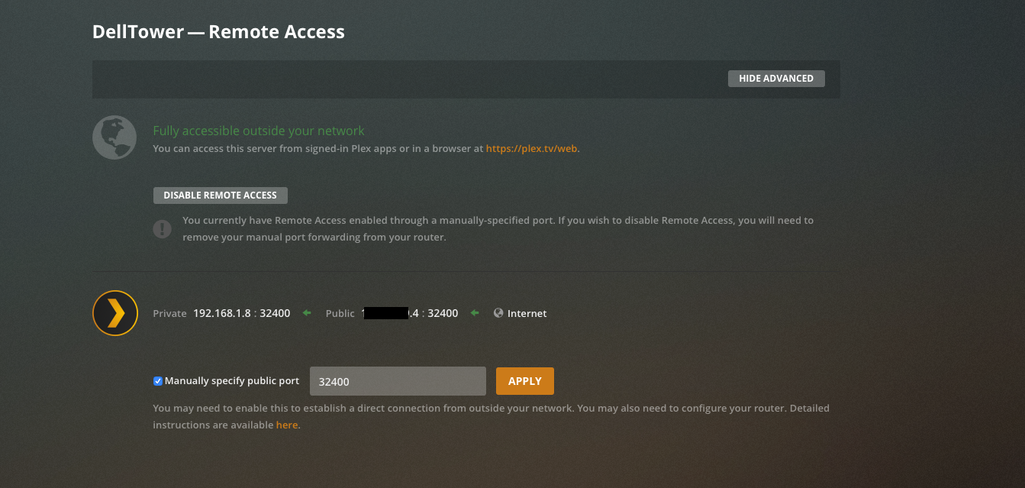
Remote access Page says fully accessible

But,

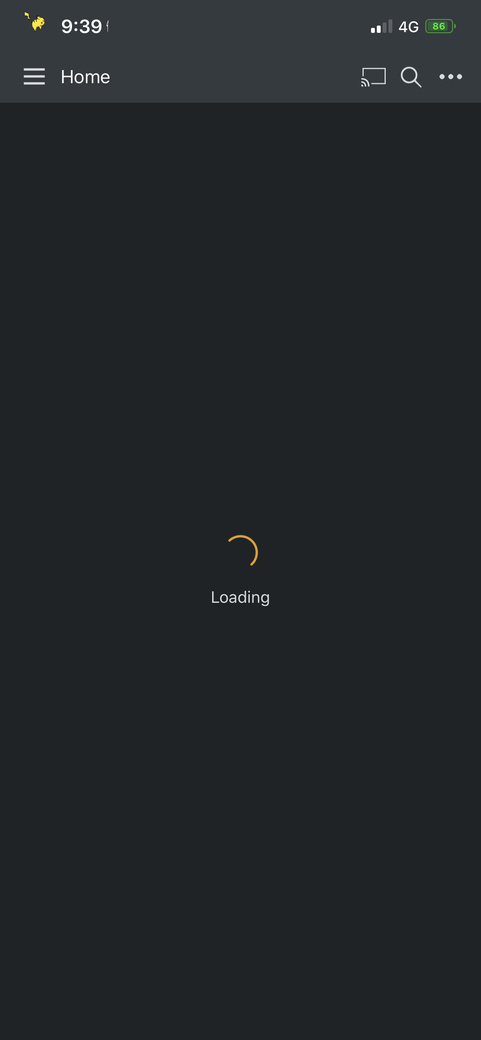
Homepage loads forever on my phone.

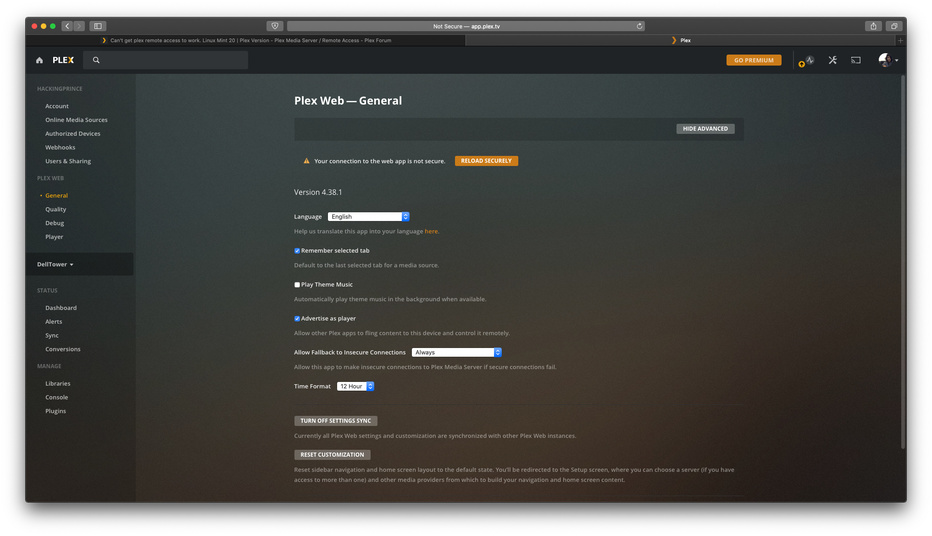
The option is greyed out.

The console screen displays this

Any ideas how to could troubleshoot this?

WebClient from outside, with logging enabled

https://support.plex.tv/articles/201611836-plex-web-app-logs/

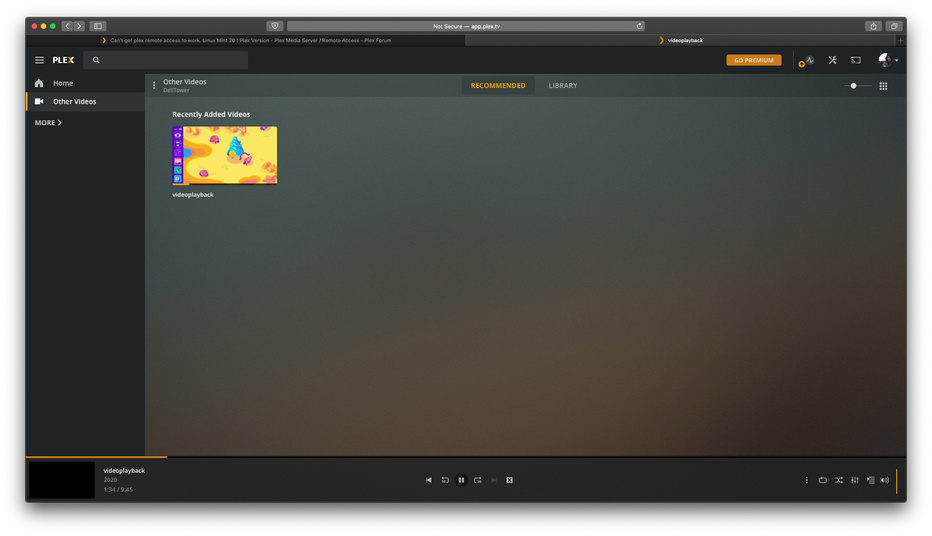
It does show my videos.

But it keeps on buffering, nothing plays.

The settings page doesn’t load as well.

For a few tries, this happened. Says insecure connection. (I have set the preference which allows insecure connections)

I turned on debugging logs (not verbose), and tried to play a video.
turns out they contain my IP address. Is it safe to post them here?

Feel free to DM me the Web Client logs, as well as a zip with the PMS logs, right after reproducing

Sorry for the late reply I got help up with something.

I’ll dm you the logs now. Thanks

I’ve messaged you the logs

Bump any help guys?

So sorry about the delay here, but been completely sidetracked… (Vacation etc, so only scraped the low hanging fruits in the forums :wink: )

From the logs you did send me, I noticed a server, with lots of DNS issues (Curl error 6)
Also, playback ended due to:

Jul 28, 2020 21:33:20.025 [0x7fc5377fe700] DEBUG - Failed to stream media, client probably disconnected after 990432 bytes: 32 - Broken pipe

So seems like a network issue on your server, but clueless as to what, since only the PMS part of logs is shown, so suggest you look in the OS logs as well, and also if not already done so, switch DNS to use Google servers (8.8.8.8 etc)

Regarding iPhone logs, look here:

No worries, happy to be helped.

I’ll have a look at the os logs and make sure the dns is setup correctly. Ill update you in a few.

Thanks again for the help!

1 Like

This topic was automatically closed 90 days after the last reply. New replies are no longer allowed.