Server Version#:1.19.4.2902-69560ce1e
Player Version#:
Yes I’m currently having an issue with the Plex media server for which I can’t find a way to add my MacBook as a media server to my account, I tried running the setup and no luck just shows a list of media servers I’m already connected to instead of giving me the option to add a new one.
You probably need to complete the setup by connecting locally to your Plex Media Server.
If you’re e.g. using Safari on the same MacBook on which you just just installed the Plex Media Server… browse to http://127.0.0.1:32400/web (http://[IP address of the MacBook]:32400/web of you’re trying to complete the install from another device in your home network).
I tried browsing using my MacBook IP address:32400/web but it just shows a message on safari saying it cannot connect to the server . i have firewall turned off.
Is your Plex Media Server on the MacBook running?
Can you access it when you’re on the MacBook itself? (127.0.0.1:32400/web or localhost:32400/web)
ok I opened the media server now when I put the address on the browser it takes me to the Plex homepage and it shows me the video libraries of my current servers but I don’t see an option to add my Macbook as a server.
But that’s what I mean…
Open the MacBook, make sure the Plex Media Server on that machine is running, open a browser window on that MacBook and browse to http://127.0.0.1:32400/web. If you open 127.0.0.1 on a different machine, it’ll show whatever is running on that local machine.
I want you to check this first before we dig into what might obstruct the network communication (or to rule out it’s a network problem).
yes I am trying to click on the address you sent with my MacBook using the safari browser, Plex just shows my windows pc video library. doesn’t give me the option to add the Mac as a server
Please check what is being displayed in Settings; do you see the given server name of the PMS on your MacBook and can you access Settings > [Server Name] > General?
If you cannot see any of this… did you maybe use a different Plex account at some point during installing the PMS on your MacBook?
I don’t see any server settings other than to my windows pc and no I only have 1 account that I use for Plex.
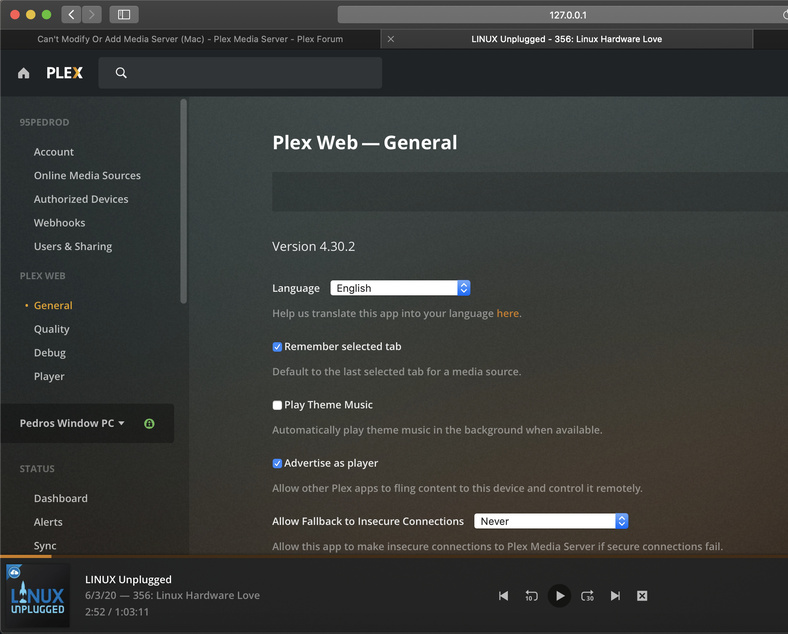
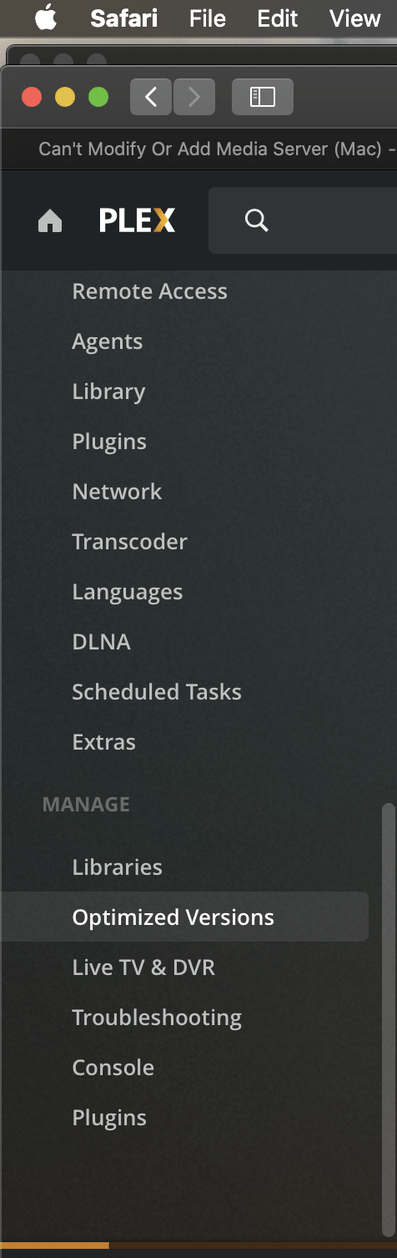
No alternative options in the dropdown where it shows “Pedros Windows PC”?
If the server isn’t showing while you’re locally using its resources, please check out this support article on how to regain access to a server where you locked yourself out
thank you followed the instruction and all went smoothly .
